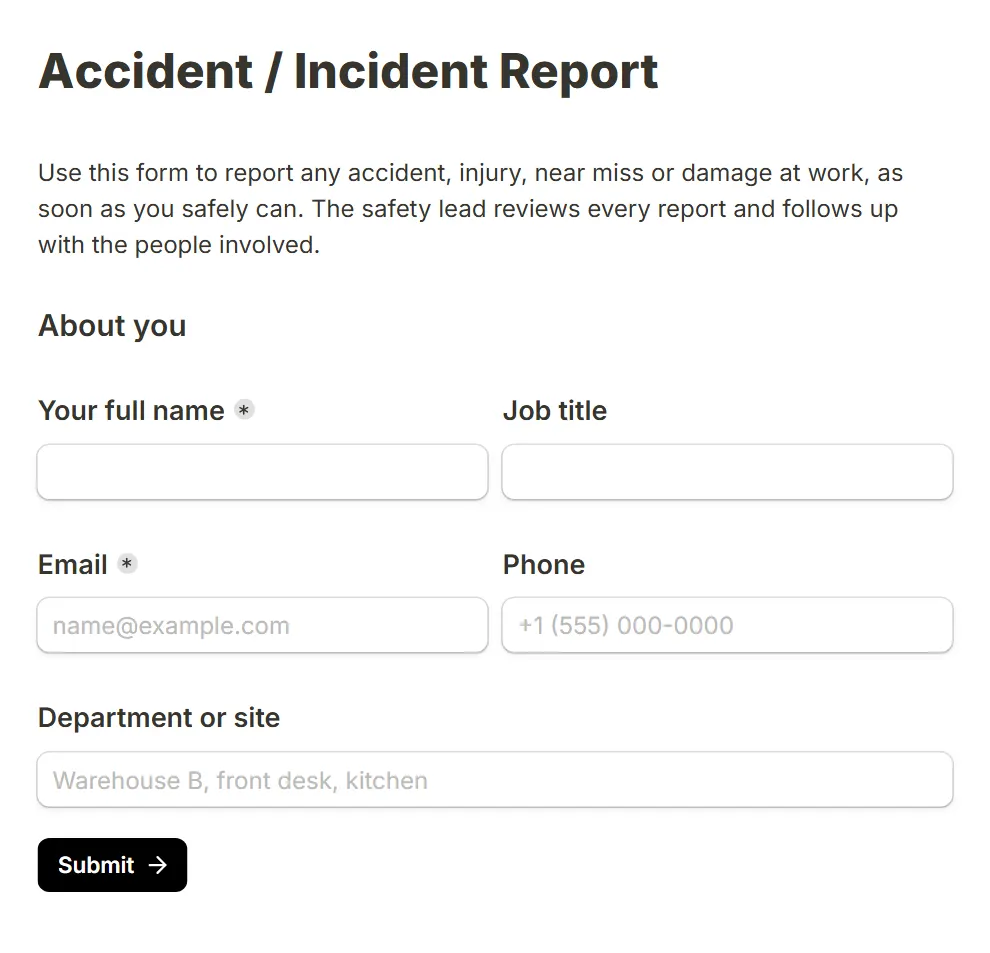
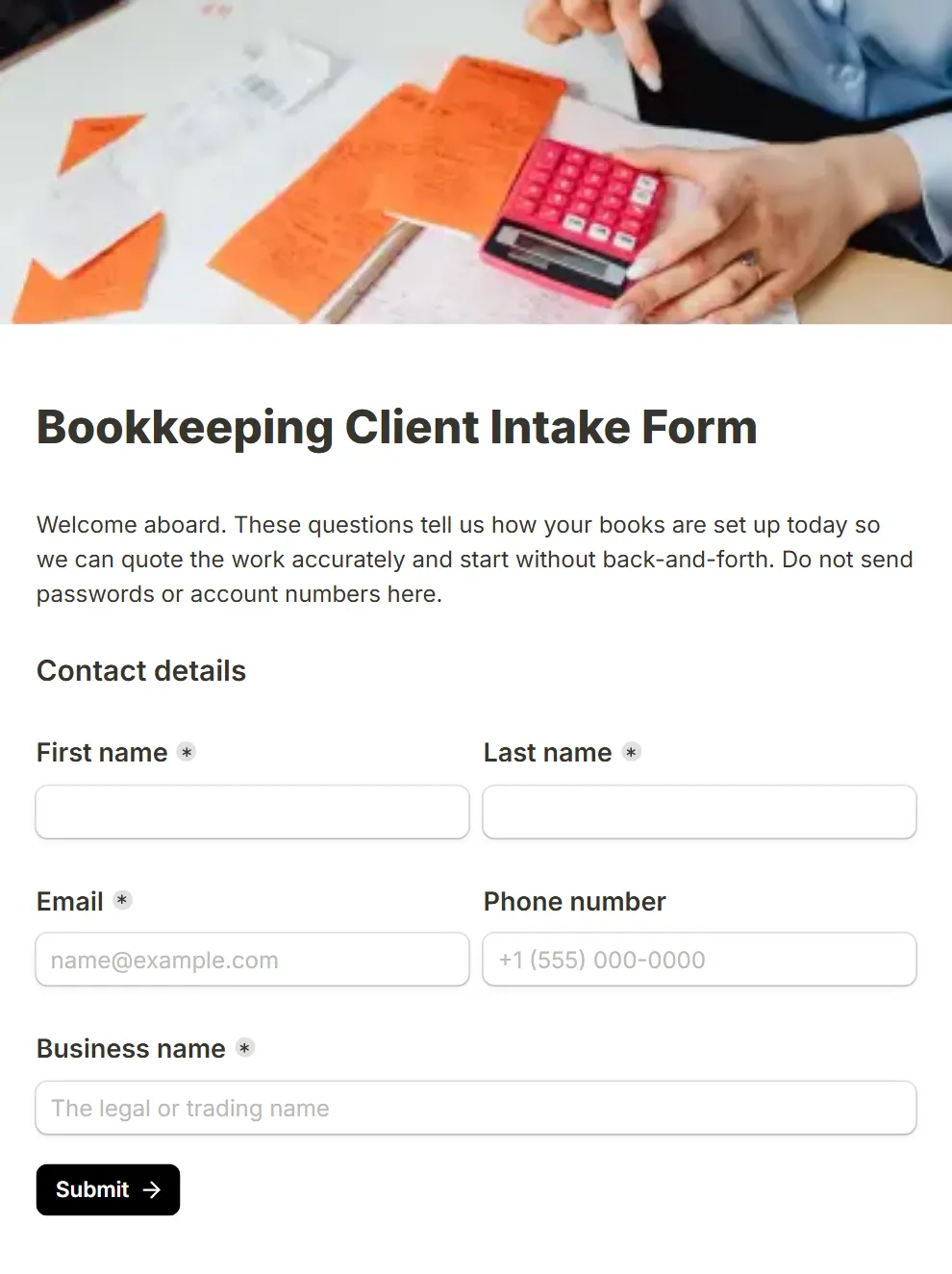
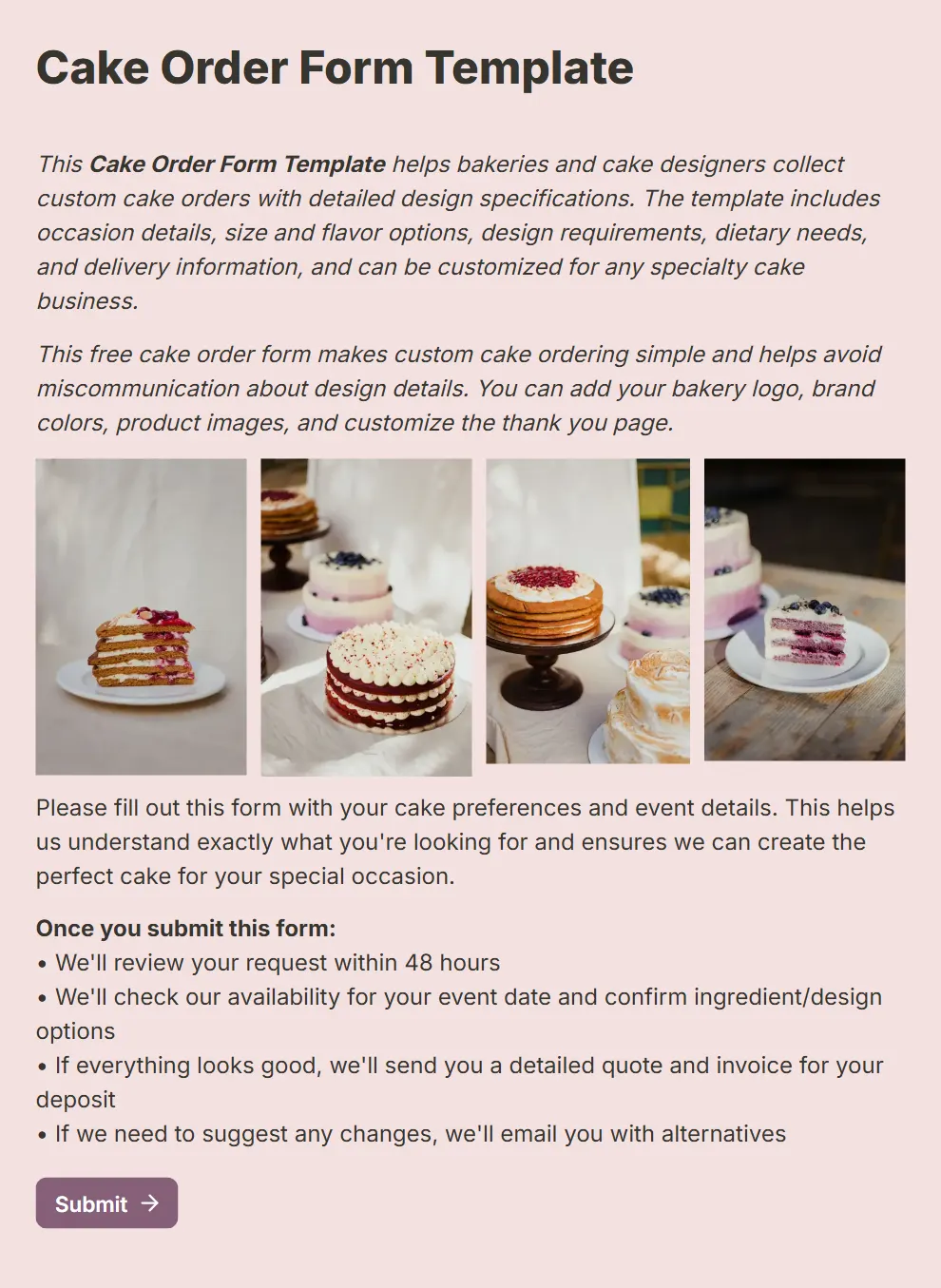
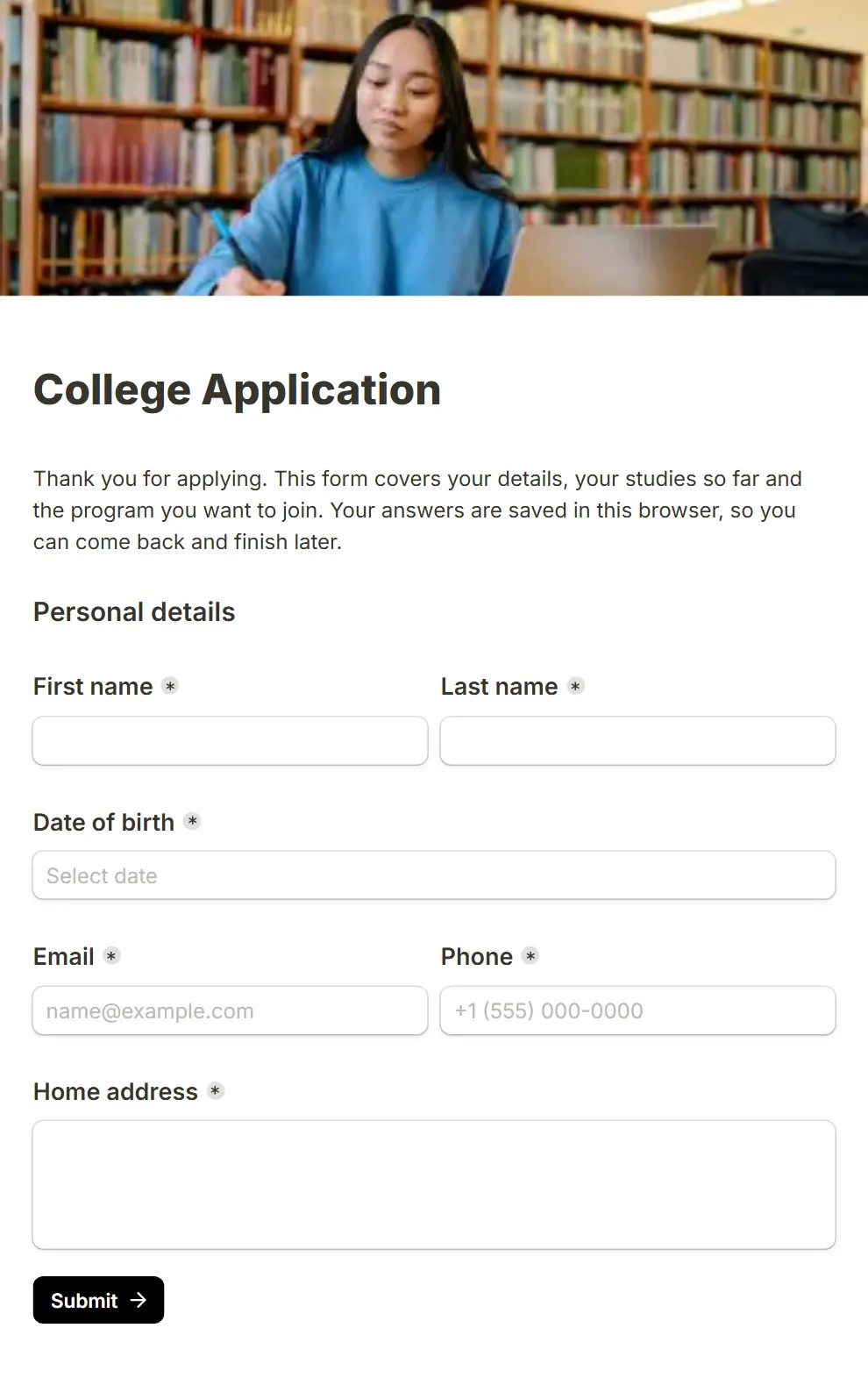
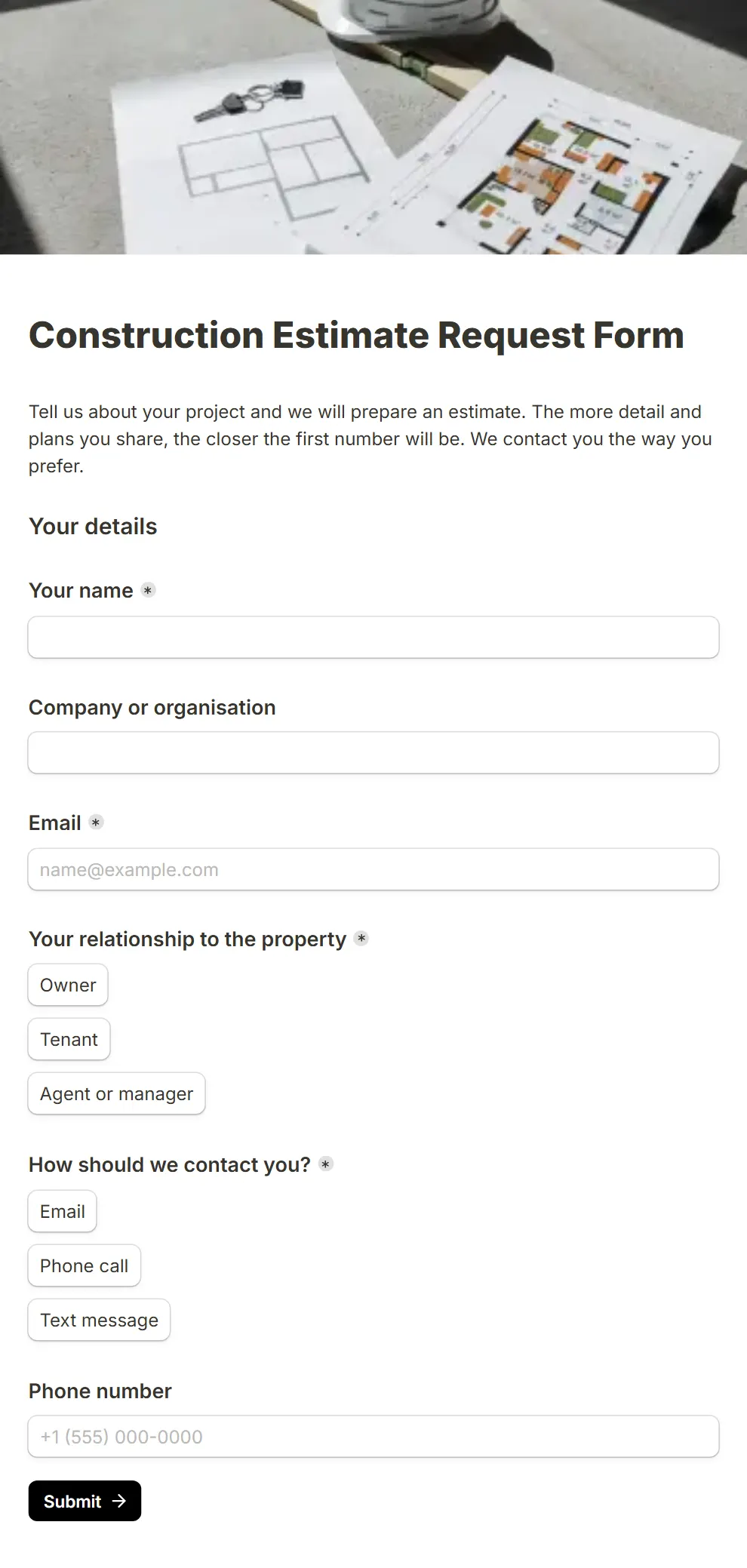
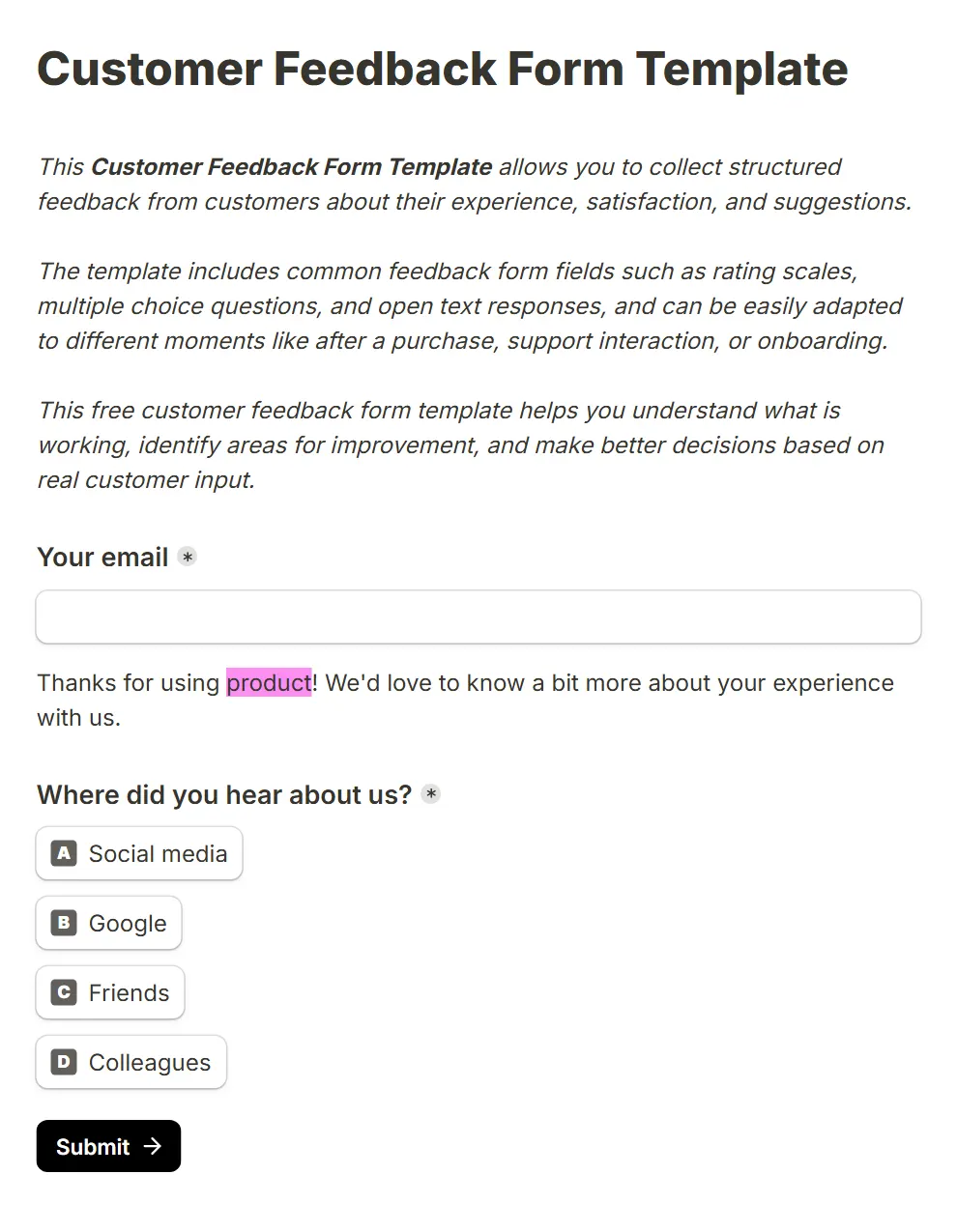
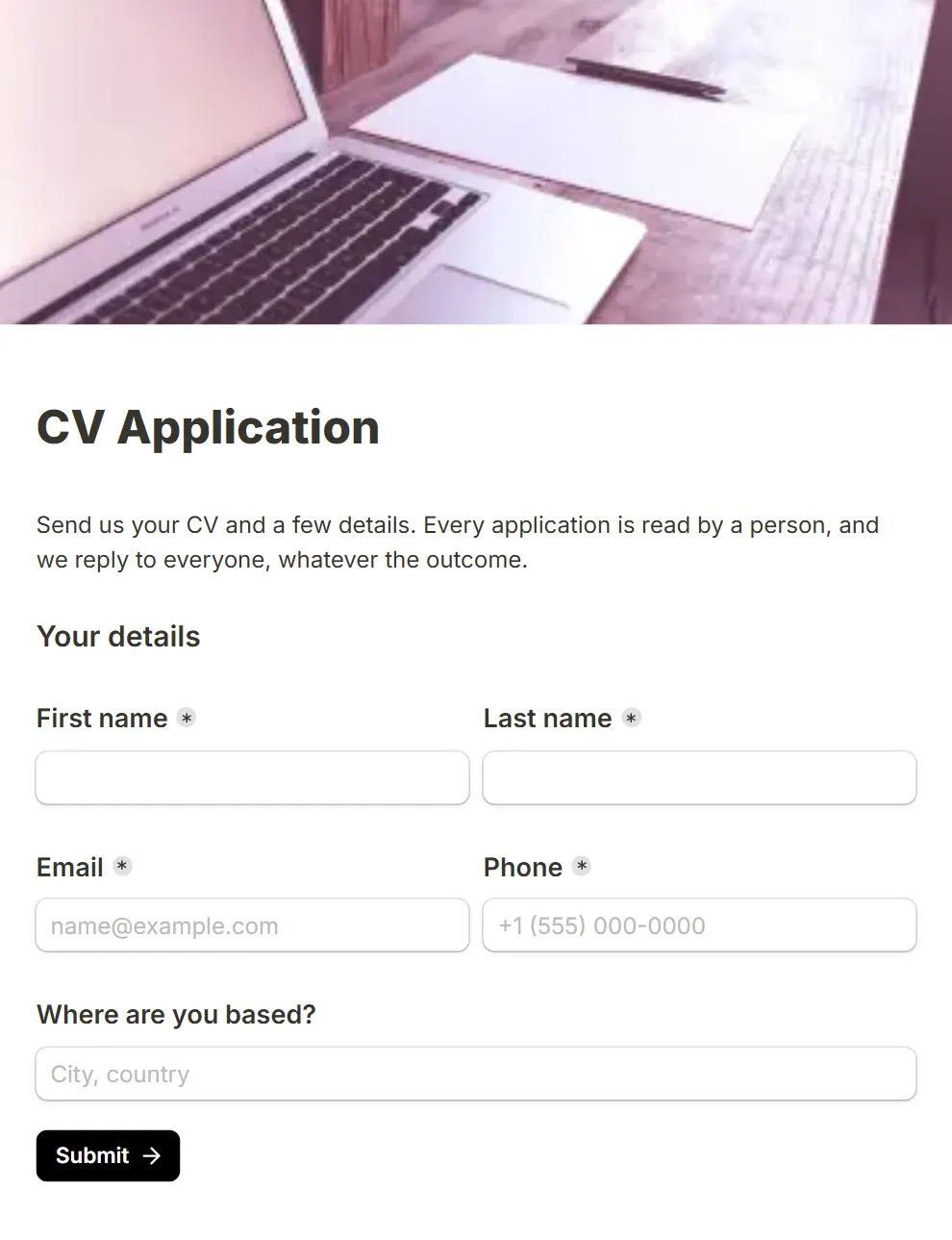
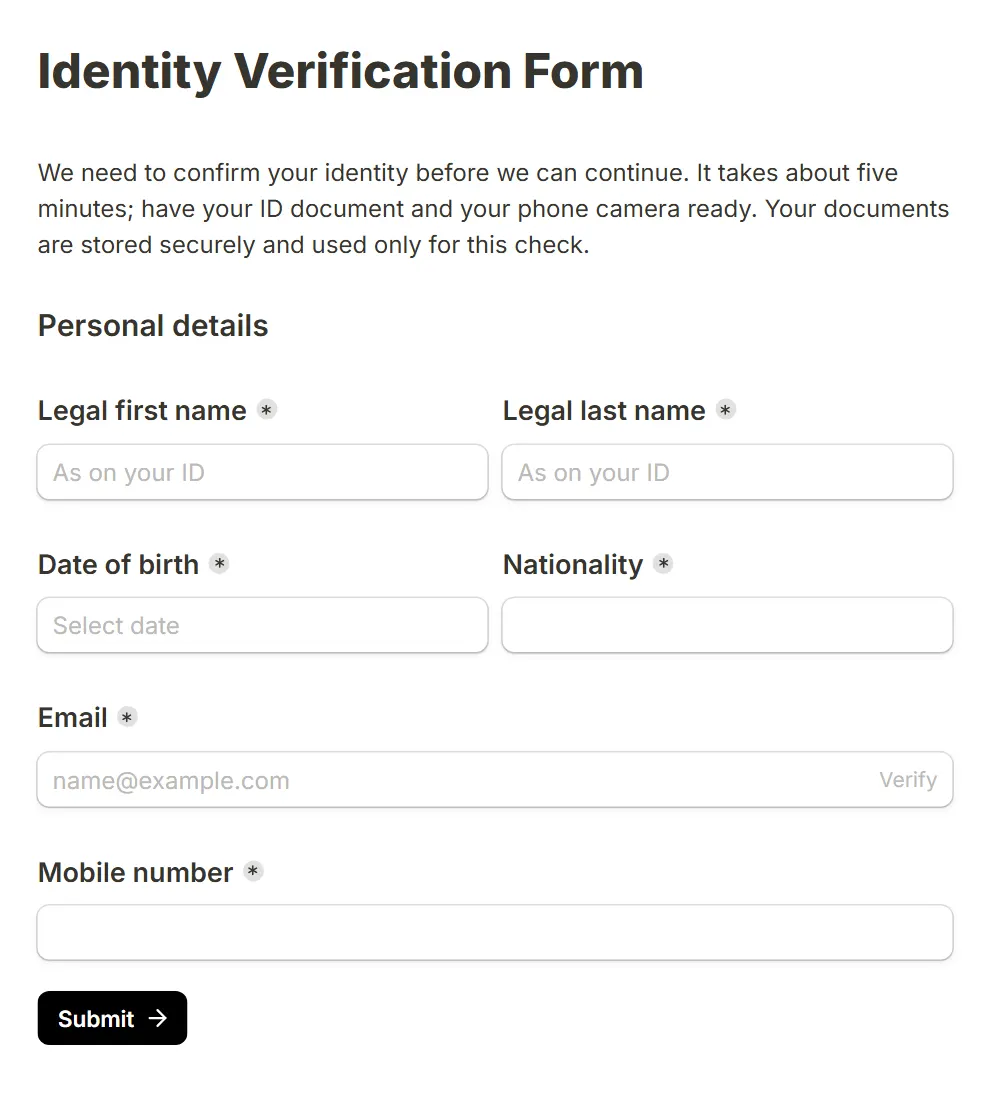
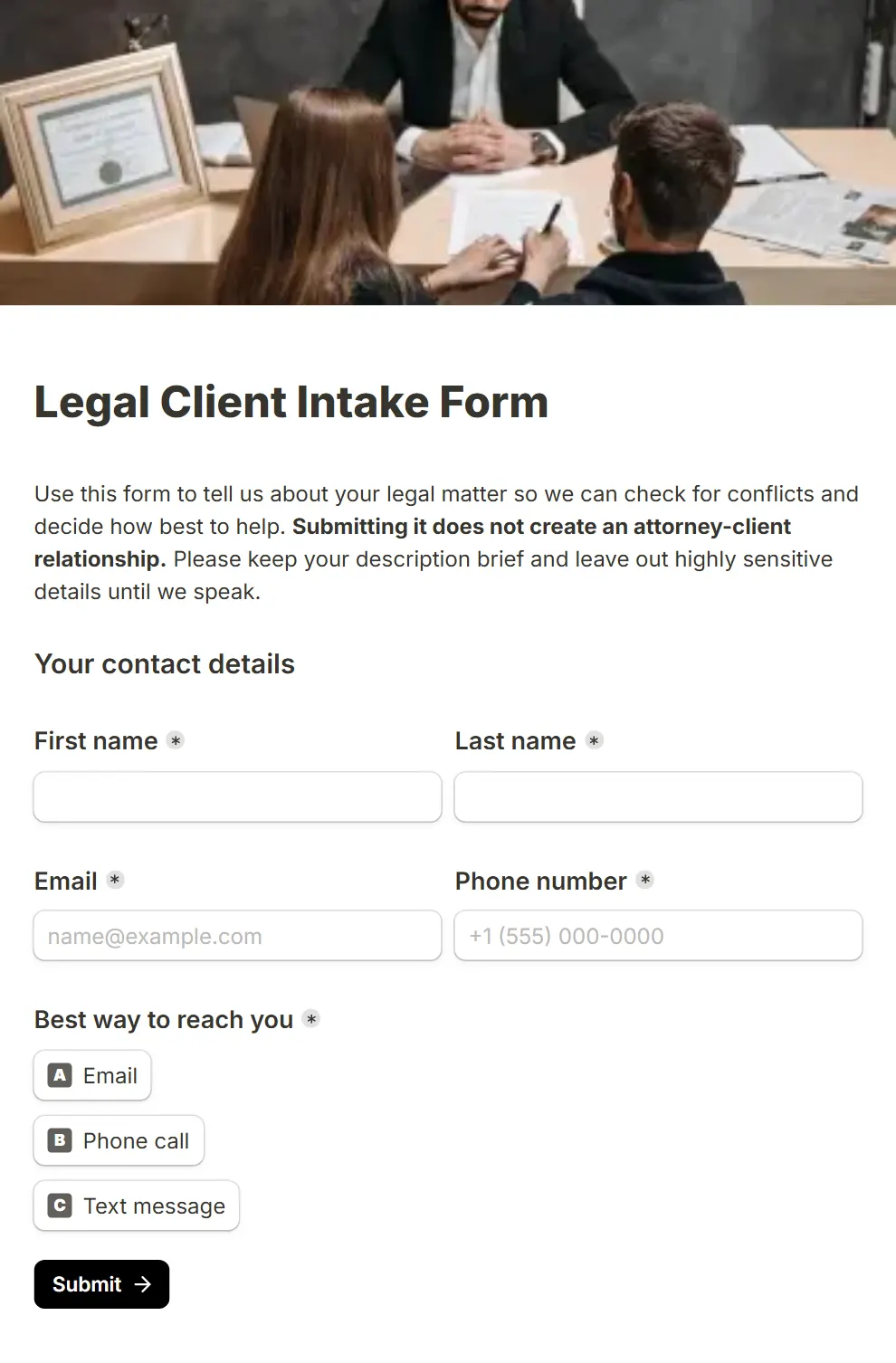
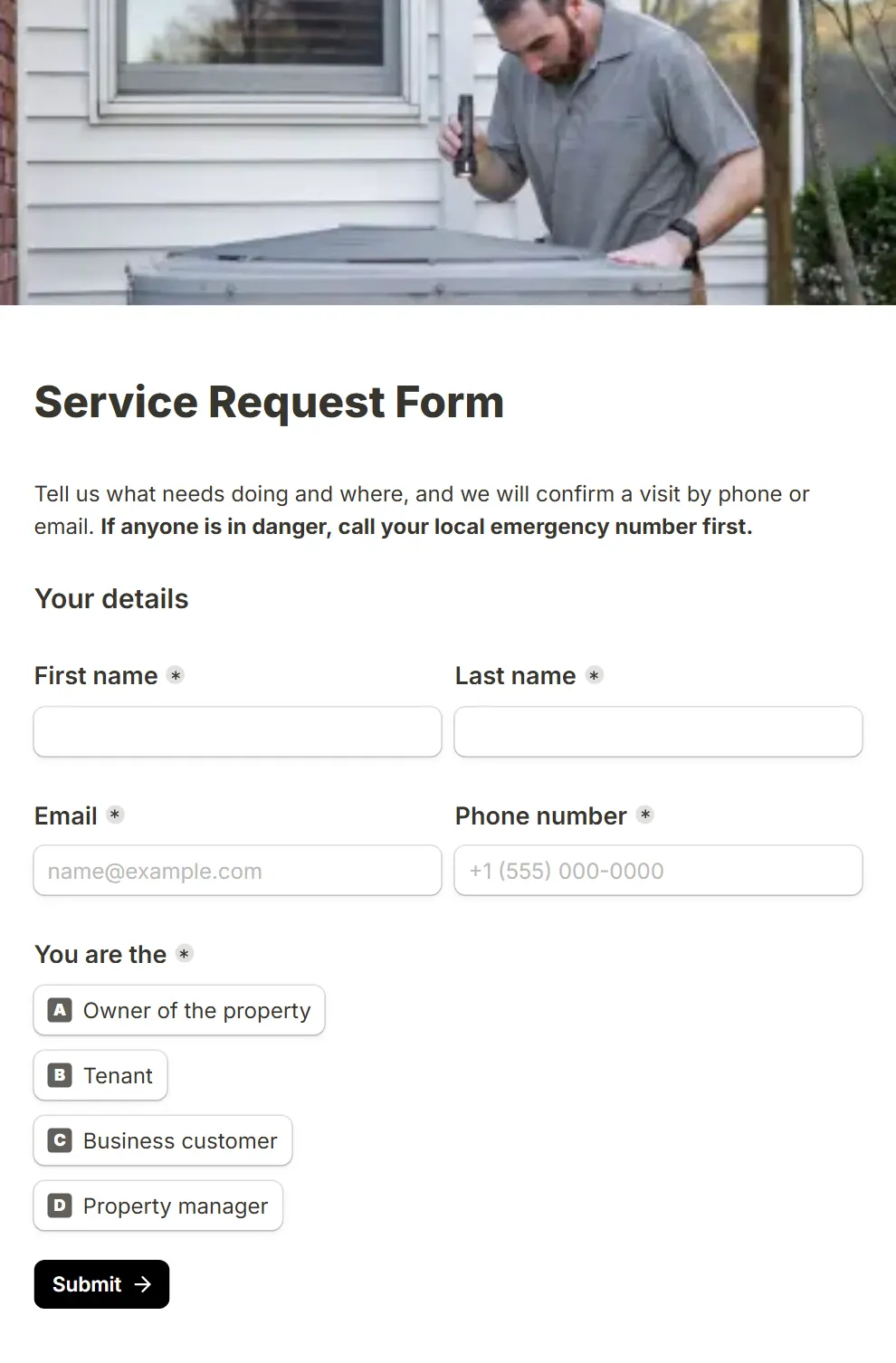
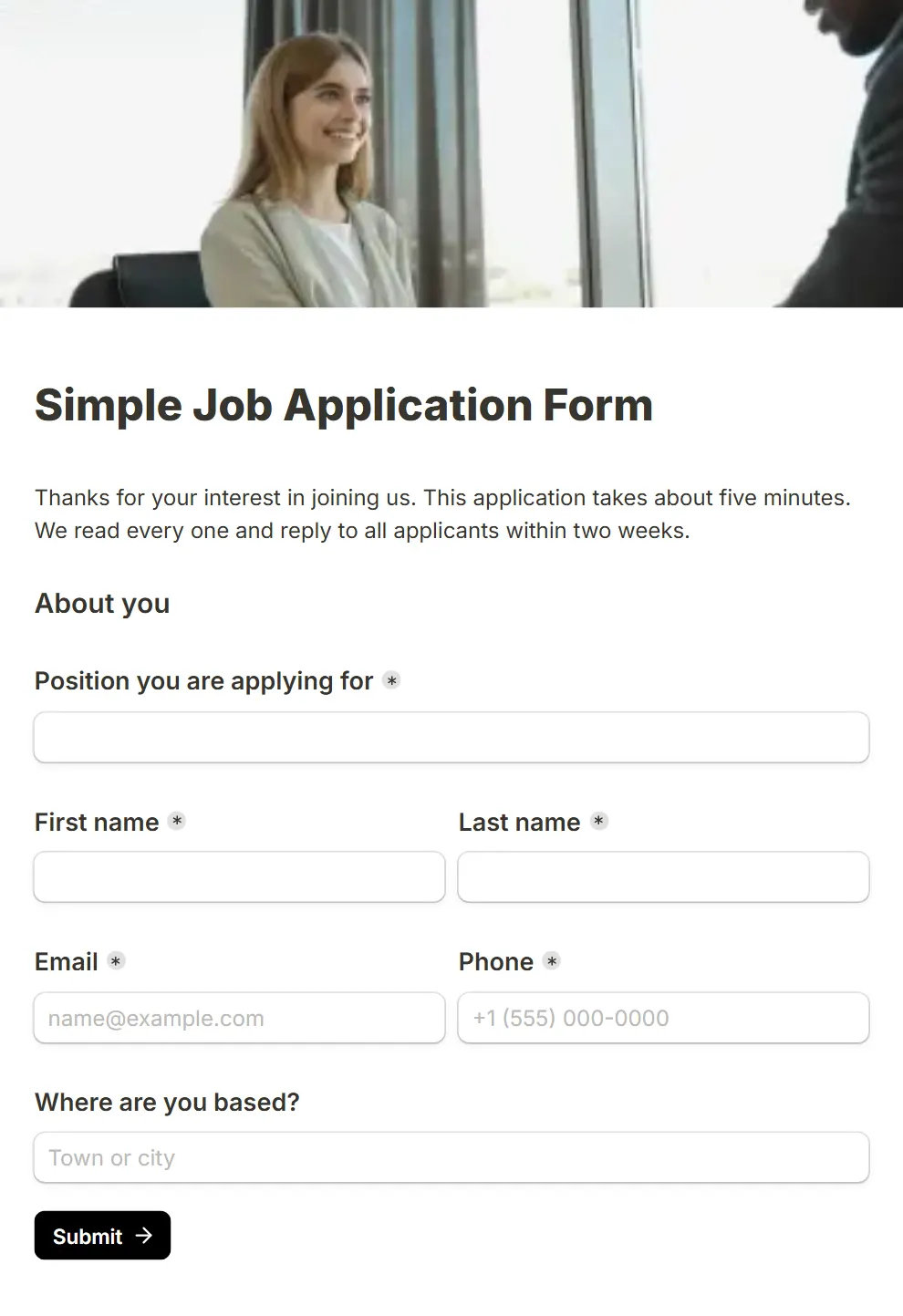
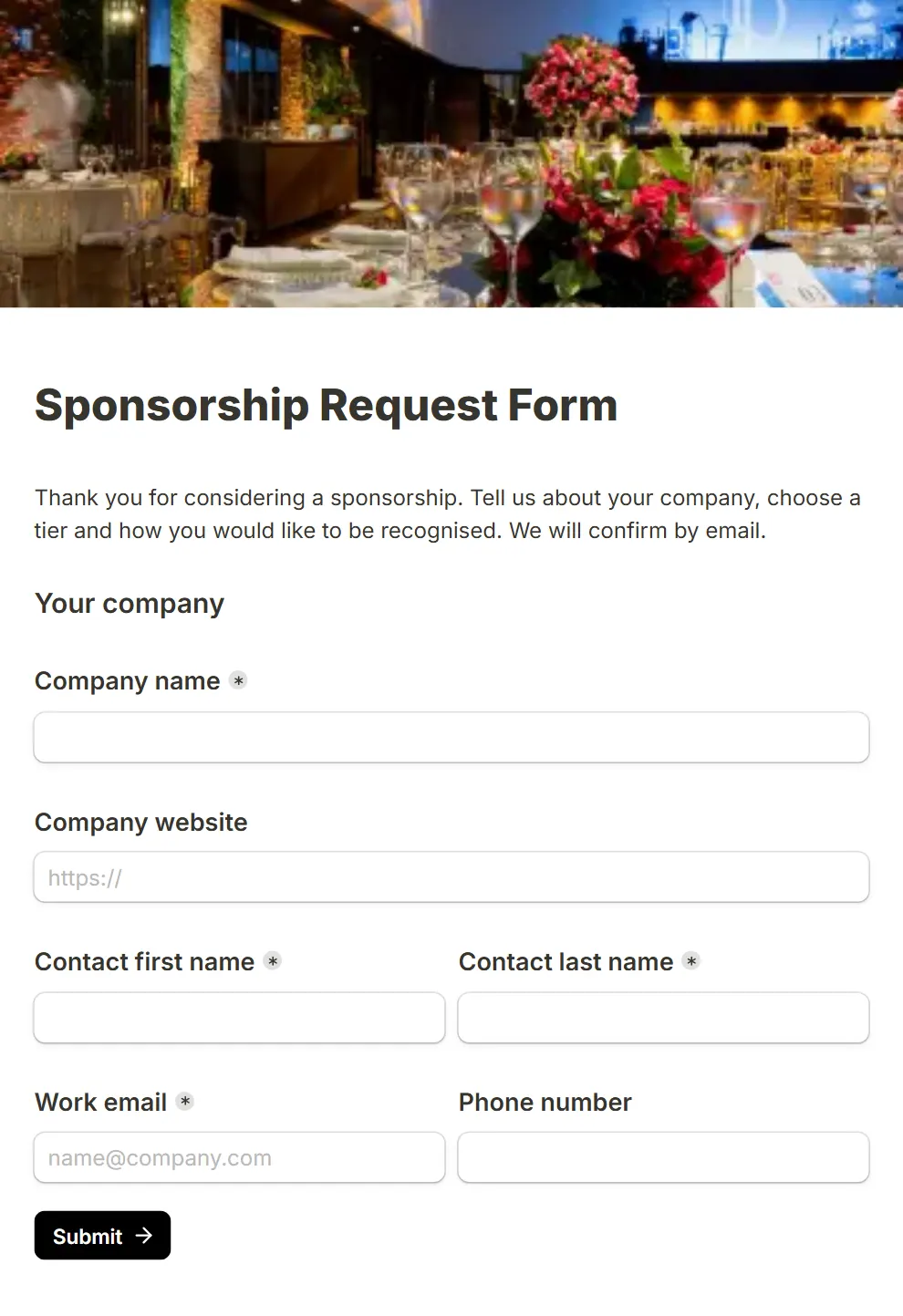
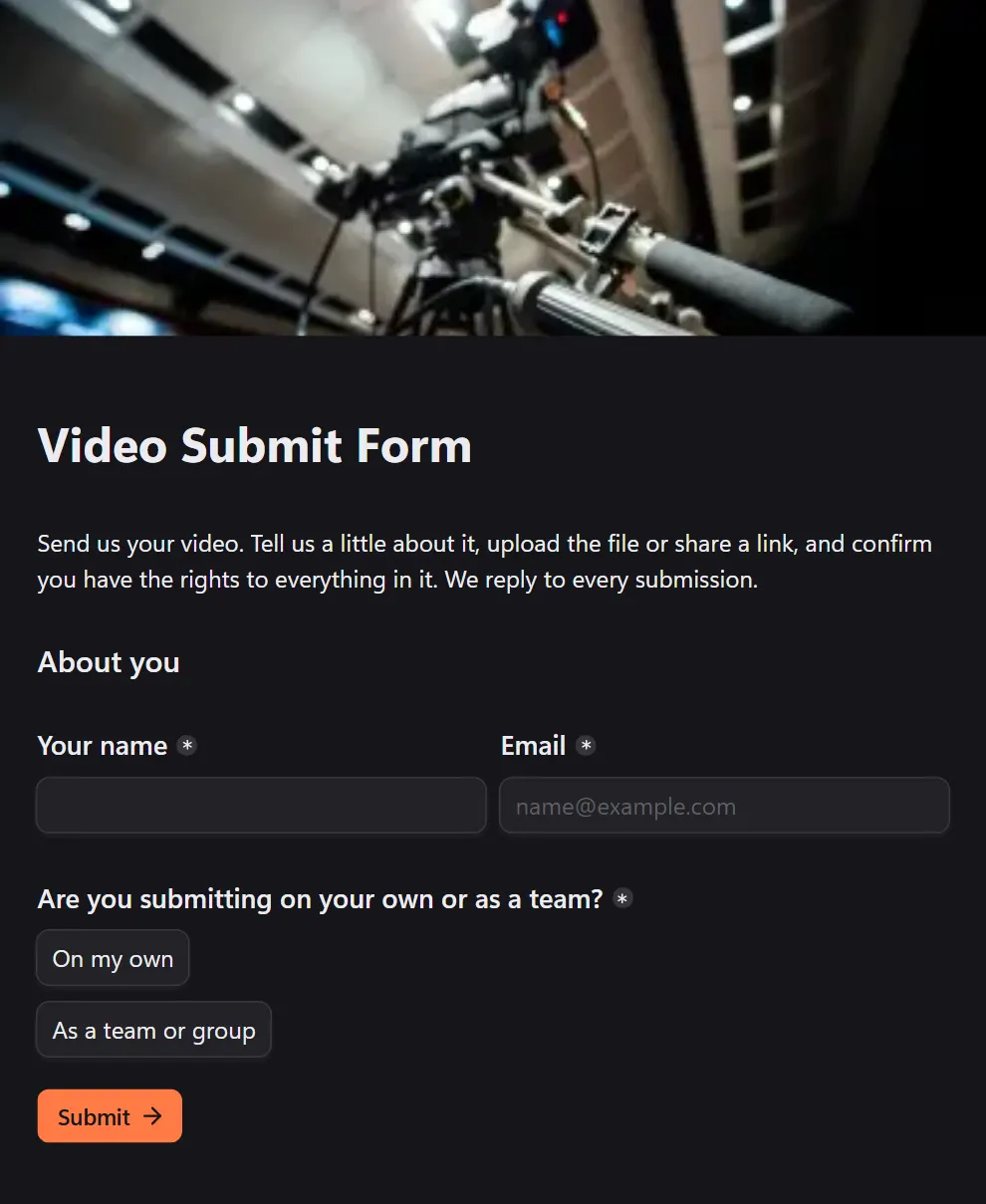
A file upload form collects files along with answers: a CV with an application, photos with a report, a video with a submission, a document with a request. The respondent picks or drops a file and submits, with no account to create. Each template on this page is a working form that takes files.
What a file upload form asks
A file question sits beside the questions that explain the file: who is sending it, what it is, and anything you need to know to use it. You set how many files a question takes, how large each one may be and which types are allowed. Each file can be up to 10 MB and a question takes up to 5 files; a setting on the question can be stricter than that, never looser.
Uploaded files are kept in private storage. Only members of your workspace can open them, through the Submissions tab, and an attachment has no public address.
Which template to start from
- Applications take a CV, a cover letter or a portfolio.
- Reports and requests take photos or documents that show the problem.
- Submissions take a video or an image someone is entering.
- Verification forms take a copy of an ID or a certificate.
How to use a template
Click Use this template to copy the form into your workspace, then set the file limits on the upload question in the editor. Publish it and share the link, or embed it on your site.
Frequently asked questions
How large can an uploaded file be?
Up to 10 MB per file, and up to 5 files per question.
Who can see the uploaded files?
Only members of your workspace. Files are stored privately and opened from the Submissions tab.
Do people need an account to upload?
No. A respondent picks a file and submits the form.
Can I limit the file types?
Yes. The upload question's settings list which file types it accepts.