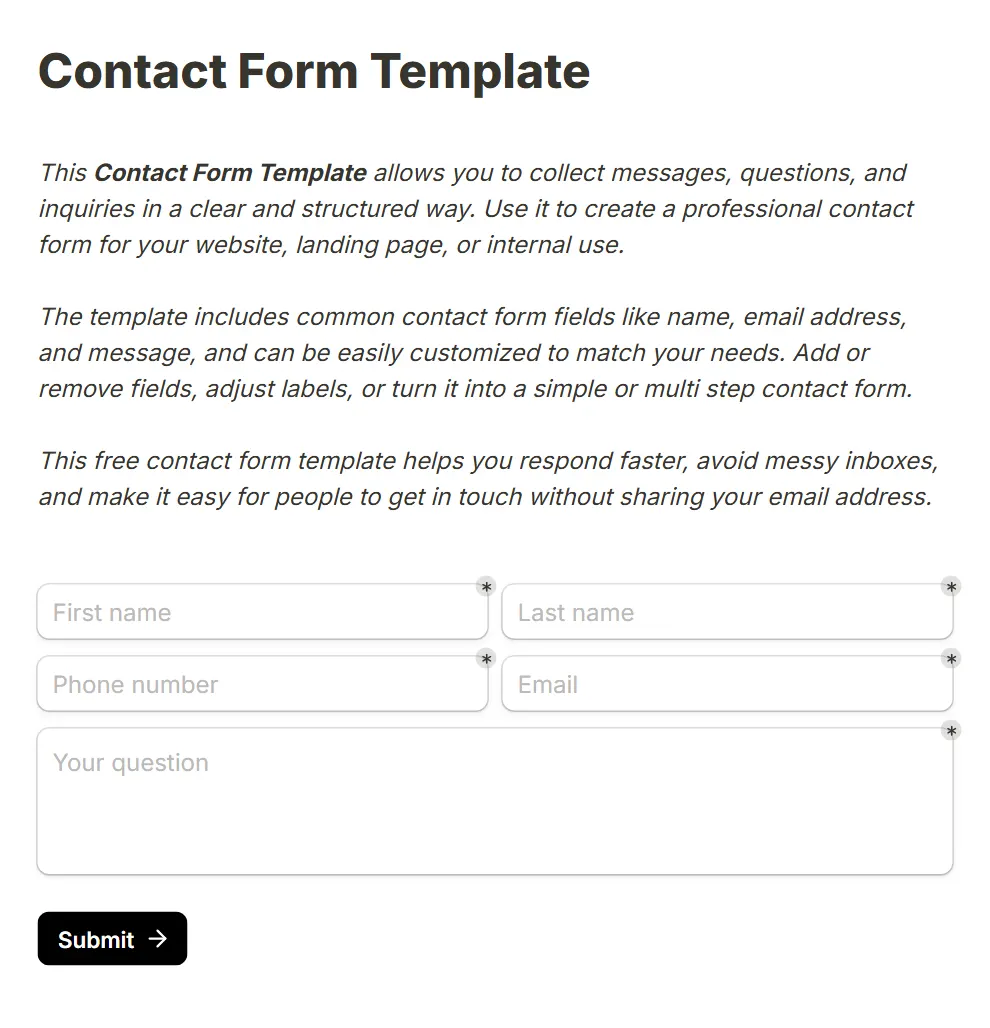
Contact Form Template
A free contact form template for your website's contact us page: name, phone, email and the question, nothing more. Copy it, edit it and embed it.
Contact forms for a website's contact page, enquiries, and keeping people's contact details up to date. 4 free templates, each ready to copy and change.
A free contact form template for your website's contact us page: name, phone, email and the question, nothing more. Copy it, edit it and embed it.
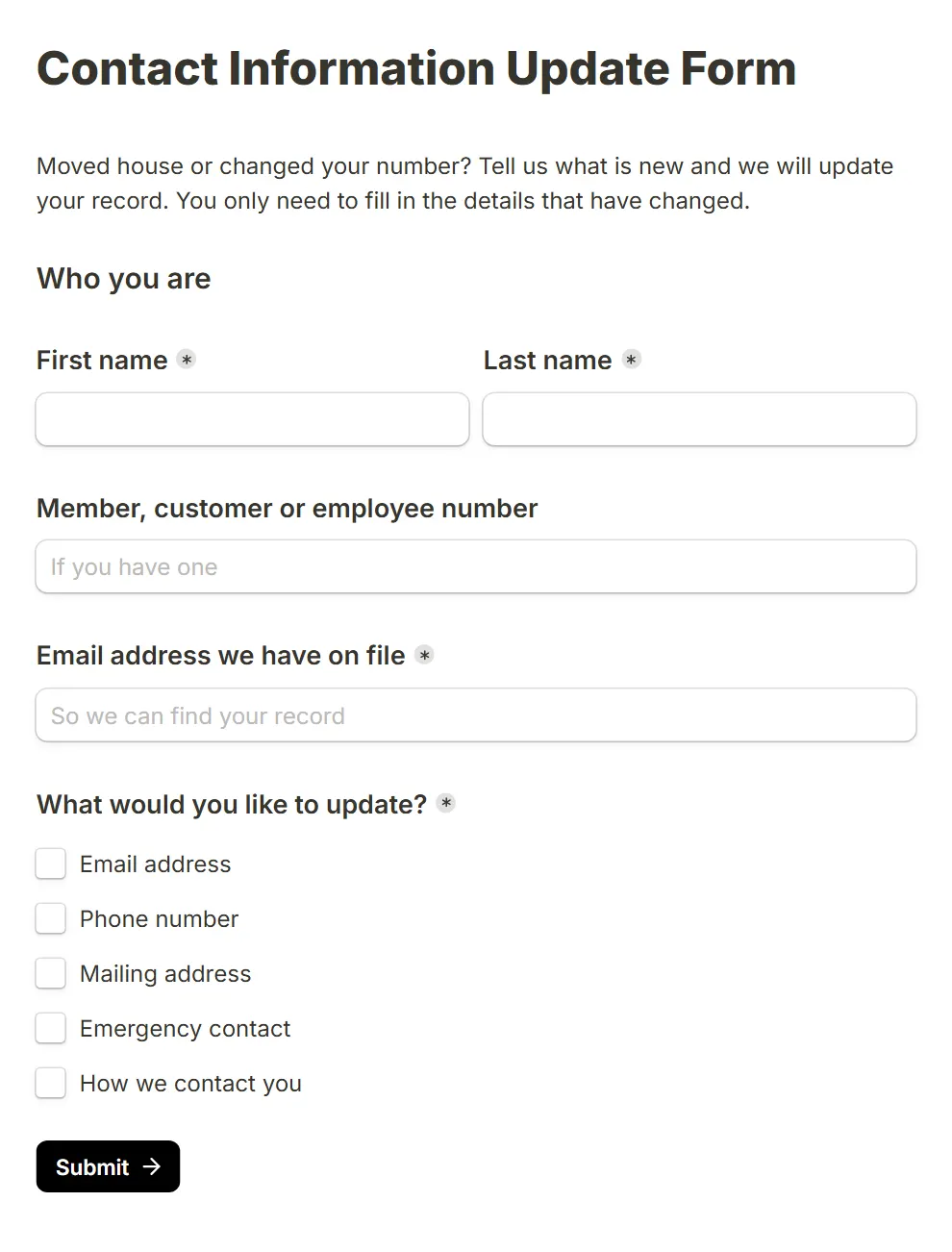
This convenient, easy-to-use template can be launched immediately.
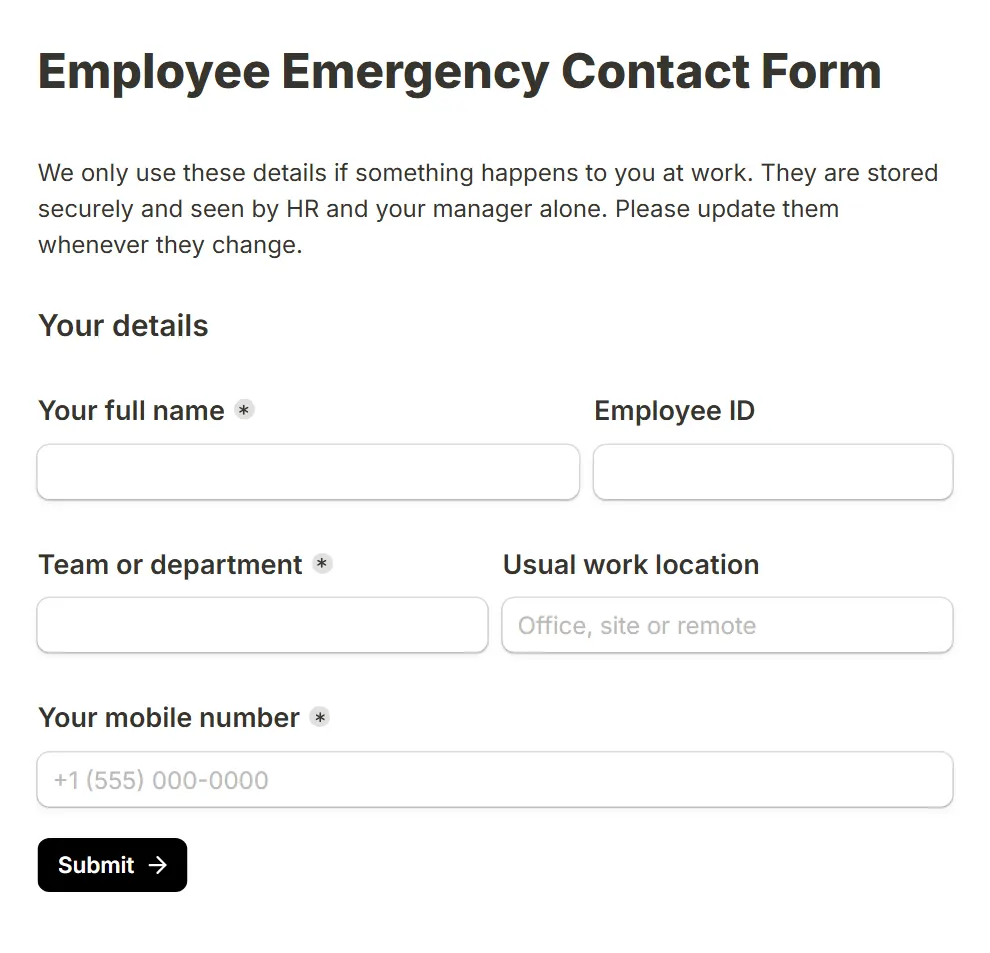
This straightforward, user-friendly template is crafted for immediate use.
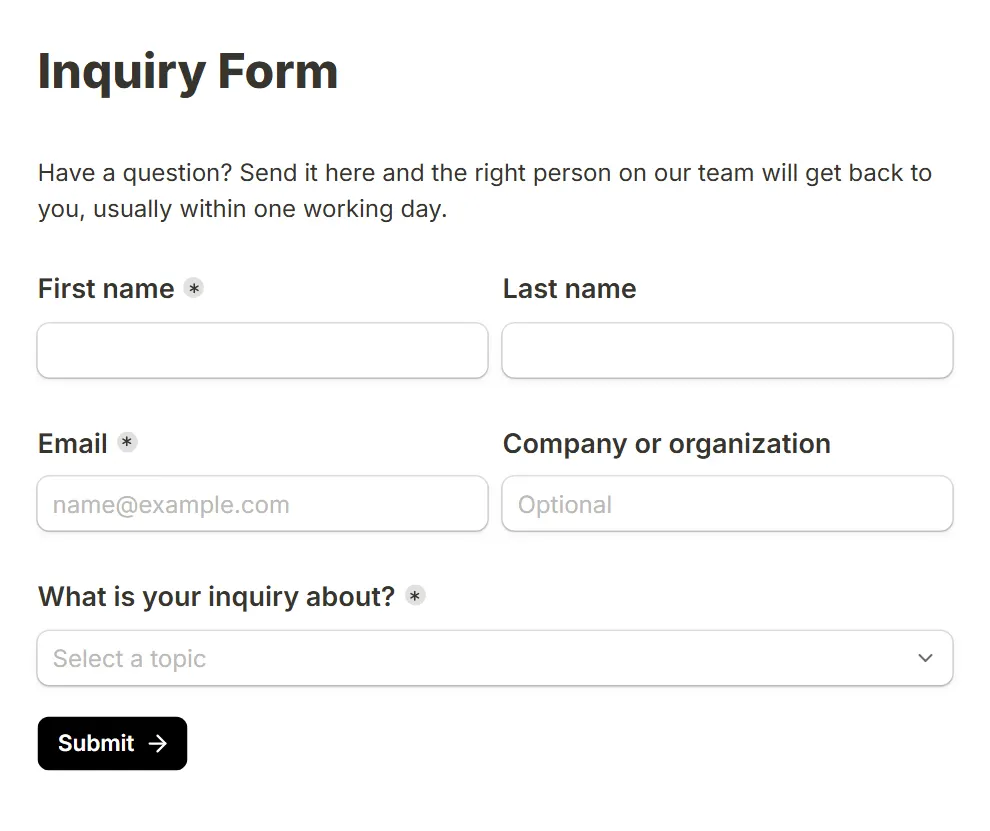
Enhance your customer communication with our customizable Inquiry Form template. Use this template and adapt it to systematically collect inquiries from customers or members, improving your query resolution process. Share this form with your audience, using collected information to provide timely responses, increase satisfaction, and gain valuable insights into your service improvement areas.
A contact form lets someone reach you without an email address on the page: they write a message, leave a way to answer them, and it arrives in your inbox and your submissions list. Each template on this page is a working form you can copy, change and put on your site.
A website contact form is short: name, email, a subject or reason, and the message. Asking for the reason (a sales question, support, a partnership) lets you route or prioritise the message. A contact details form is different: it asks people you already know to update their phone, address or emergency contact.
Click Use this template to copy the form into your workspace, change the questions in the editor and publish it. Embed it on your contact page, or share its link.
Yes. Building and publishing forms is free, with no count of forms or answers to stay under, inside the Fair Use Policy.
Yes. Embed the form on any page of your site, or link to it.
Email notifications send each new message to you, and every message is listed in the form's Submissions tab.
Yes. A reCAPTCHA block can be added to the form to check that a person is sending it.
No card, no trial clock. Write the first question and see.
