What this form asks
13 questions over 2 pages, 2 of them required.
- First NameShort answer
- Last NameShort answer
- EmailEmail
- PhonePhone number
- LocationShort answer
- LinkedIN ProfileLink
- WebsiteLink
- Other linksLink
- Anything else we should know?Long answer · required
- Upload your resume and cover letterFile upload · required
- How did you hear about this job?Multiple choice
- If a current employee at (company) referred you, please list his/her nameShort answer
- Are you able to work in our (city) office?Dropdown
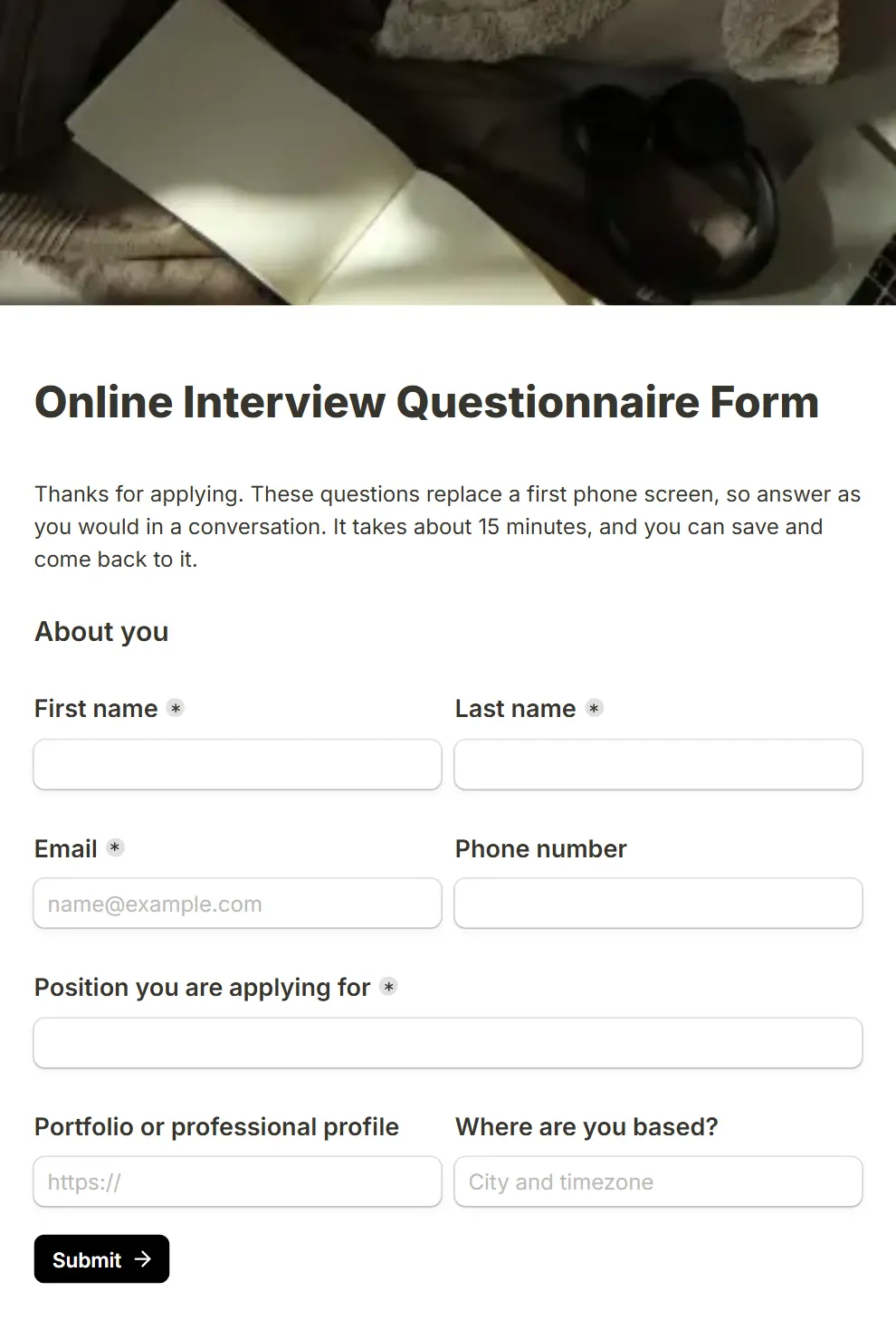
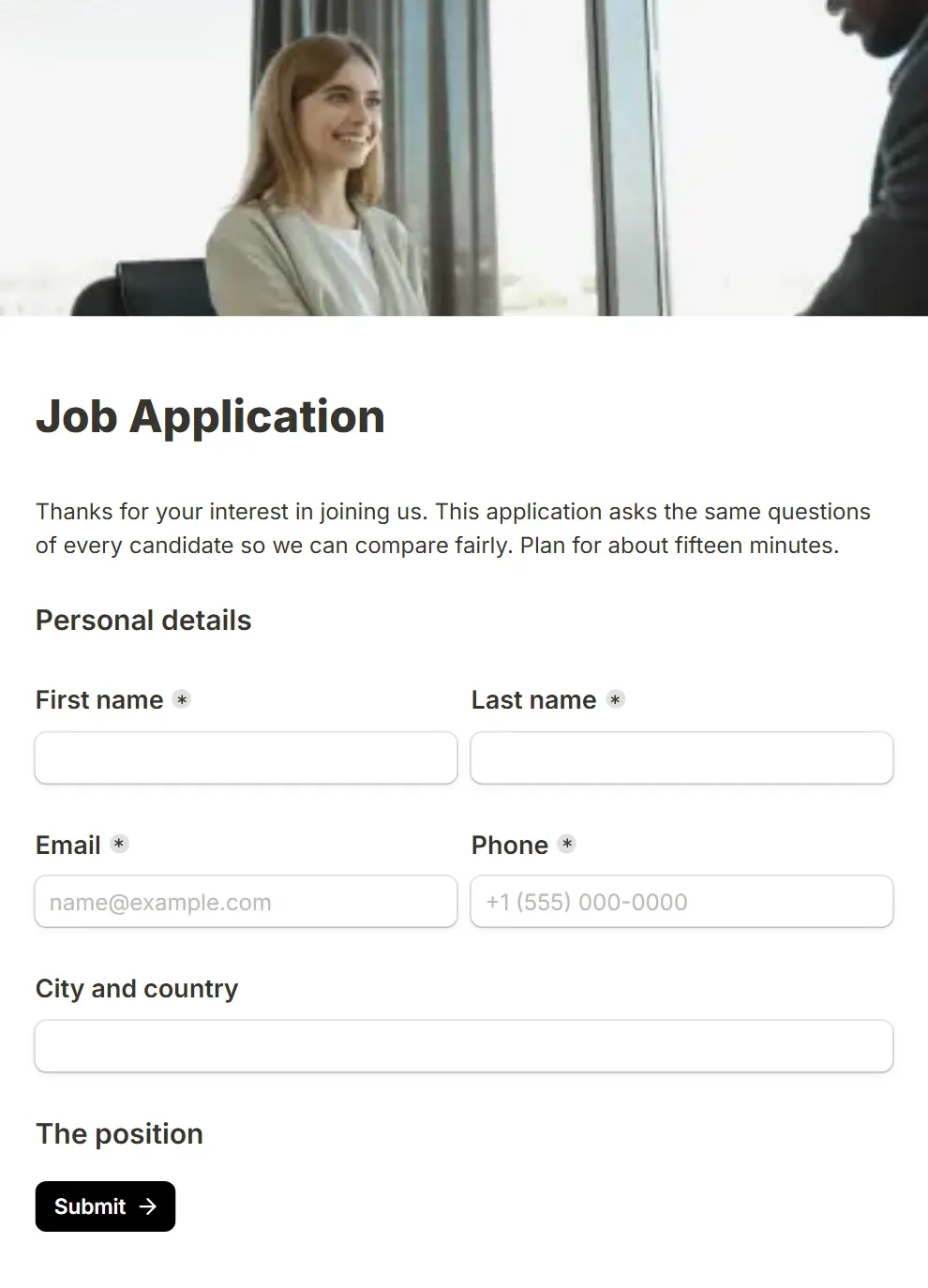
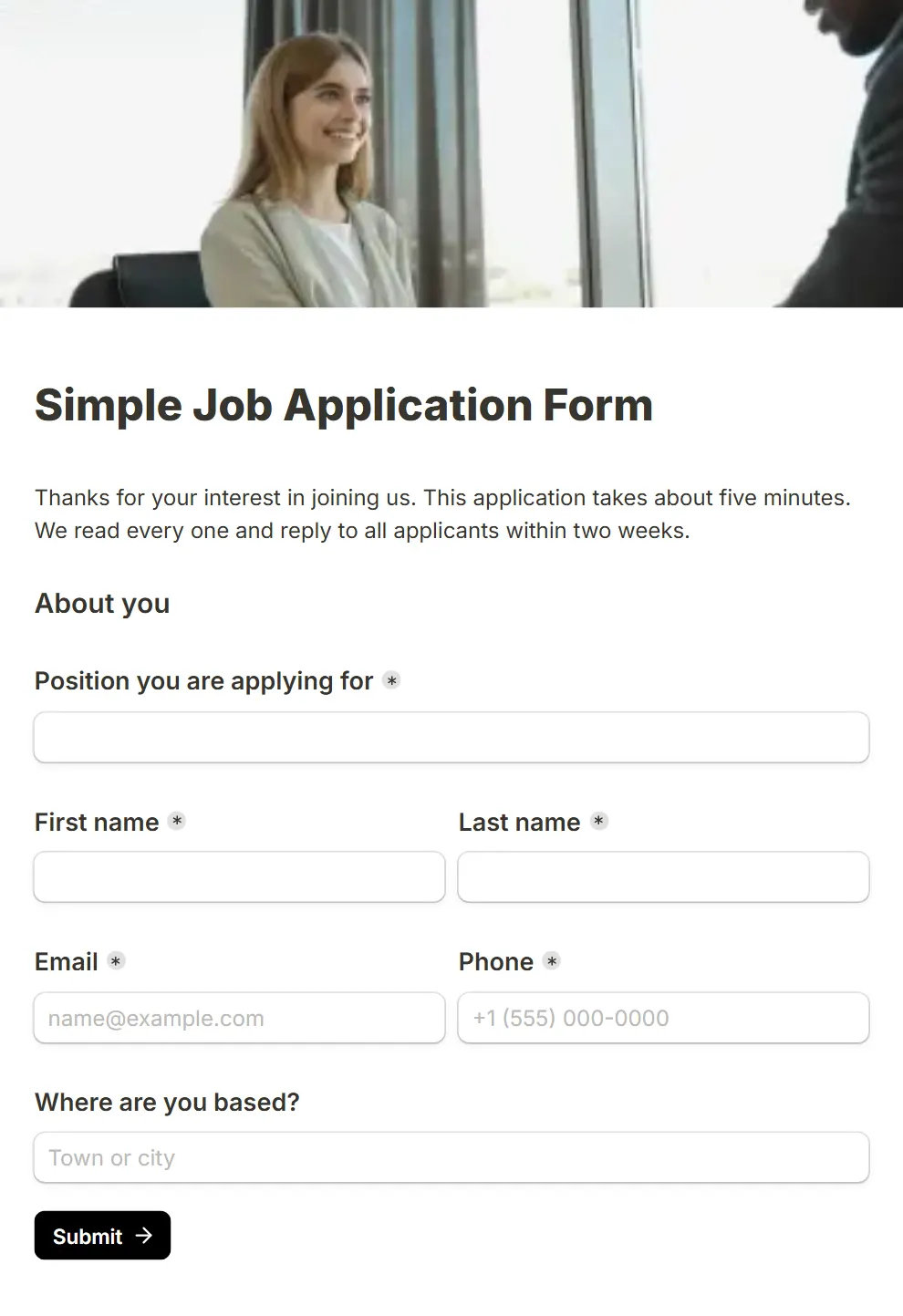
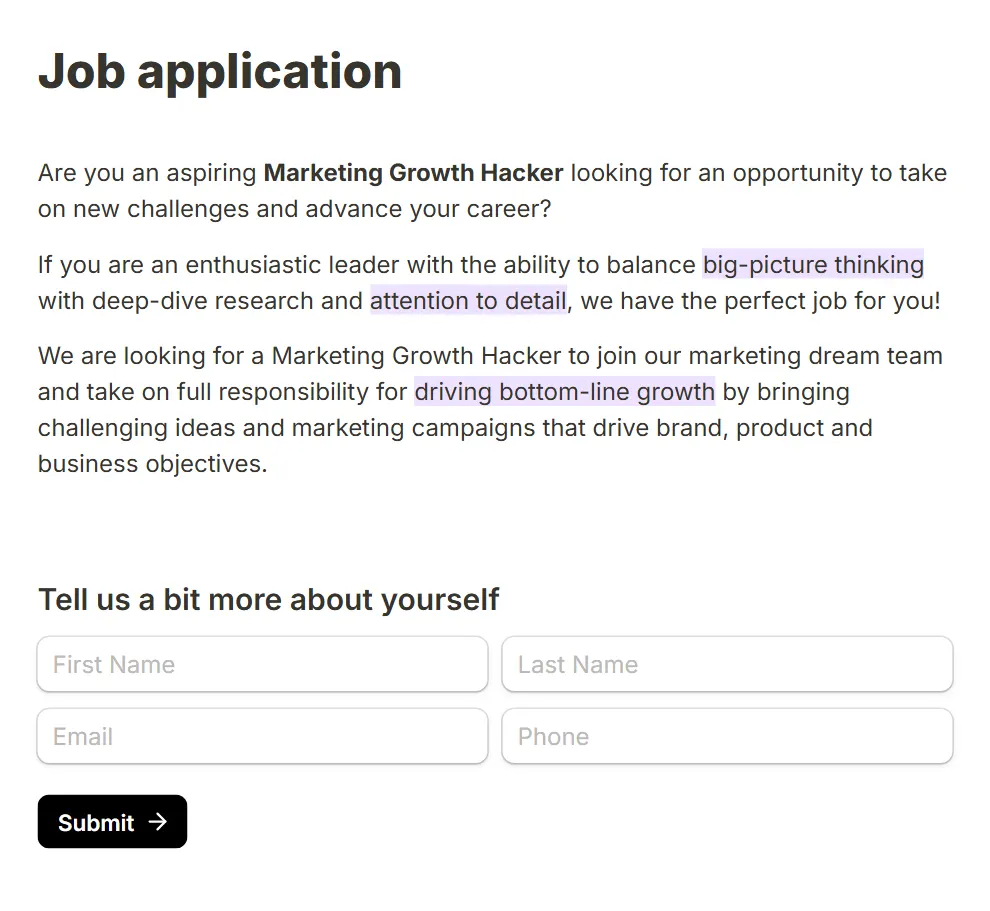
This job application form collects what a hiring team needs to shortlist a candidate: who they are and how to reach them, where their work can be seen, their resume and cover letter, and whether they can work from your office. It runs over two pages, and every question can be renamed, removed or made required in the editor.
What the form covers
The first page is the candidate: first and last name, email, phone and location, then their LinkedIn profile, website and any other links, such as a portfolio or a GitHub profile. A long-answer question, "Anything else we should know?", gives them room for what a CV leaves out.
The second part does the screening. The resume and cover letter go into one required file upload question, which takes up to 5 files of up to 10 MB each. "How did you hear about this job?" tells you which job board or post is bringing applicants, a referral question records the employee who sent them, and a dropdown asks whether they can work in your office.
Who uses a job application form
- Small teams hiring without an applicant tracking system, who want every application in one list instead of an inbox.
- Startups and agencies posting a role on several boards and comparing where applicants come from.
- Hiring managers who want the same questions answered by every candidate, so applications can be compared side by side.
How to use this template
- Use the template. Click "Use this template" to copy the form into your workspace.
- Fit it to the role. Replace "(company)" and "(city)" in the referral and office questions, add questions about the role's must-haves, and set which questions are required.
- Share it. Publish the form and put the link in your job listing, or embed it on your careers page.
Frequently asked questions
Can candidates upload a resume and a cover letter?
Yes. The upload question is required and takes up to 5 files, each up to 10 MB, so a resume, a cover letter and a portfolio can go in together. Files are stored privately and only your workspace can open them.
Can I add questions about the role?
Yes. Add any question type in the editor: a multiple choice for skills, a long answer for a work sample prompt, or a date for the earliest start date.
Will I be told when someone applies?
Turn on email notifications and each new application arrives in your inbox; every application is also listed in the form's Submissions tab.