What this form asks
9 questions over 5 pages.
- Let's start with your personal detailsShort answer
- Last nameShort answer
- EmailEmail
- Job titleShort answer
- CompanyShort answer
- Please upload a profile picture for your badgeFile upload
- Which workshop do you wish to attend?Single choice
- Are you attending the afterparty with walking dinner?Single choice
- Any food allergies?Short answer
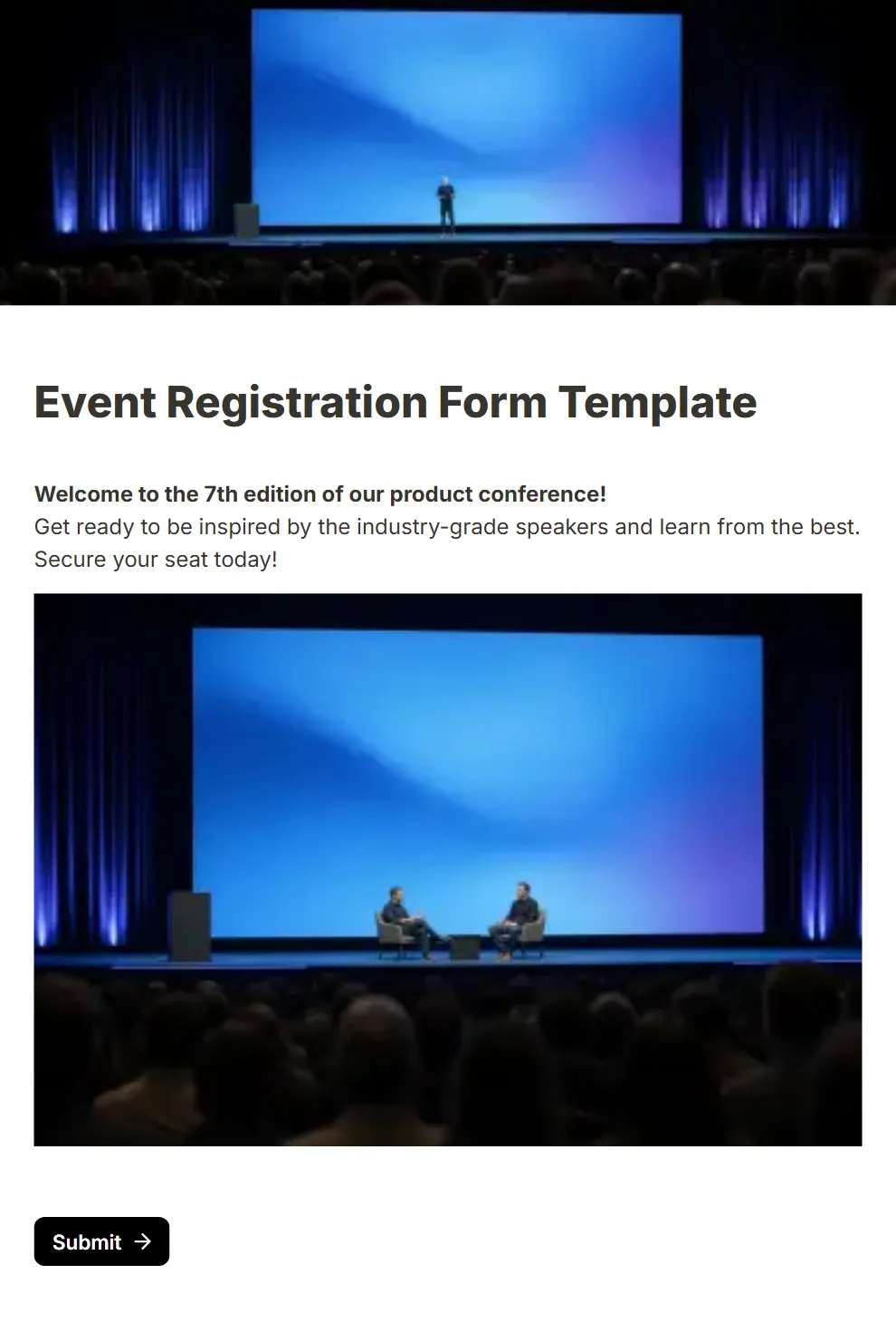
This event registration form signs attendees up for a conference or workshop day and collects what the organisers need before the event: who is coming, what goes on their badge, which workshop they will join and whether they will stay for the evening. It runs over five short pages, one topic each, so the form never feels long.
What the form covers
The form opens with the attendee's personal details: first and last name, email, job title and company. It then asks for a profile picture for the name badge through a file upload. One page asks which workshop they want to attend, another whether they are coming to the afterparty with a walking dinner, followed by a question about food allergies so the caterer can plan.
Who uses an event registration form
- Conference and meetup organisers who print badges and split attendees across workshops.
- Companies running an internal event day or offsite, with sessions to choose and a dinner to plan.
- Communities and associations running a workshop day with limited places per session.
How to use this template
- Use the template. Click "Use this template" to copy the form into your workspace.
- Add your event. Replace the workshop choices with your own sessions, add the date and venue to the opening text, and remove the badge photo if you do not print badges.
- Share it. Publish the form and send the link with your invitation, or embed it on the event page.
Frequently asked questions
Can attendees choose a session?
Yes. The workshop question is a single choice; change its options to your sessions, or make it a multiple choice if attendees can join several.
Can I send attendees a confirmation?
Yes. A respondent email notification sends each attendee a copy of their answers when they register.
Where do I see who registered?
Every registration is listed in the form's Submissions tab, and you can download the list as a CSV file for badges and catering.