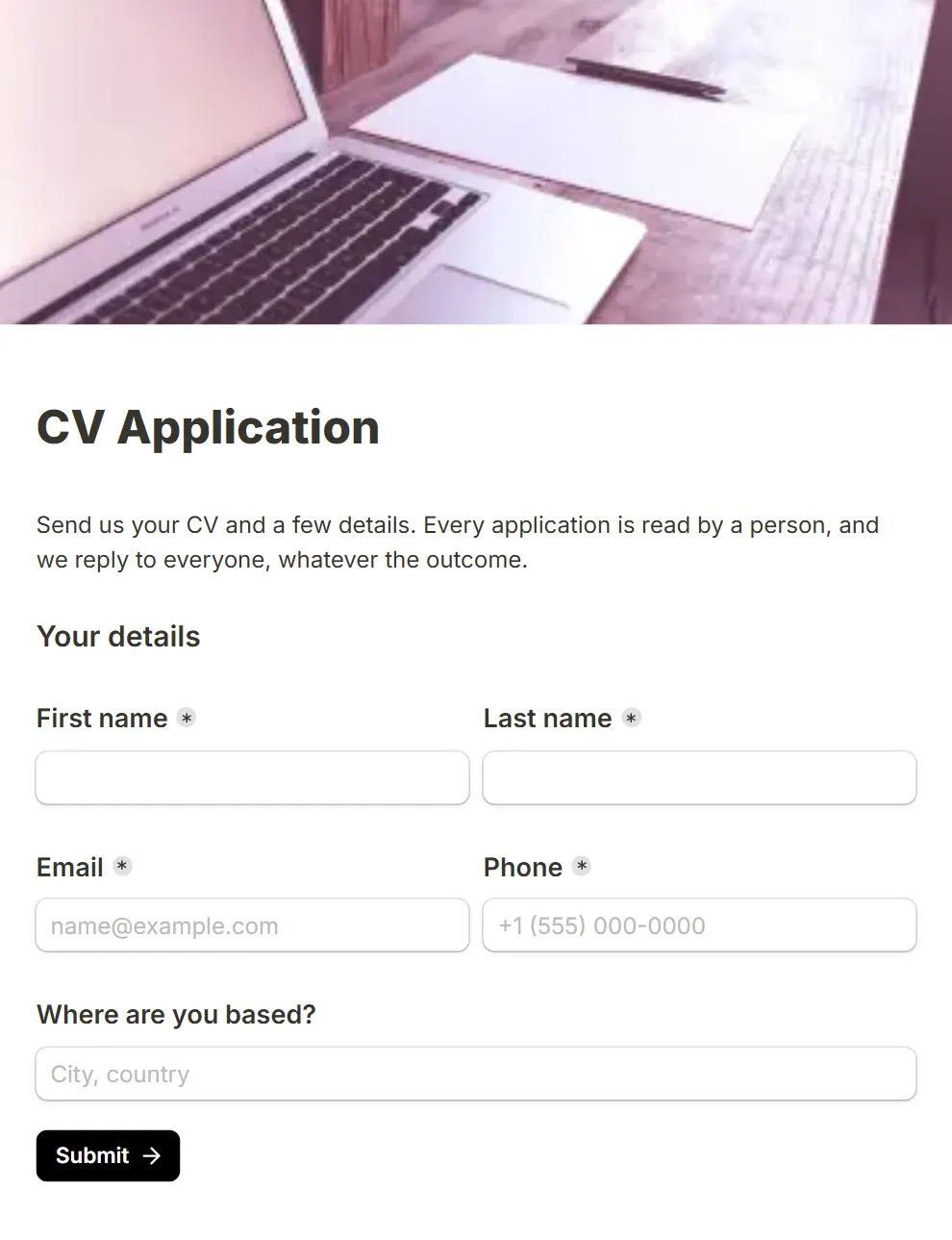
CV Application Form Template
This simple, intuitive template can be put to use instantly.
Application forms for open roles, internships and volunteer spots, from a one-page CV upload to a full employment application. 7 free templates, each ready to copy and change.
This simple, intuitive template can be put to use instantly.
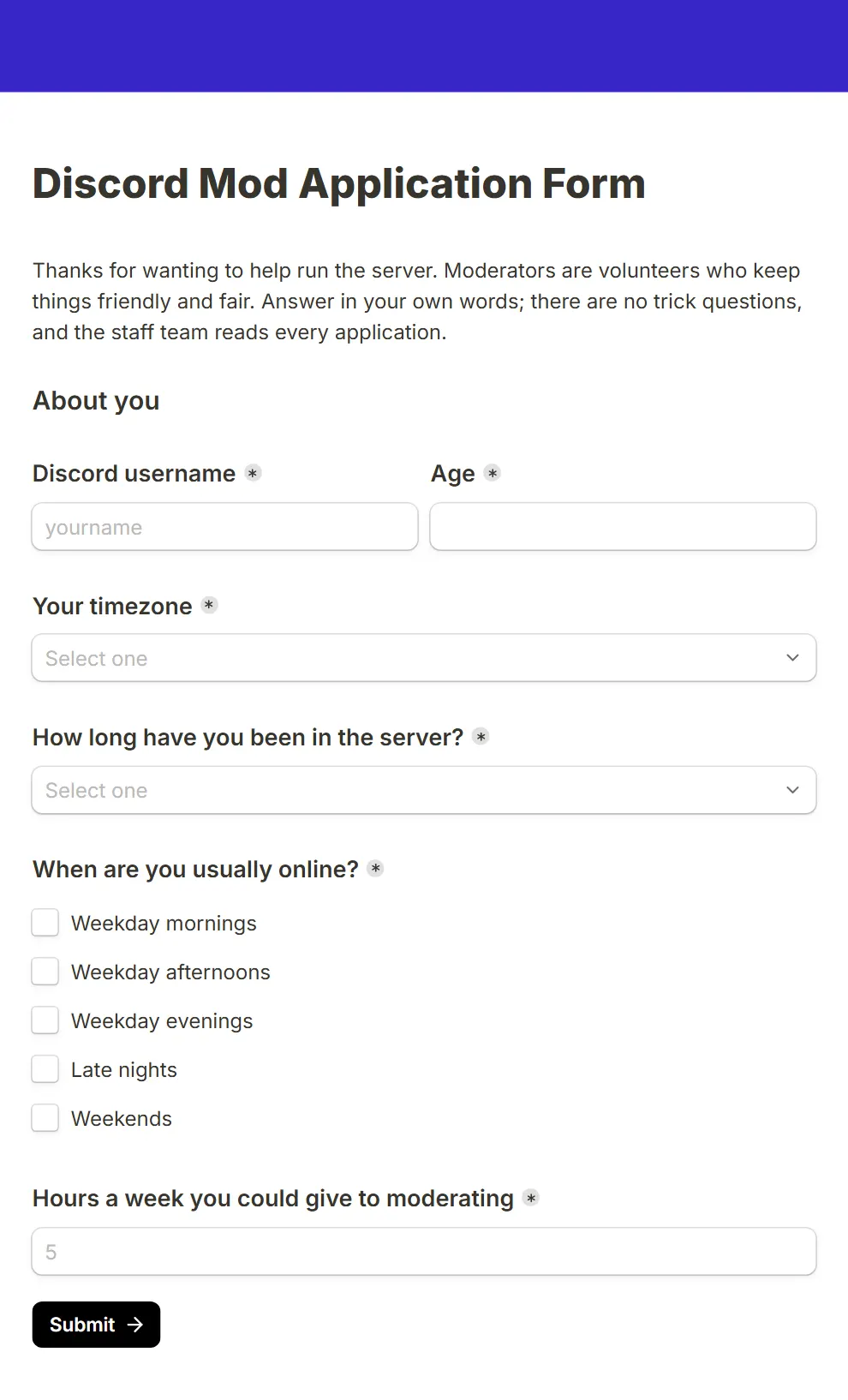
Streamline your mod recruitment process with our customizable Discord Mod Application Form template. Use this template and adjust it to gather crucial information from prospective moderators for your Discord server. Share this form with potential applicants, using the collected data to assess their moderating experience, motivation, availability, and community engagement. Use this information to select the most suitable candidates and build a cohesive, dedicated, and capable moderation team for your server.
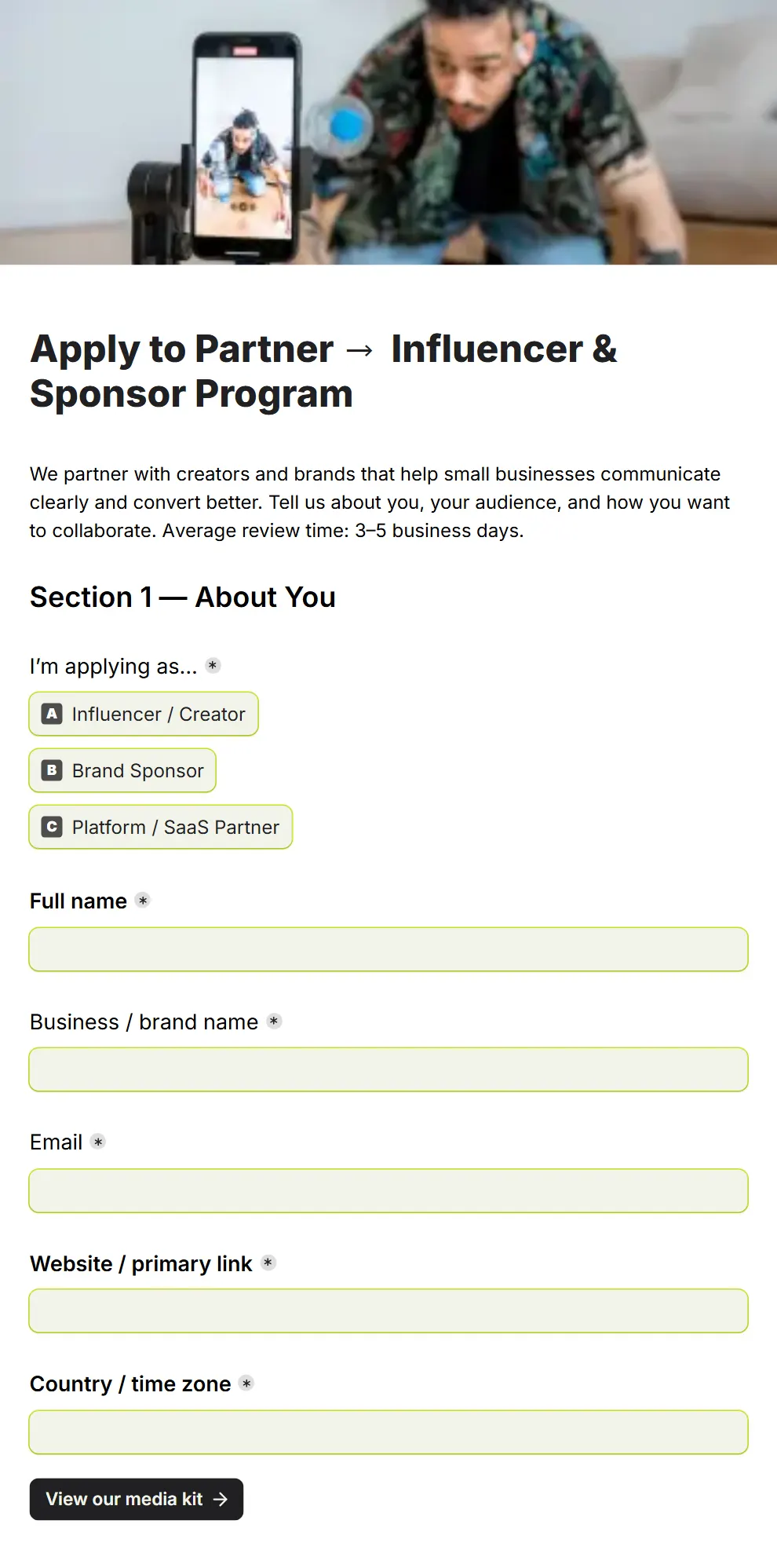
A free influencer and brand ambassador application form template: platforms, audience, collaboration type, rates, media kit and disclosure. Copy and edit it.
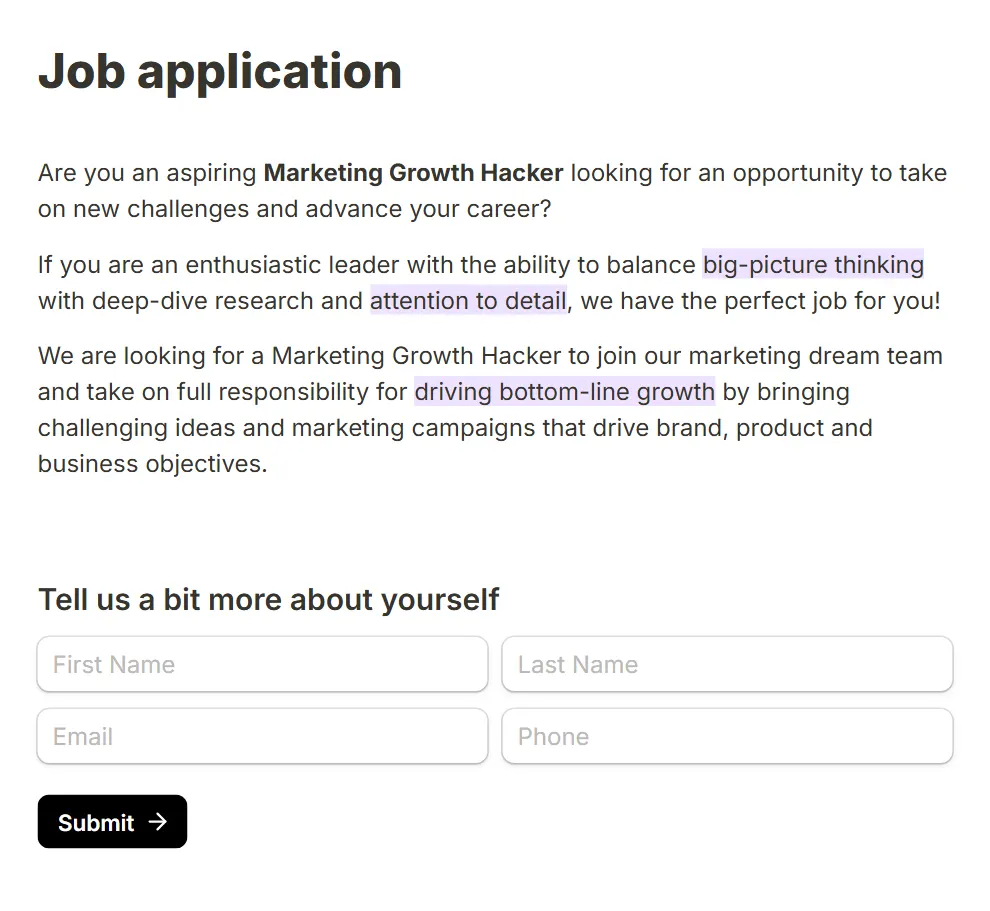
A free job application form template: contact details, links, a resume and cover letter upload, a referral question and office availability. Copy and edit it online.
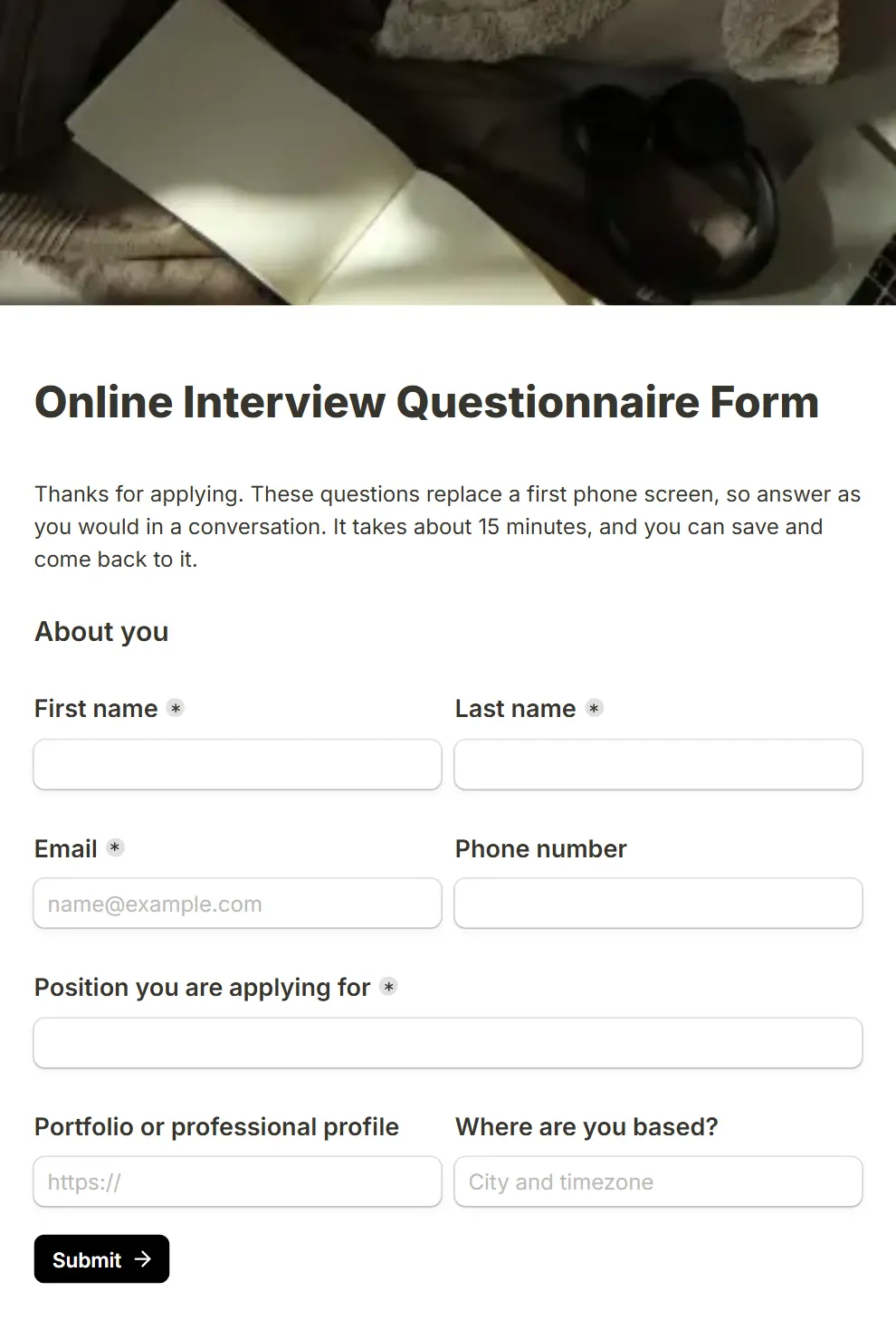
Here, we offer a comprehensive, easy-to-use template that you can start using immediately.
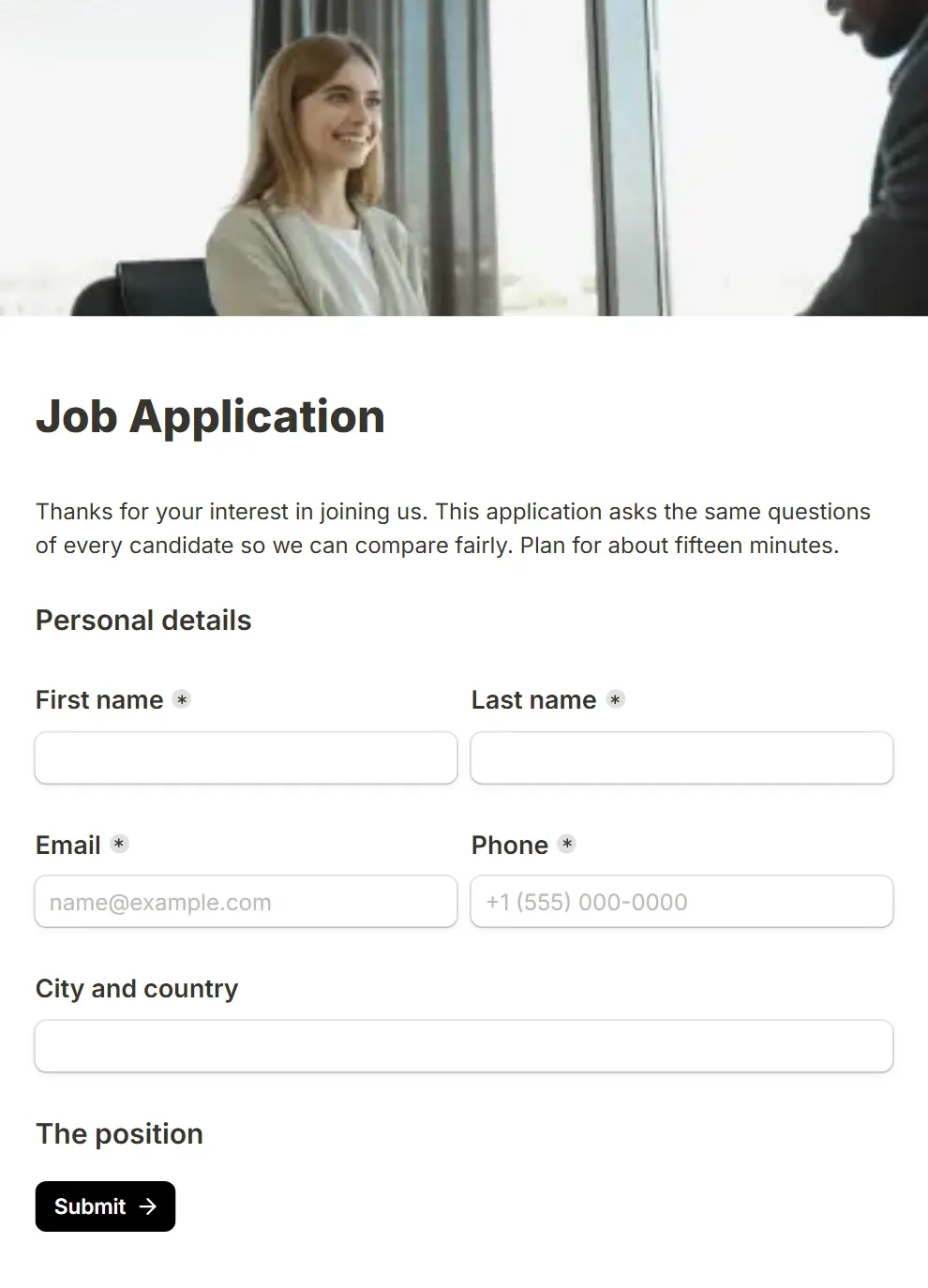
Optimize your hiring process with our Sample Job Application Form template. Use this template and tailor it to gather key information about potential candidates, including contact details, educational background, employment history, and skills. Share this form with applicants to ensure a fair and systematic recruitment process, making it easier to identify and shortlist the most suitable candidates for your open positions.
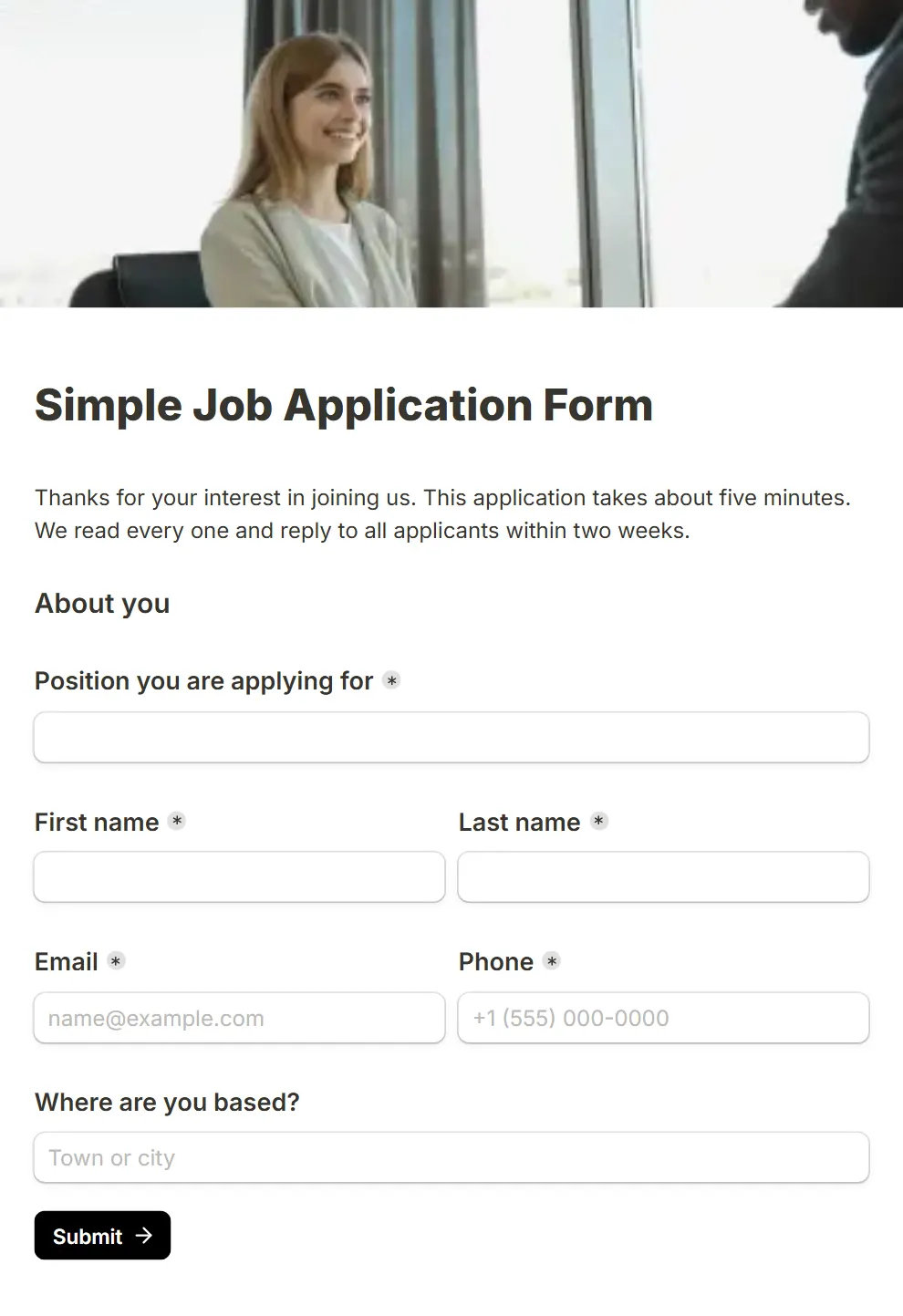
This user-friendly template is designed for immediate implementation.
A job application form collects what you need to decide who to interview: who the candidate is, how to reach them, their experience, and usually a CV. Each template on this page is a working form. Pick the one closest to the role, copy it, and change the questions to match the job.
Most applications open with contact details (name, email, phone, location) and then ask about the role: the position applied for, availability or start date, and the right to work where the job is. The experience section is either a CV upload or questions about past roles, and many forms close with "How did you hear about this job?" so you can tell which listing worked.
A file upload question takes the CV and a cover letter. Each file can be up to 10 MB, and one question can take up to 5 files, so a portfolio or certificates can go in the same place. Attachments are stored privately: only members of your workspace can open them.
Open a template and click Use this template. The form is copied into your workspace and opens in the editor, where you can rename questions, add or remove them, and set which are required. Publish it, then share the link on your careers page or job listing, or embed the form on your own site.
Yes. Building and publishing forms is free, with no count of forms or answers to stay under, as long as a workspace stays inside the Fair Use Policy.
Yes. Add a File upload question, or keep the one the template has. Each file can be up to 10 MB and each question takes up to 5 files.
Yes. Email notifications send you a message for each new submission, and a confirmation email can go to the applicant.
Yes. Share the form's link, or embed it on your own site so candidates apply without leaving the page.
No card, no trial clock. Write the first question and see.
