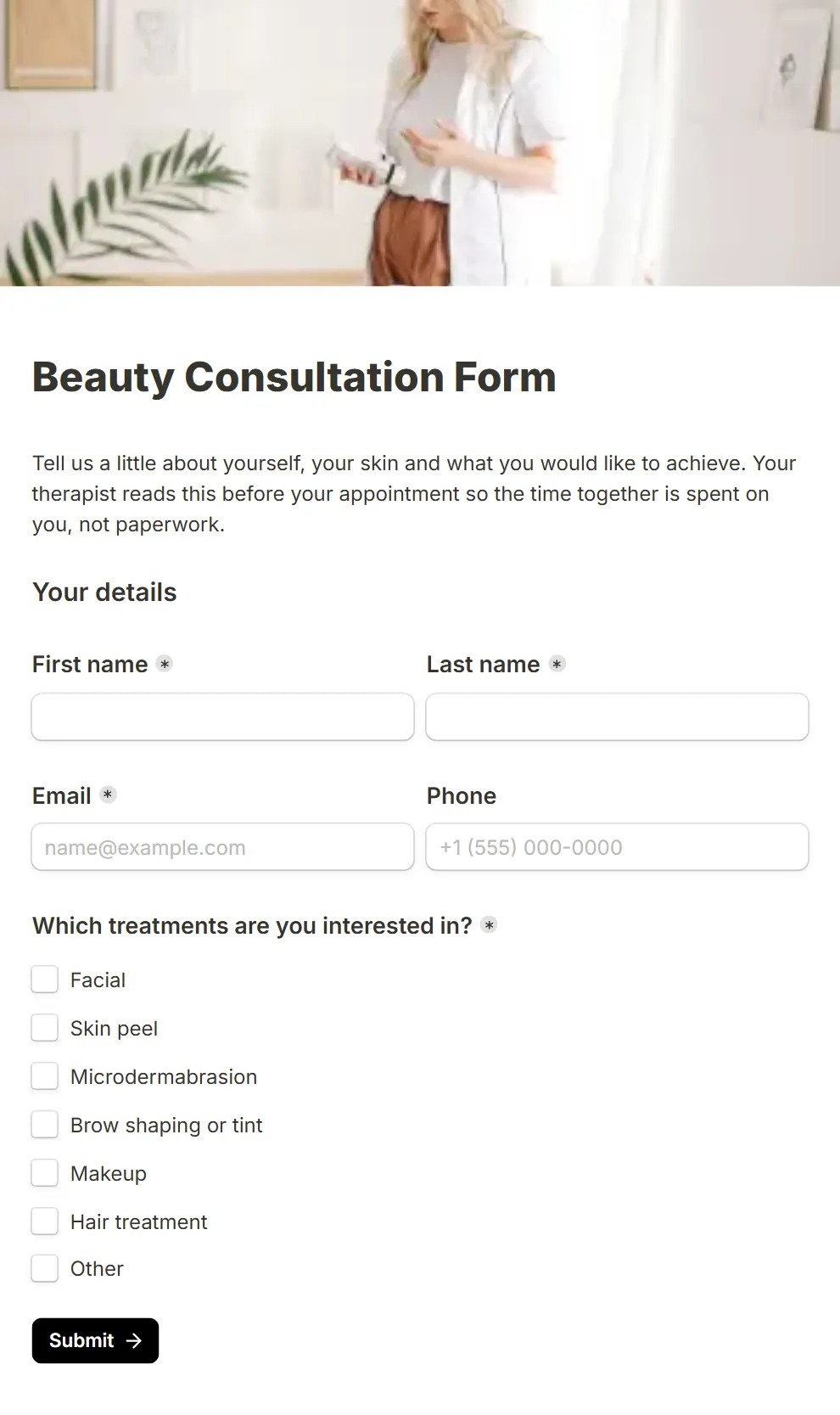
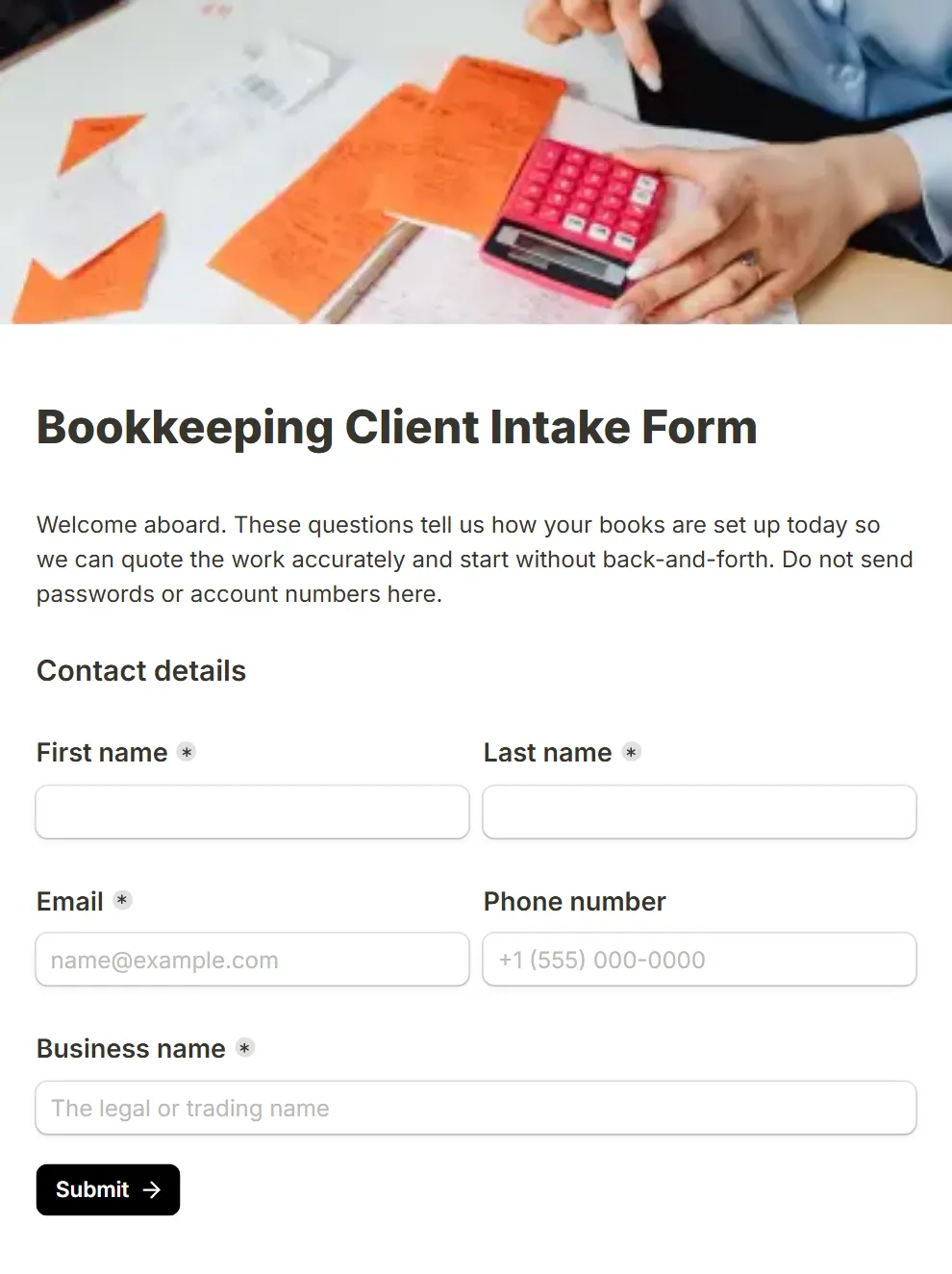
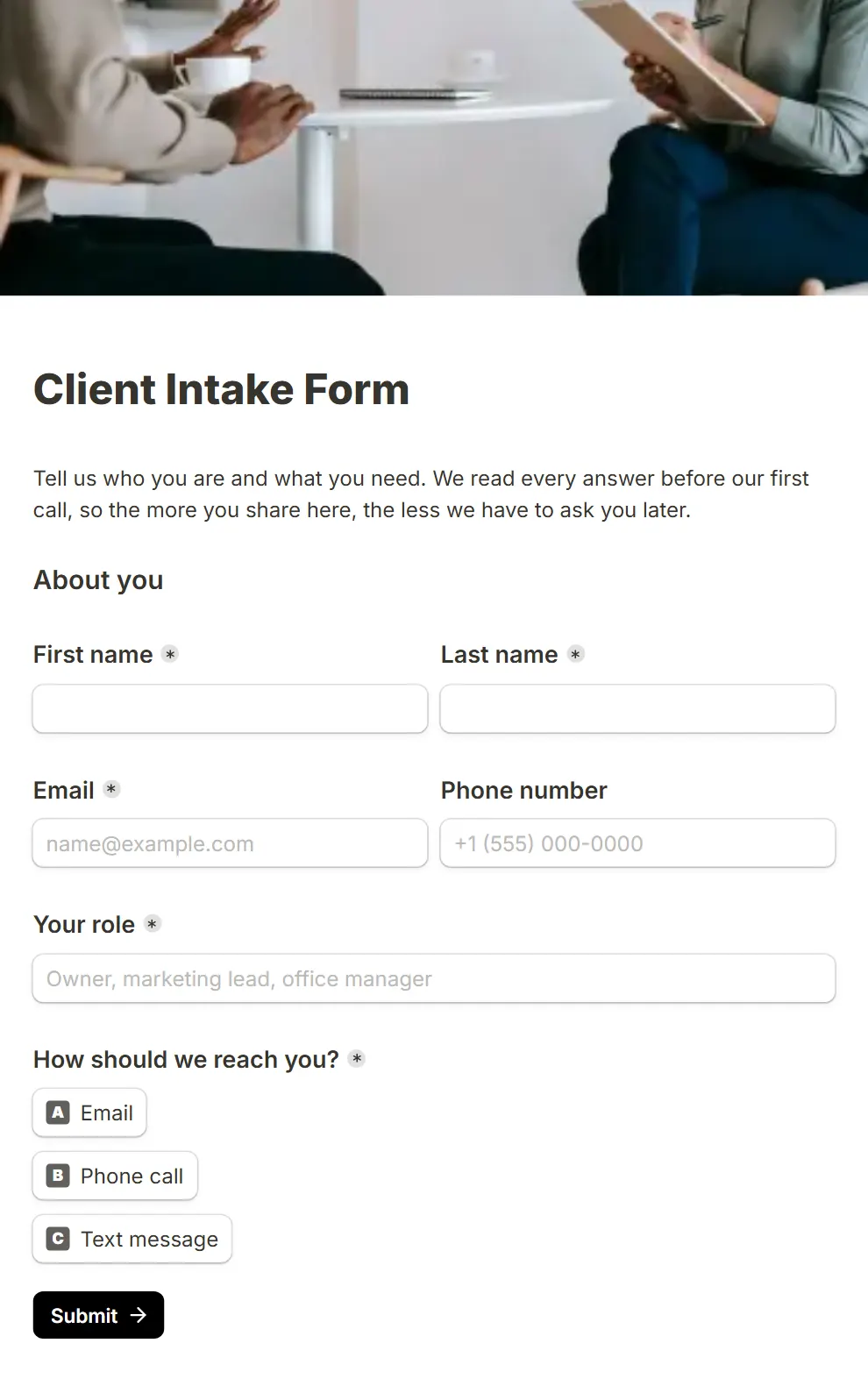
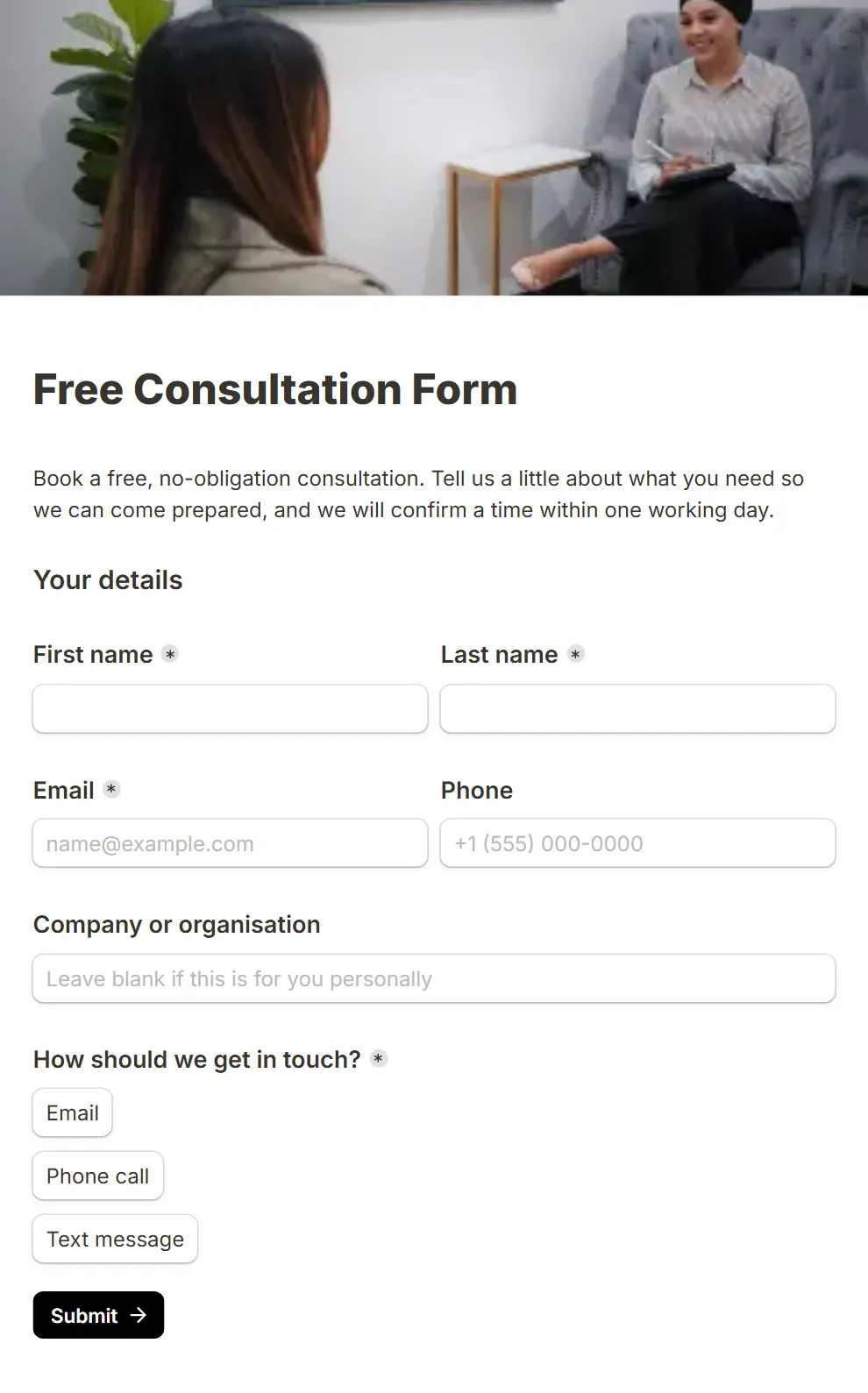
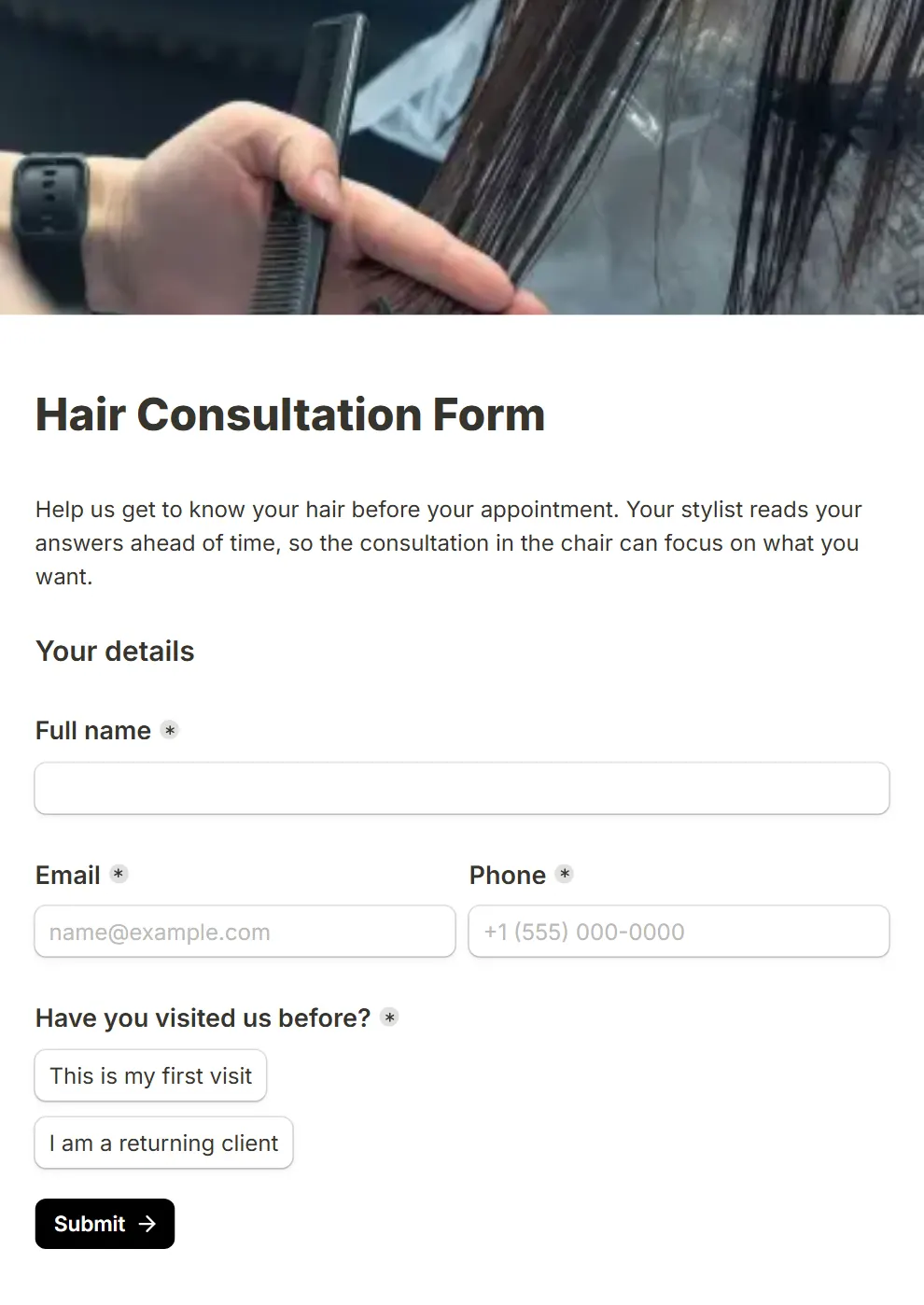
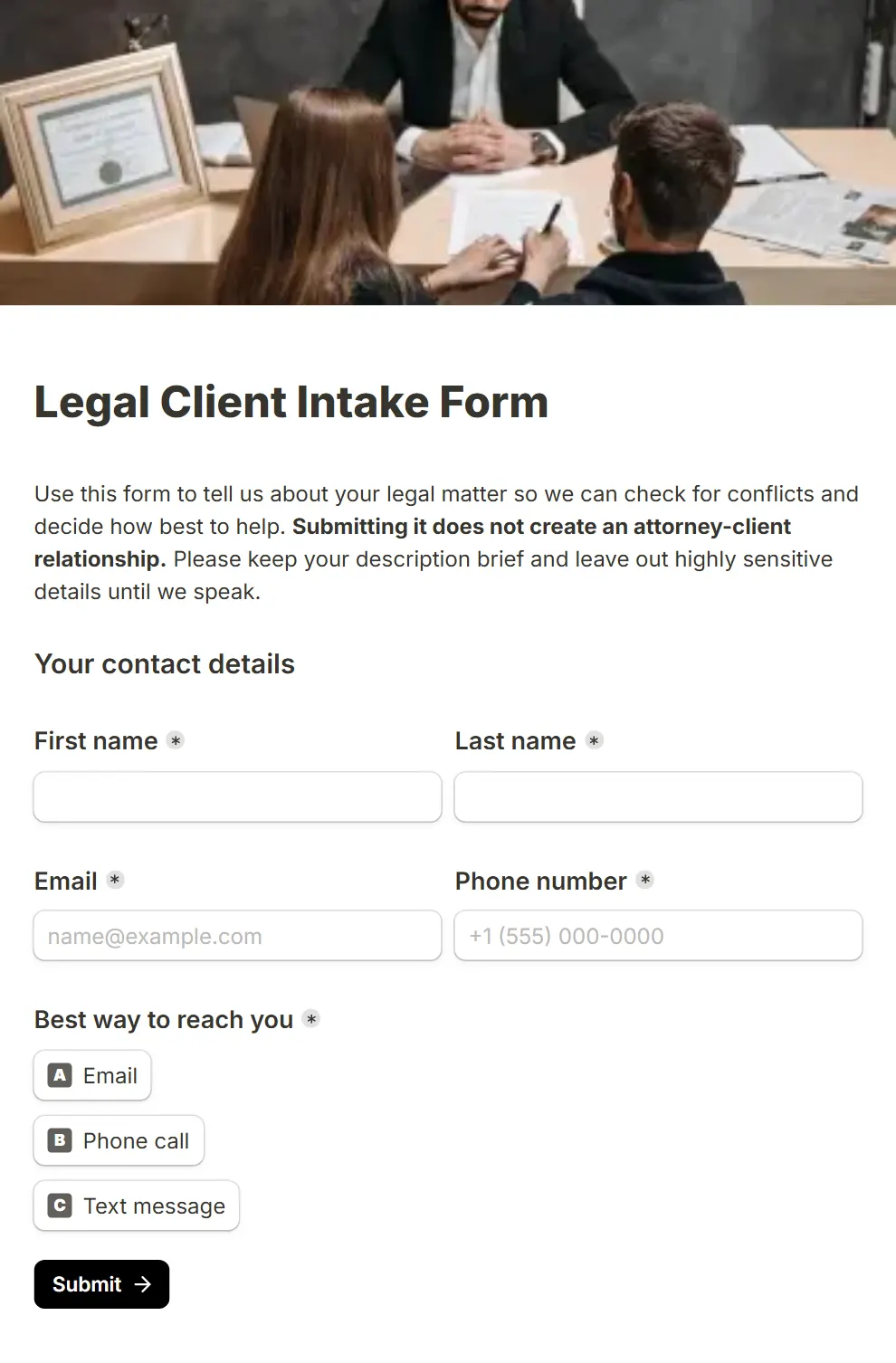
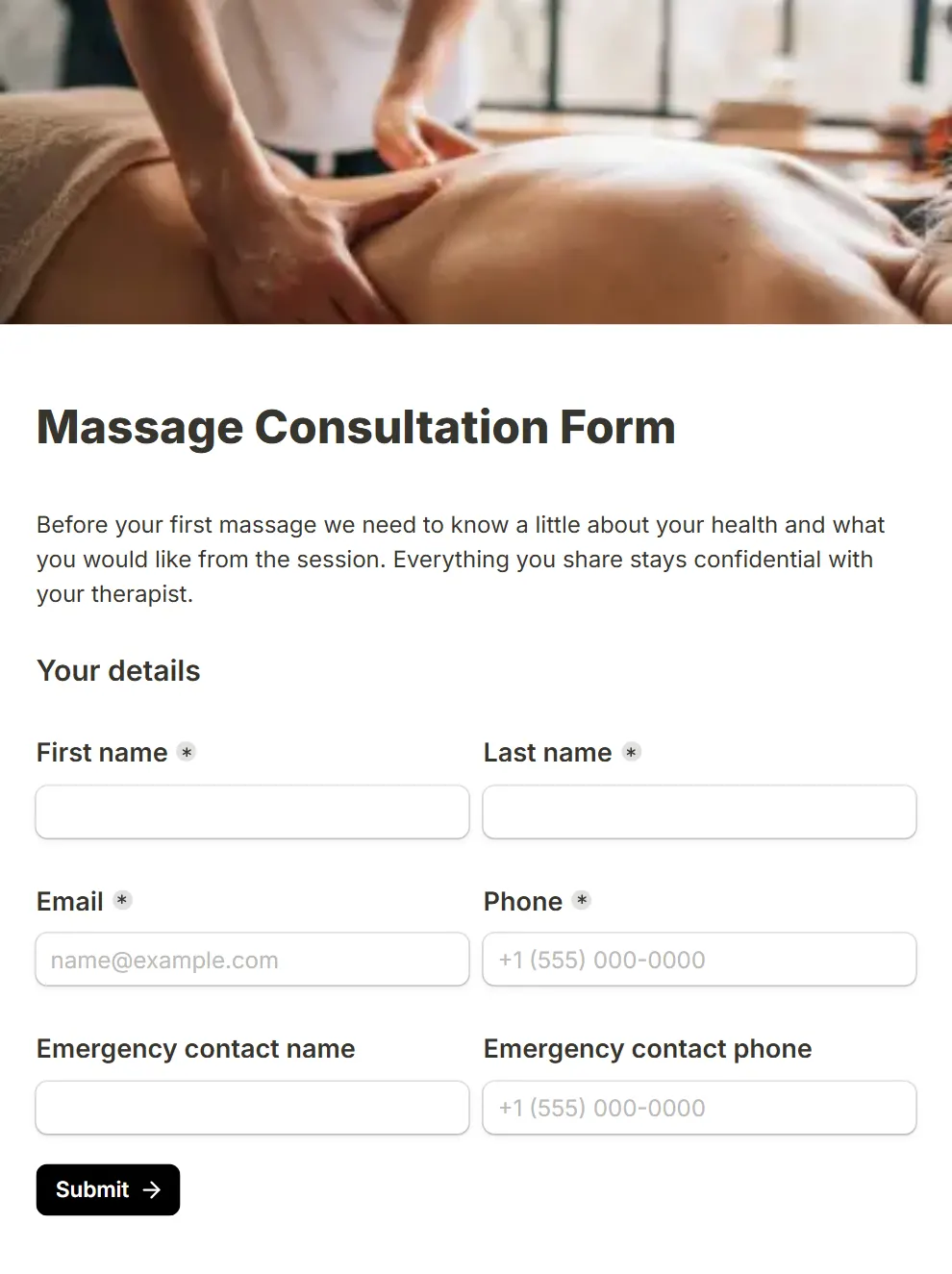
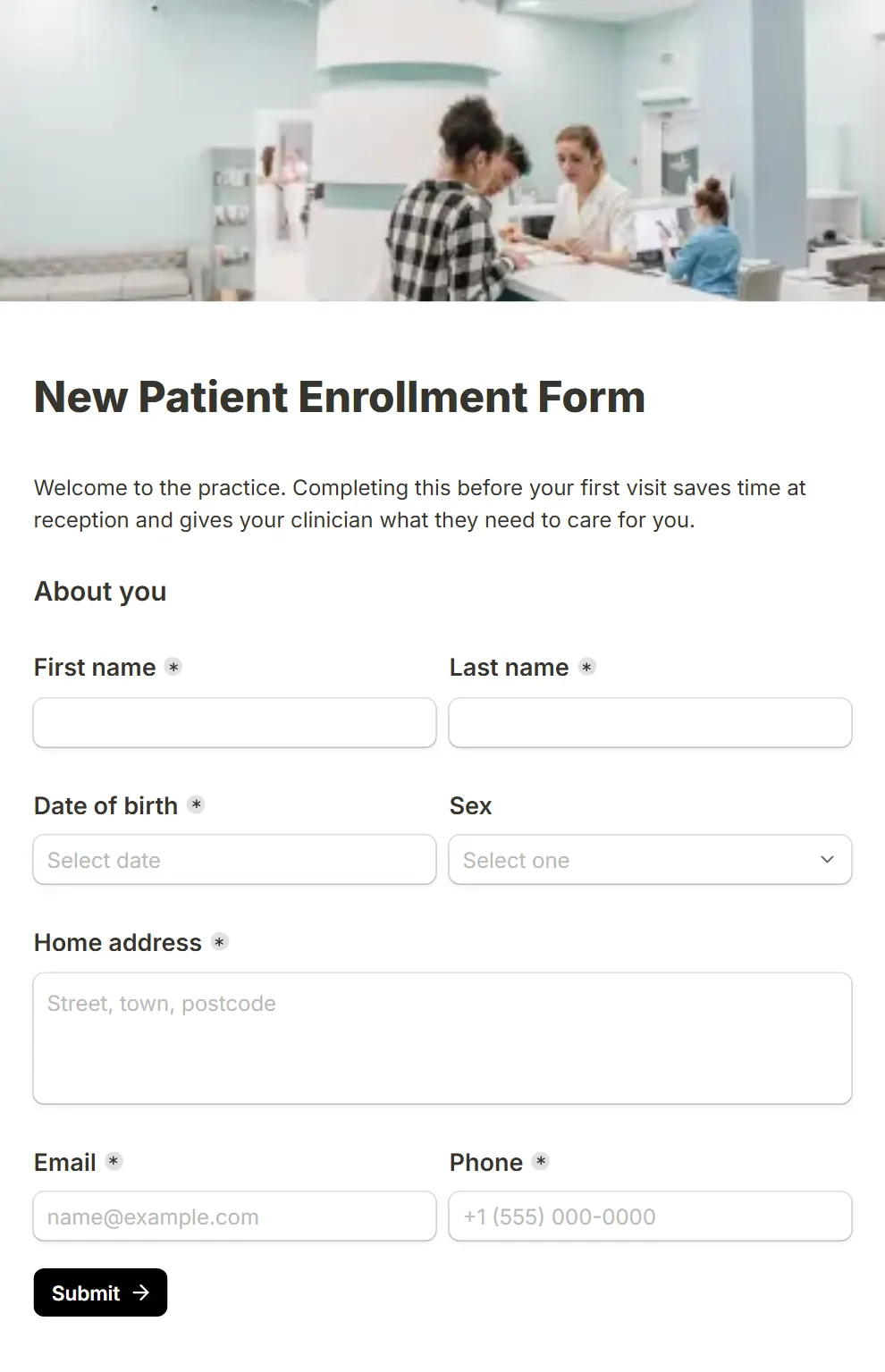
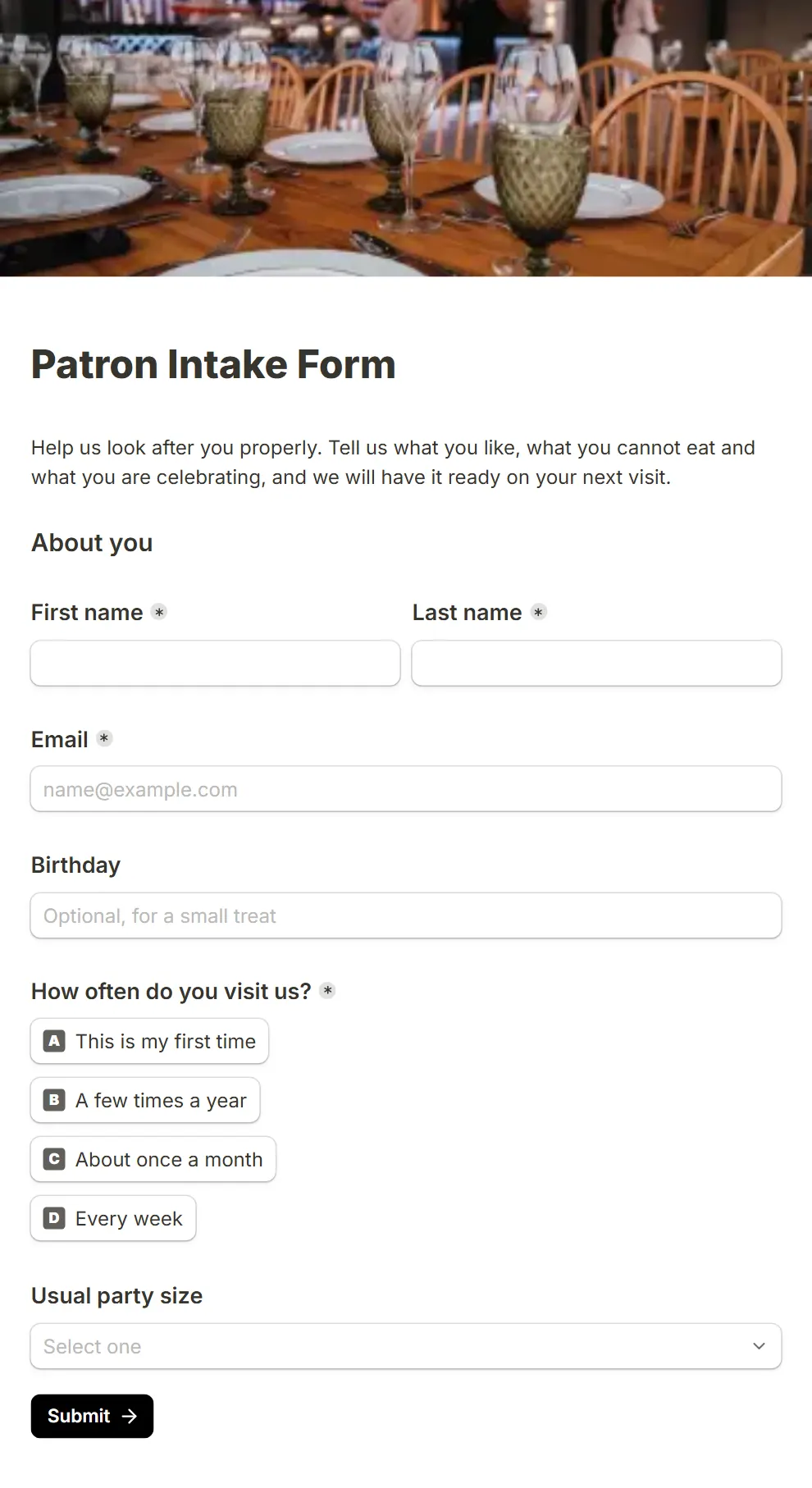
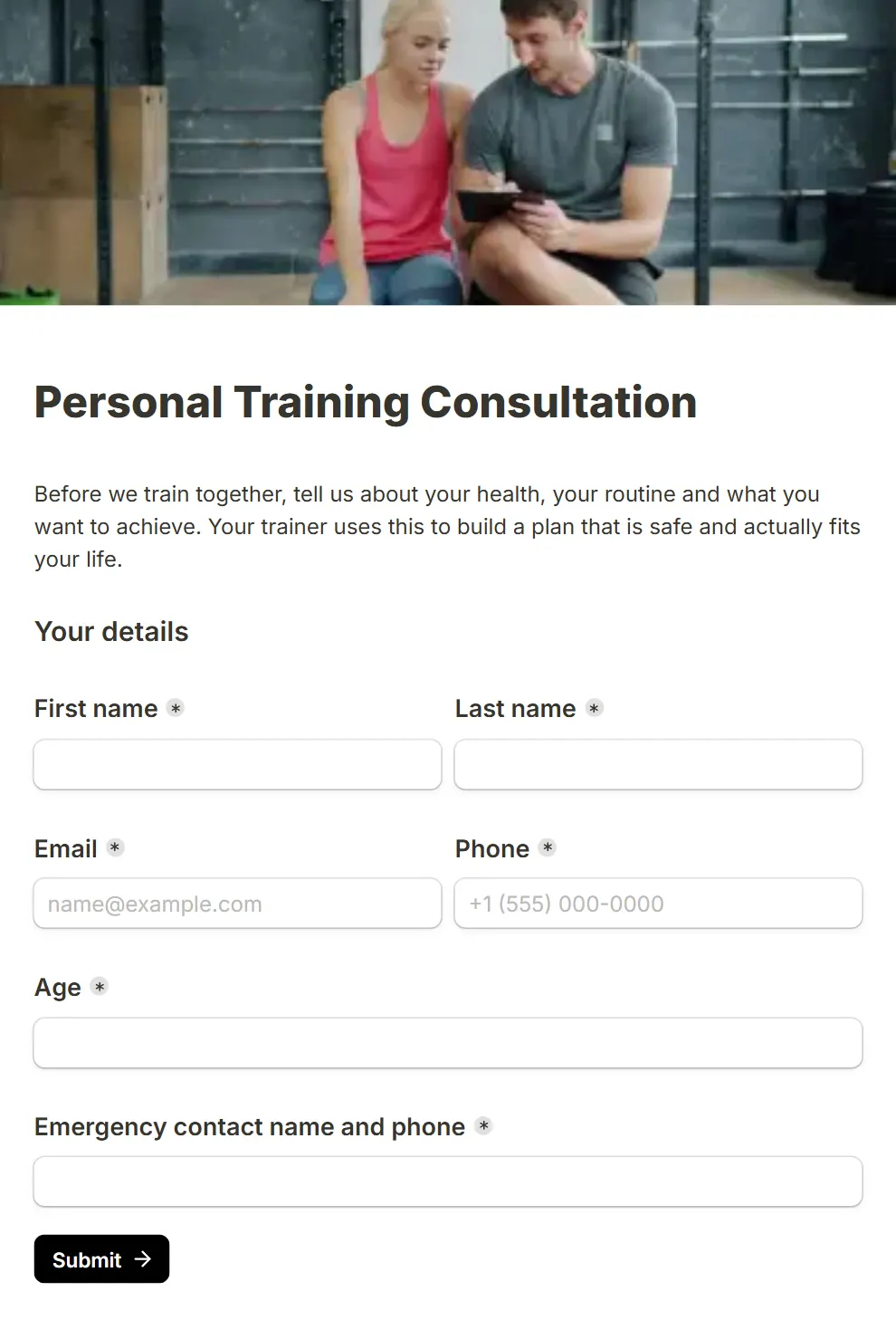
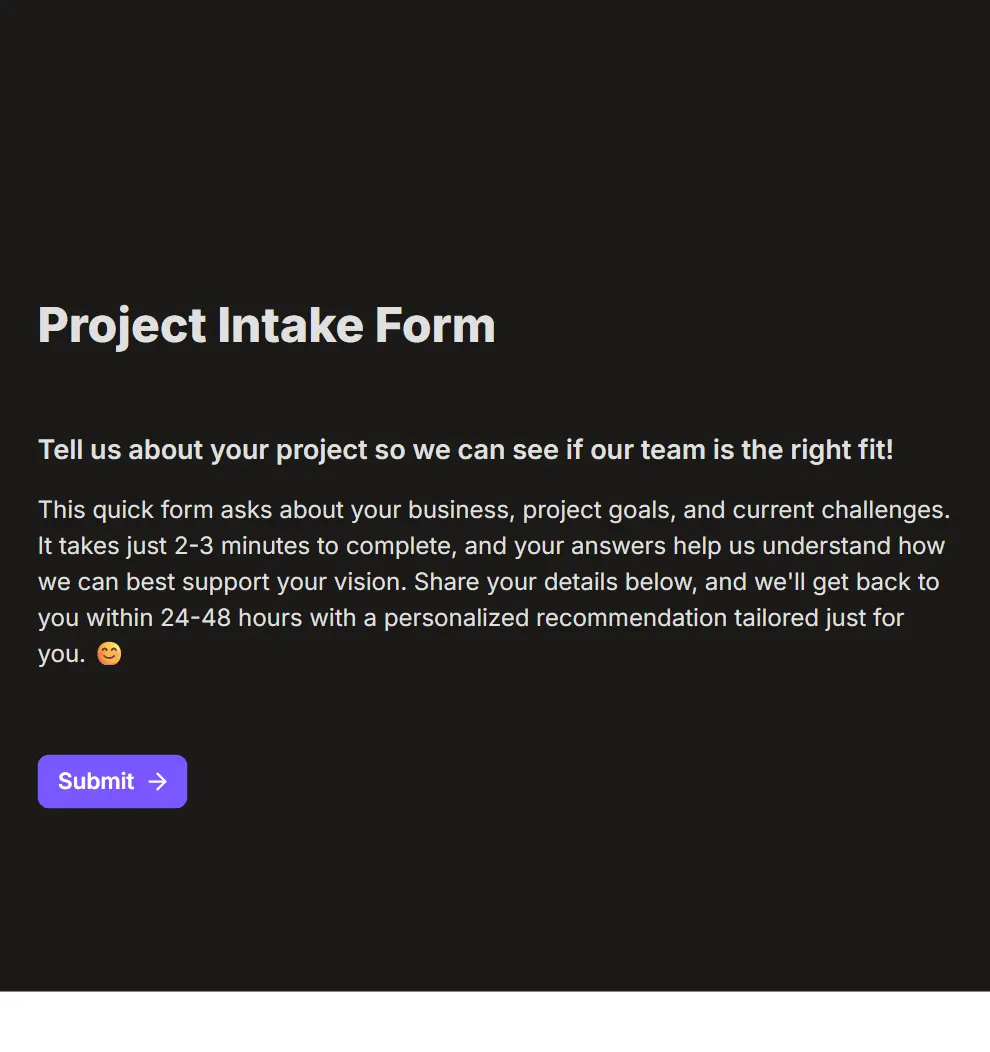
A client intake form collects what you need from a new client before the work starts: who they are, what they want, and the details your field needs, such as a matter's dates for a law firm, an accounting setup for a bookkeeper, or treatment history for a salon. Each template on this page is a working form you can copy and change.
What an intake form asks
Intake forms open with the client's contact details and how they heard about you, then ask about the job: the goals, the scope, the budget and the timeline for a project; the matter and the other parties for a law firm; the business entity and software for a bookkeeper; health or treatment history for a consultation. Many close with a consent or acknowledgement question and a file upload for documents the client already has.
Which template to start from
- A general client intake form for agencies and service businesses.
- Project intake for design and web projects.
- Legal and bookkeeping intake for professional firms.
- Consultation forms for salons, spas, clinics and trainers.
How to use a template
Click Use this template to copy the form into your workspace, change the questions in the editor and publish it. Send the link to a new client, or embed the form on your site.
Frequently asked questions
Are these client intake templates free?
Yes. Building and publishing forms is free, with no count of forms or answers to stay under, inside the Fair Use Policy.
Can clients upload documents?
Yes. A File upload question takes up to 5 files of up to 10 MB each, stored privately where only your workspace can open them.
Can a long intake form be finished later?
Yes. A form can save a respondent's answers in their browser so they can come back and finish it.
Can the client sign the form?
Yes. A Signature question takes a drawn signature, stored with the submission.