What this form asks
7 questions over 4 pages, 3 of them required.
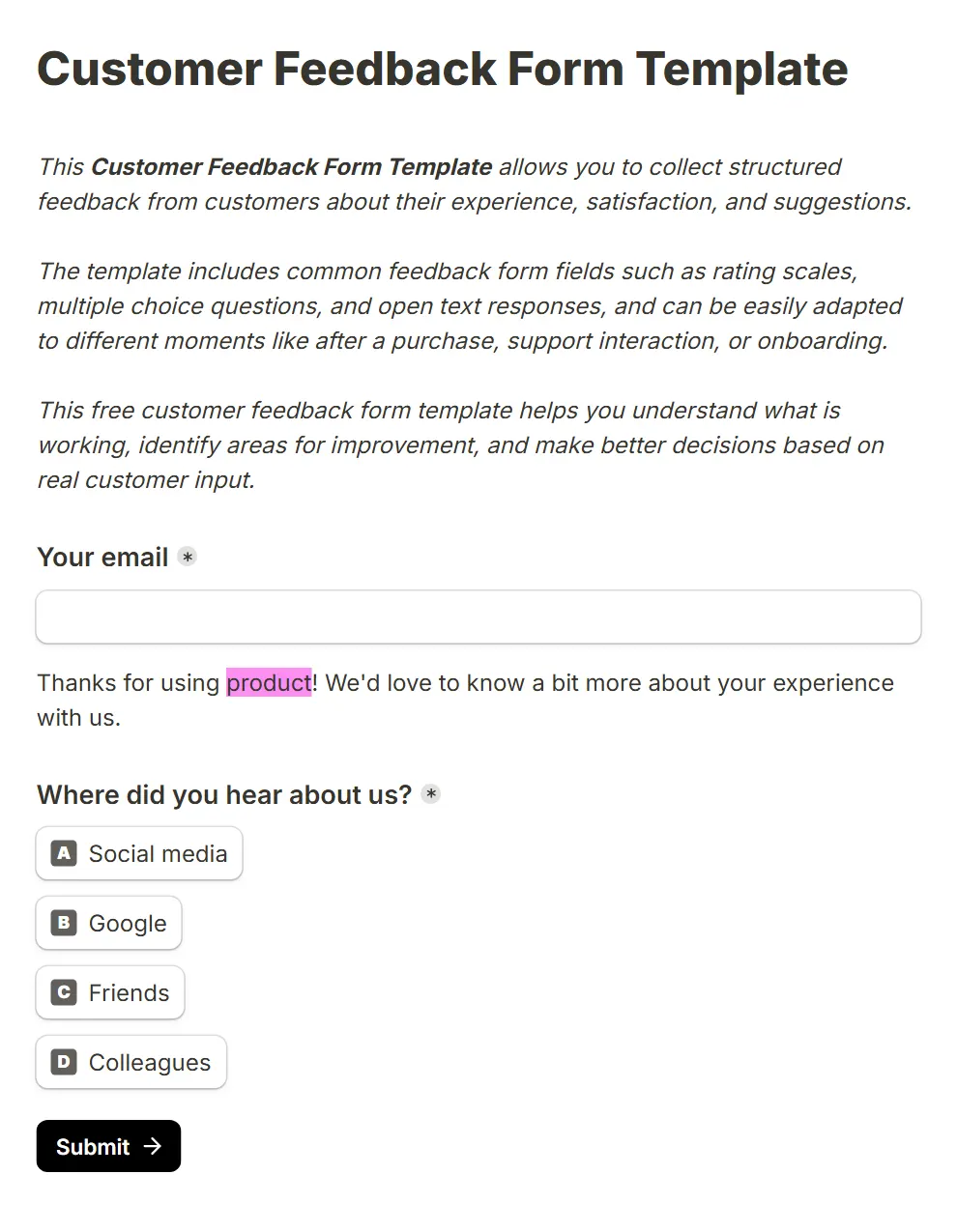
- Your emailEmail · required
- Where did you hear about us?Single choice · required
- How would you rate ourMatrix · required
- What do you enjoy the most about our product?Long answer
- How can we make our product better for you?Long answer
- Anything else you'd like to share with our team?Long answer
- Any screenshots you'd like to add?File upload
This customer feedback form asks customers how your product is doing and what to fix next. It pairs a rating grid, which gives you numbers to compare over time, with three open questions that say why. It runs over four pages and ends with an optional screenshot upload, so a customer can show you what they mean.
What the form covers
The form asks for the customer's email and where they heard about you, then shows a matrix that rates several parts of your product on one scale in a single block. Three long-answer questions follow: what they enjoy most, how you could make the product better for them, and anything else they want to share with the team. A file upload at the end takes screenshots.
Who uses a customer feedback form
- Software and app teams collecting product feedback after onboarding or a release.
- Shops and service businesses asking customers about a recent purchase or visit.
- Support teams following up after a ticket is closed.
How to use this template
- Use the template. Click "Use this template" to copy the form into your workspace.
- Name what is rated. Change the matrix rows to the parts of your product or service you want rated, and the scale to the one you prefer.
- Share it. Publish the form and send the link after a purchase or a support conversation, or embed it in your app or site.
Frequently asked questions
Can customers attach a screenshot?
Yes. The last question is a file upload that takes up to 5 files of up to 10 MB each; it is optional, so nobody has to attach one.
Can I see the ratings as a chart?
Yes. The form's Insights tab summarises the matrix and choice answers, and every response is in the Submissions tab.
Can the form be anonymous?
Yes. Remove the email question, and nothing in the answers identifies the customer.