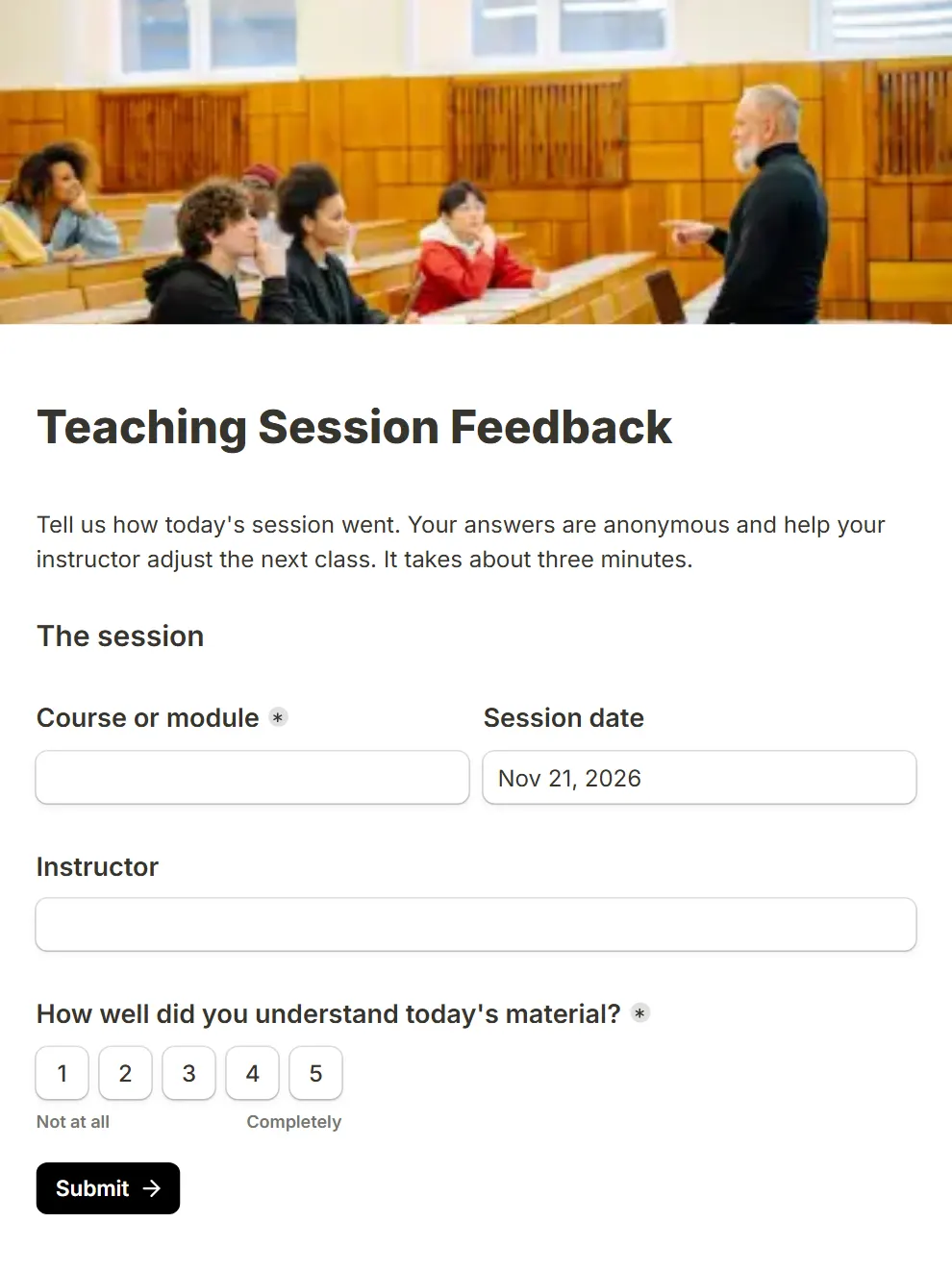
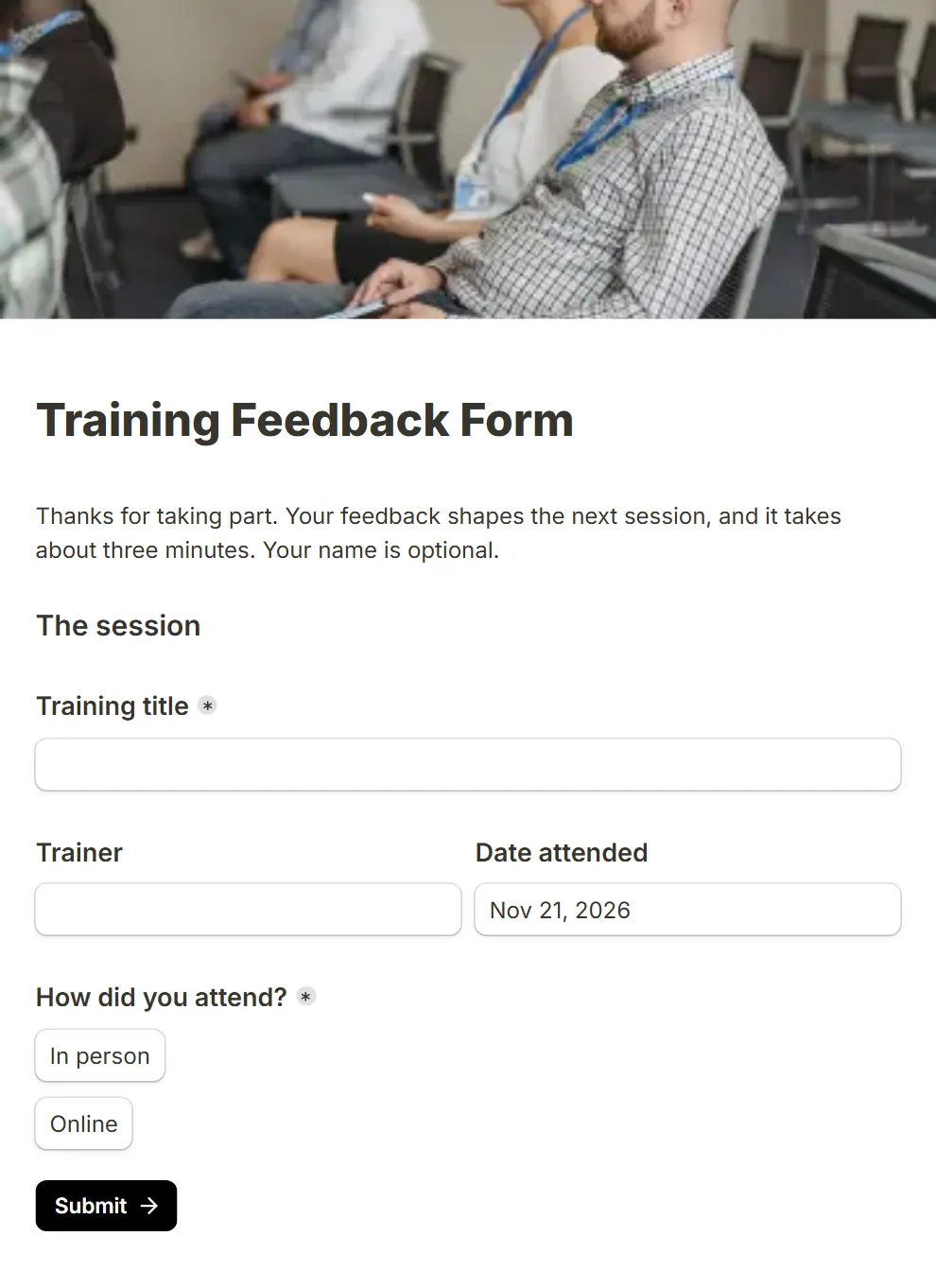
A feedback form asks people what they thought of something you did: a product, a service, an event, a training session or a colleague's work. The answers are a mix of ratings, which you can compare over time, and open questions, which tell you why. Each template on this page is a working form you can copy and change.
What a feedback form asks
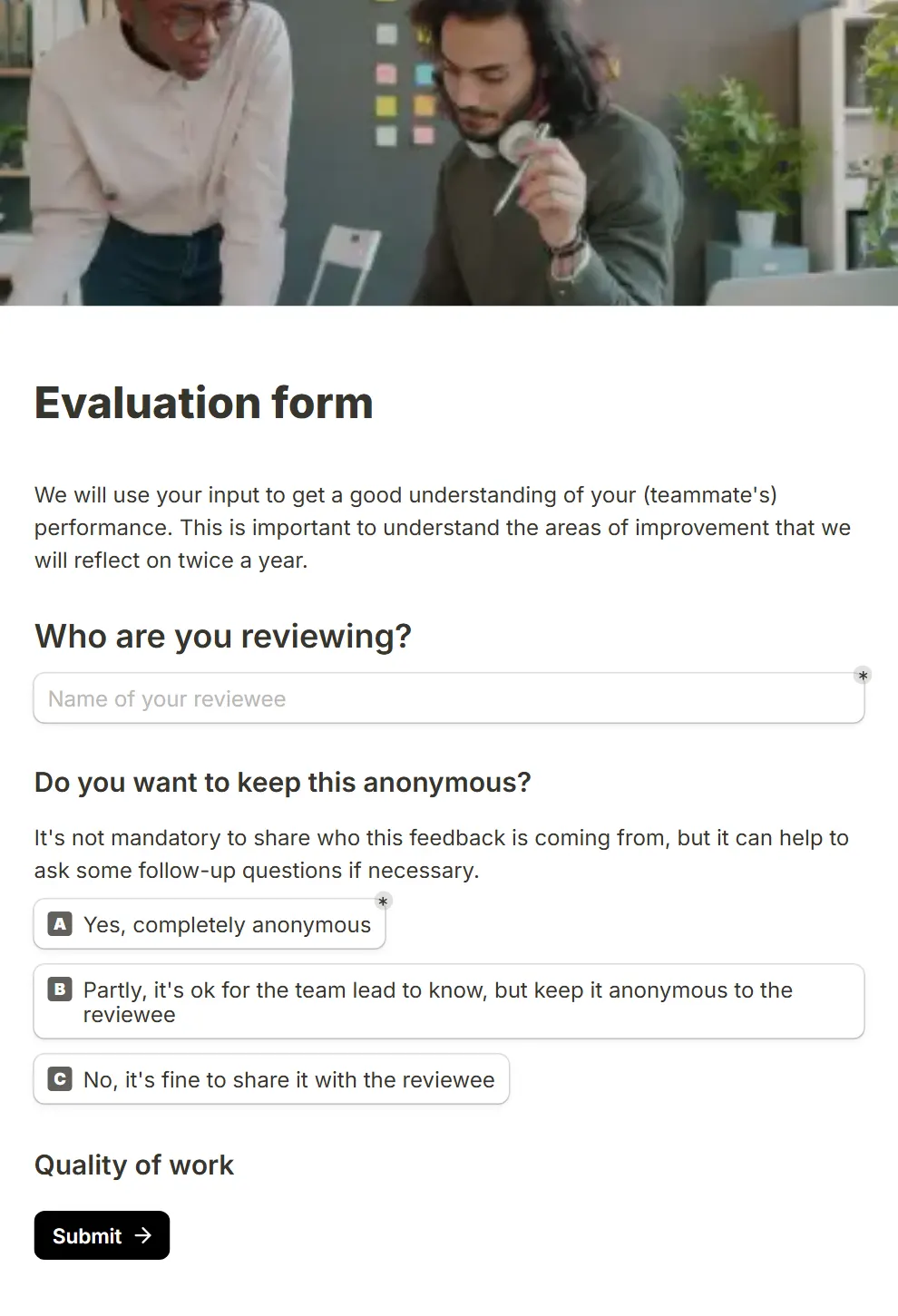
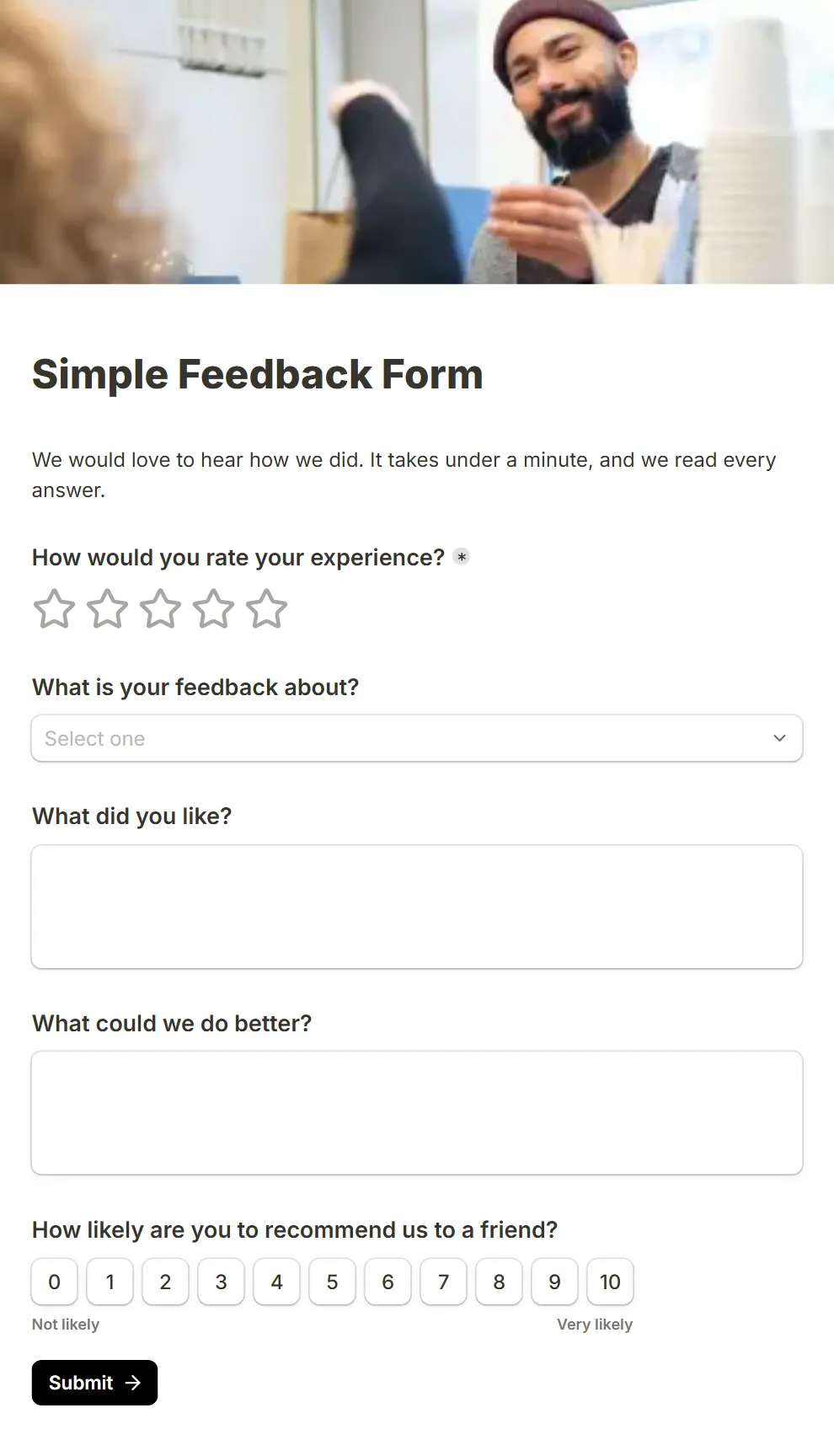
Most feedback forms ask for an overall rating first, then a few ratings of specific parts (the content, the speaker, the support, the value), and end with open questions such as "What should we improve?" Many let the respondent stay anonymous by leaving out name and email; others ask for an email so you can follow up.
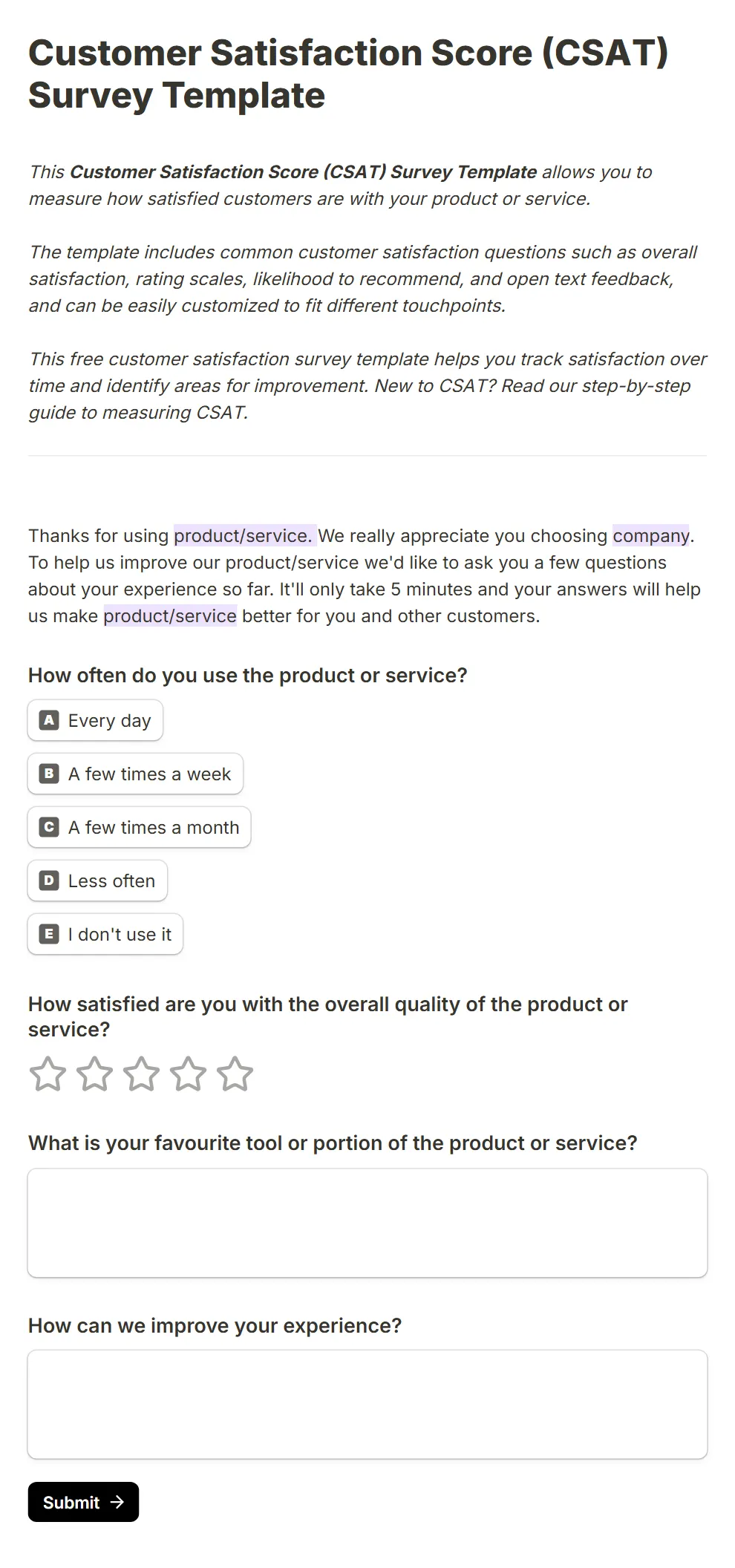
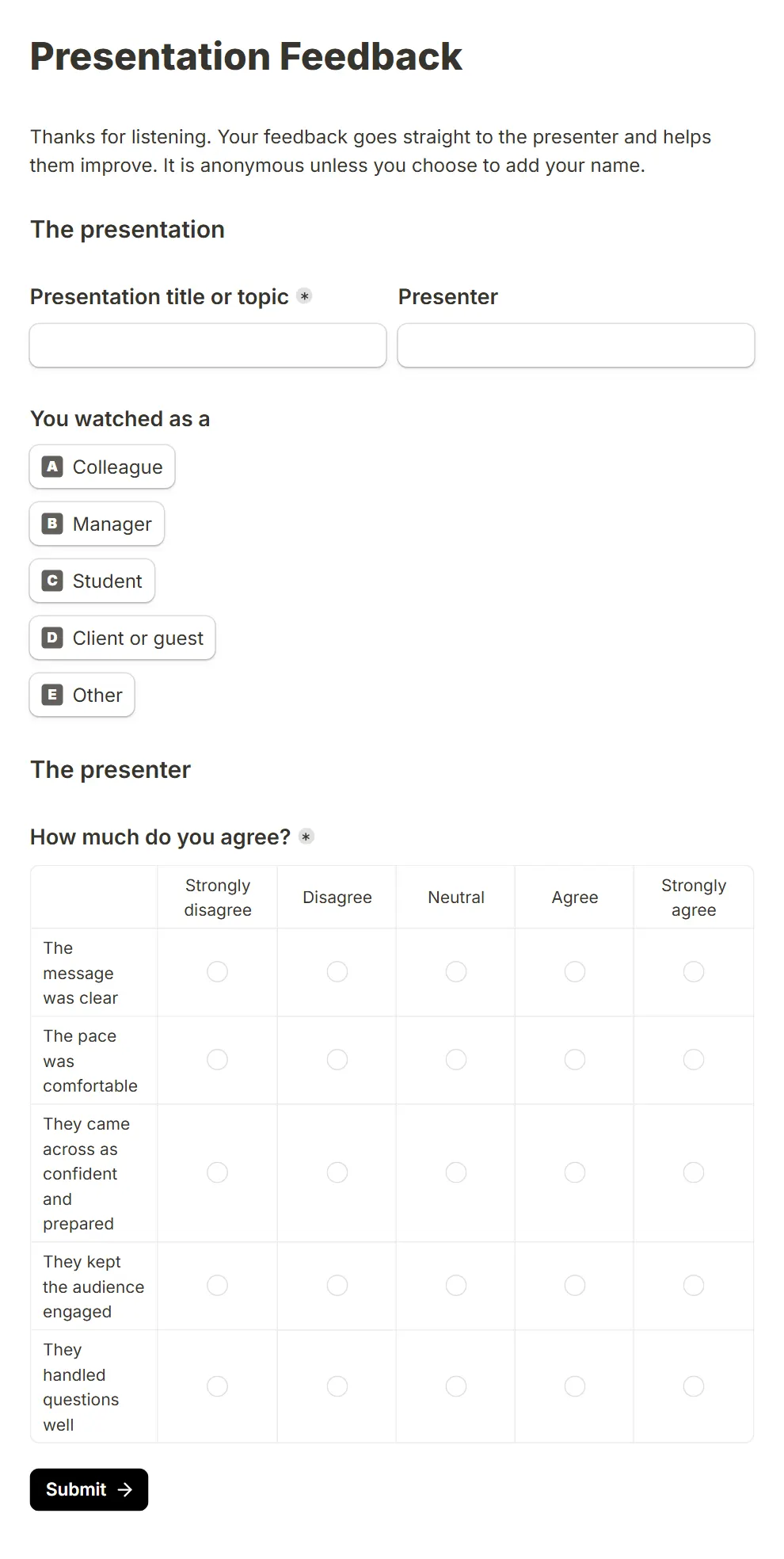
Rating, scale and matrix questions make the answers comparable: a matrix asks several items on the same scale in one block, which keeps an evaluation form short.
Which template to start from
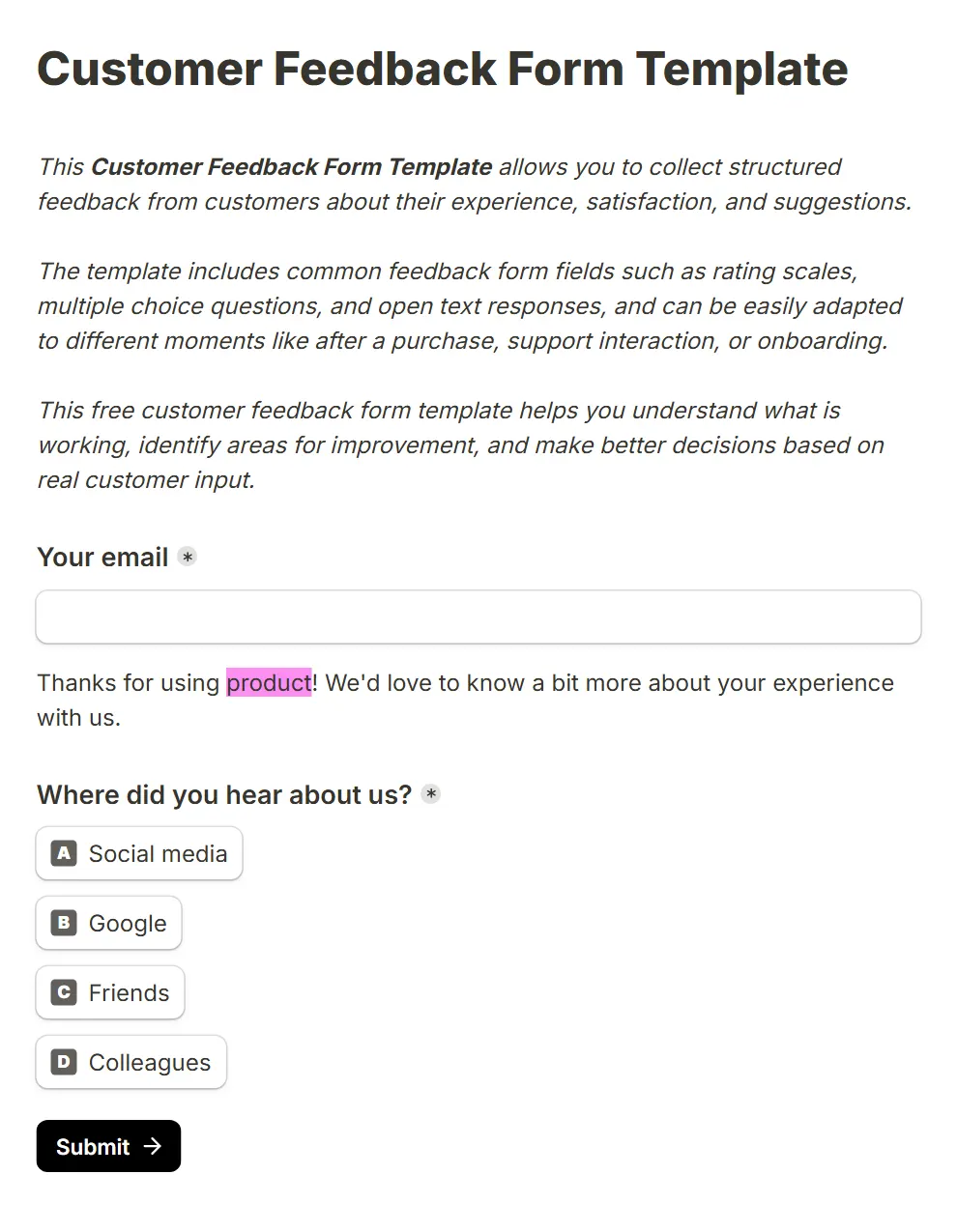
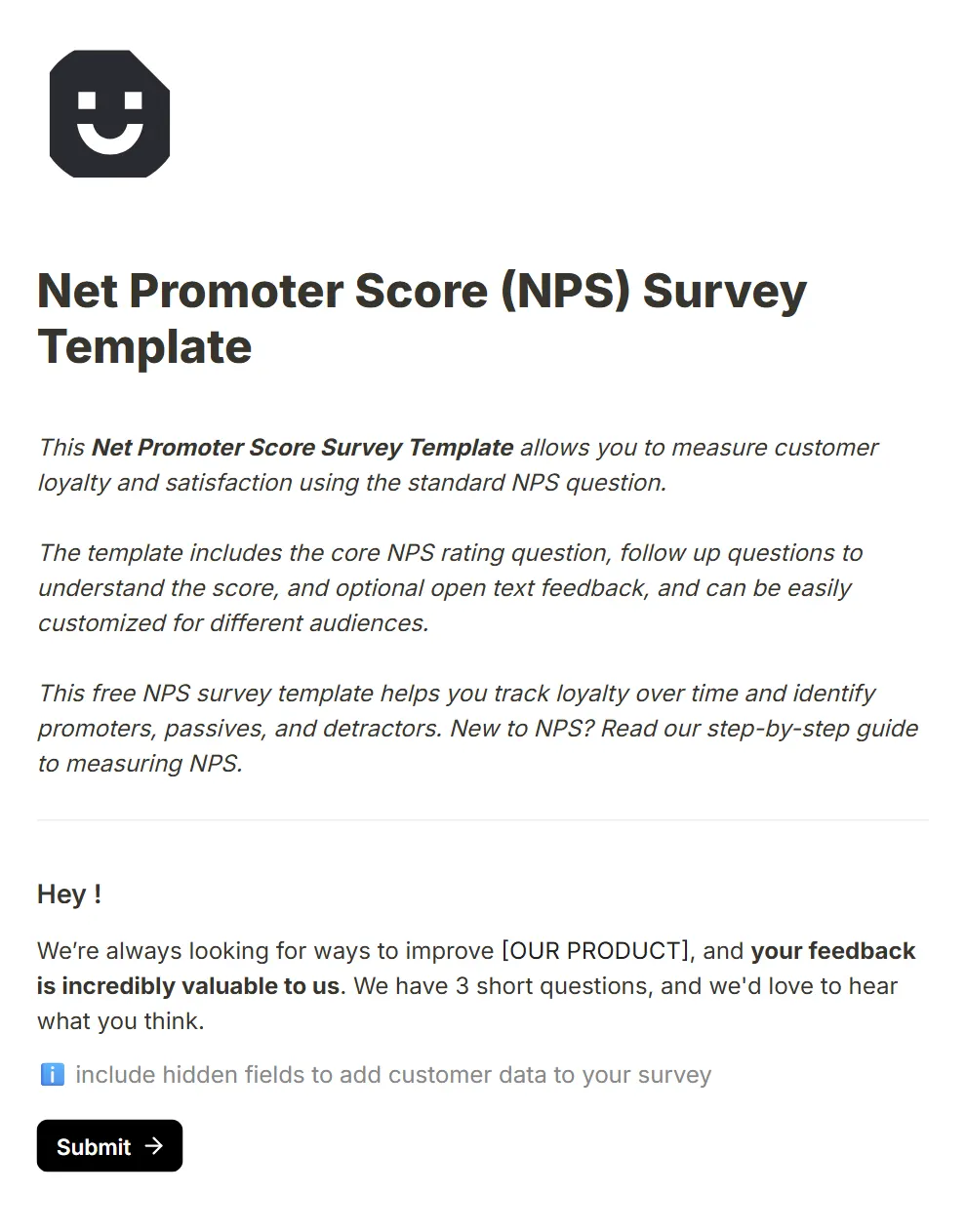
- Customer feedback and satisfaction asks about a purchase or a service.
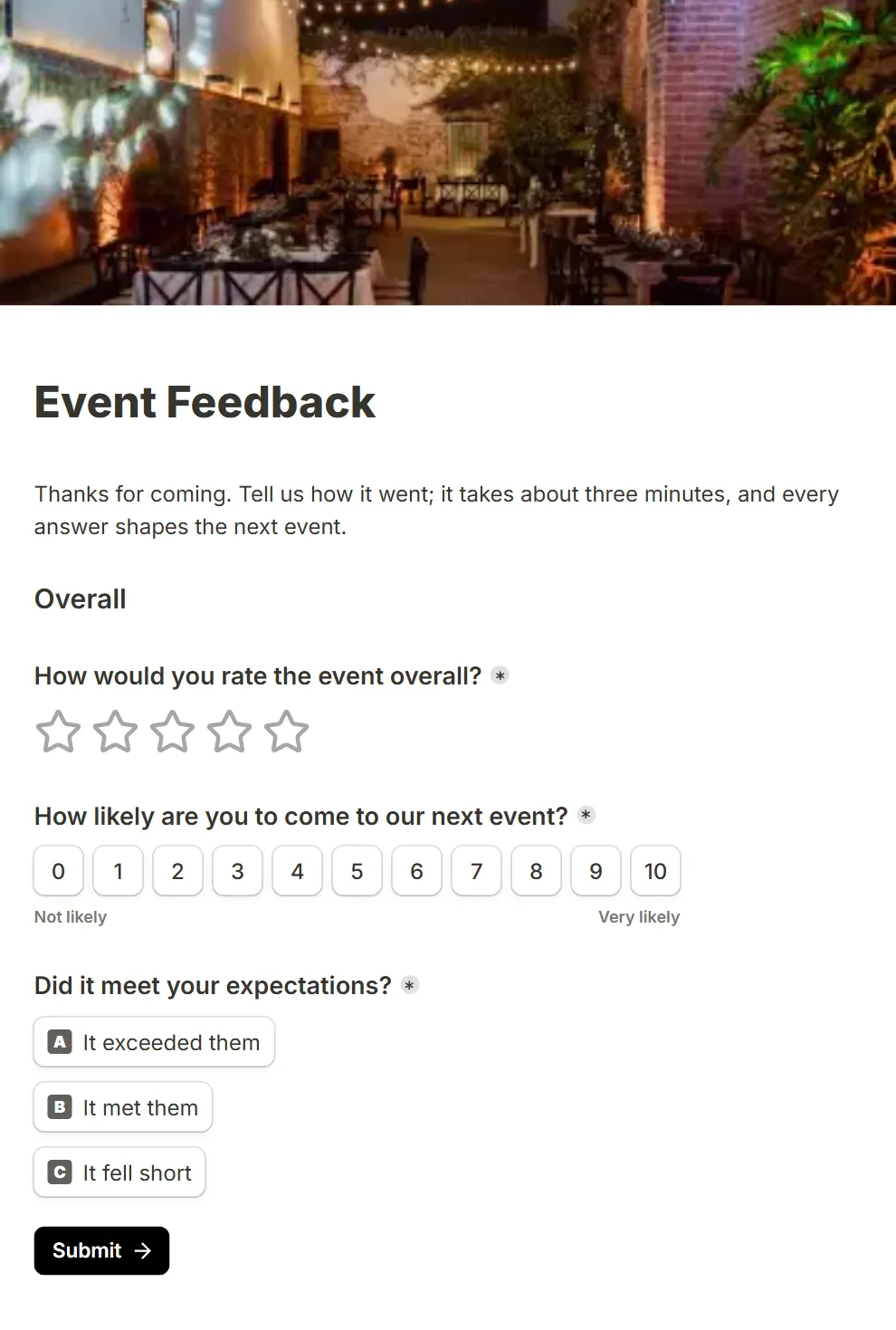
- Event, training and presentation feedback asks attendees about a session they just finished.
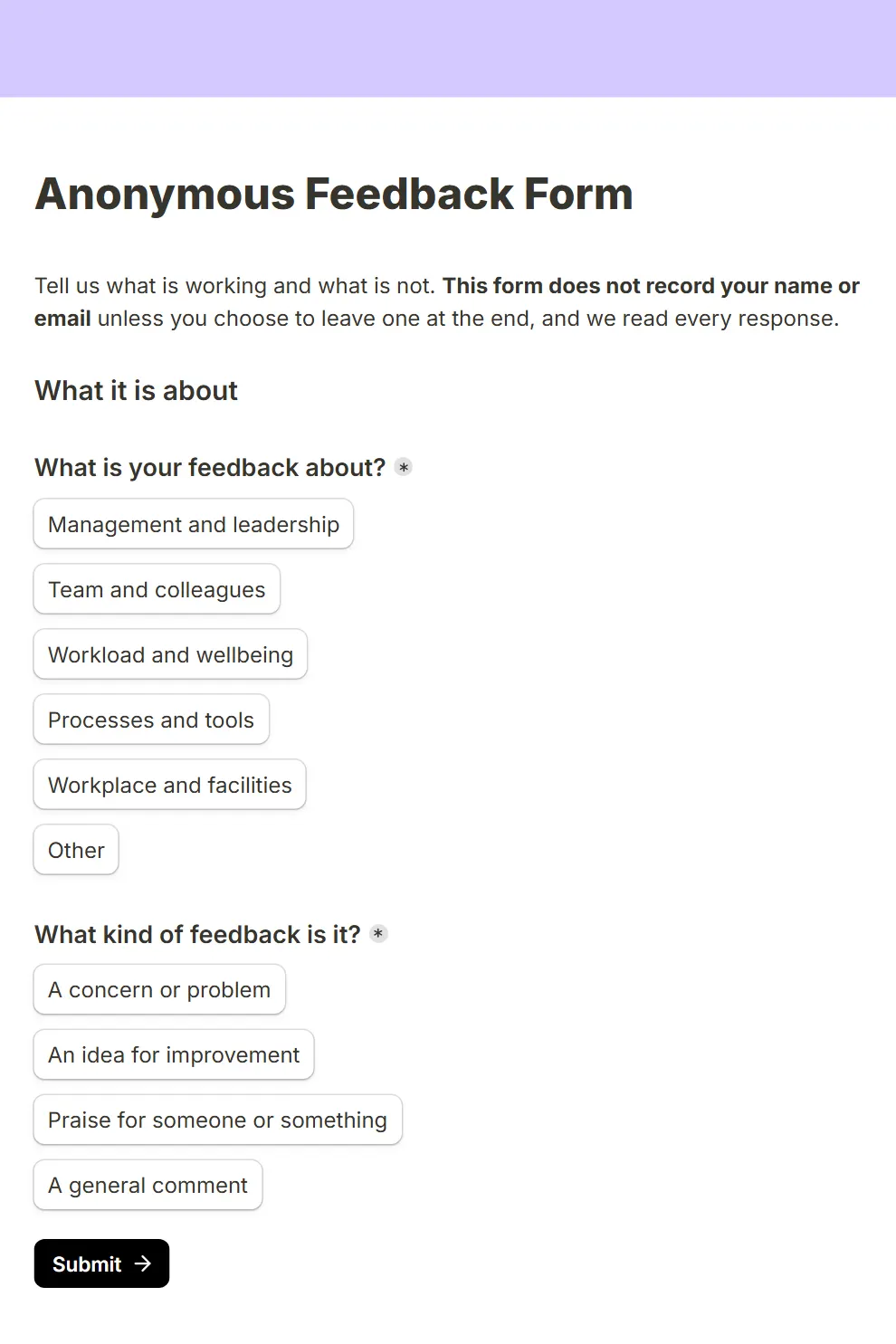
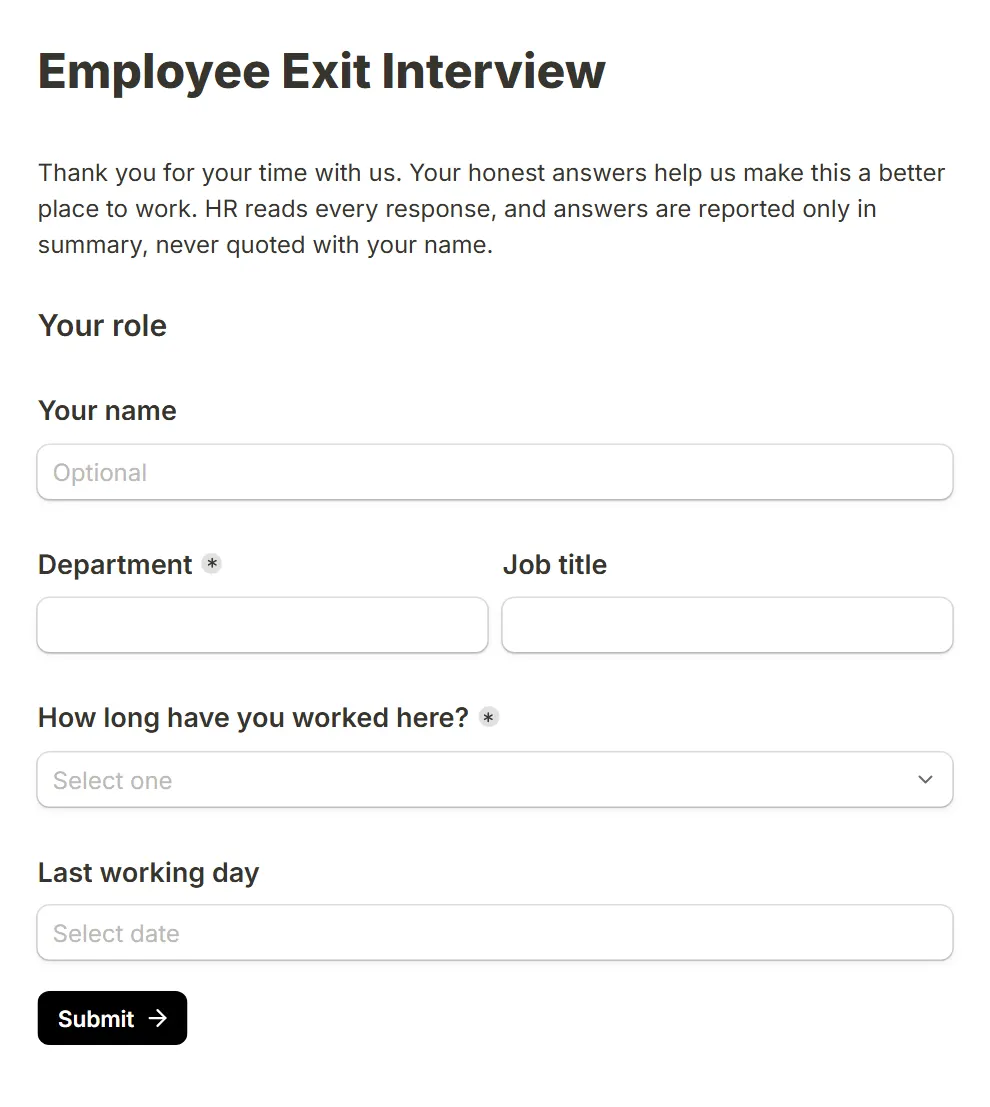
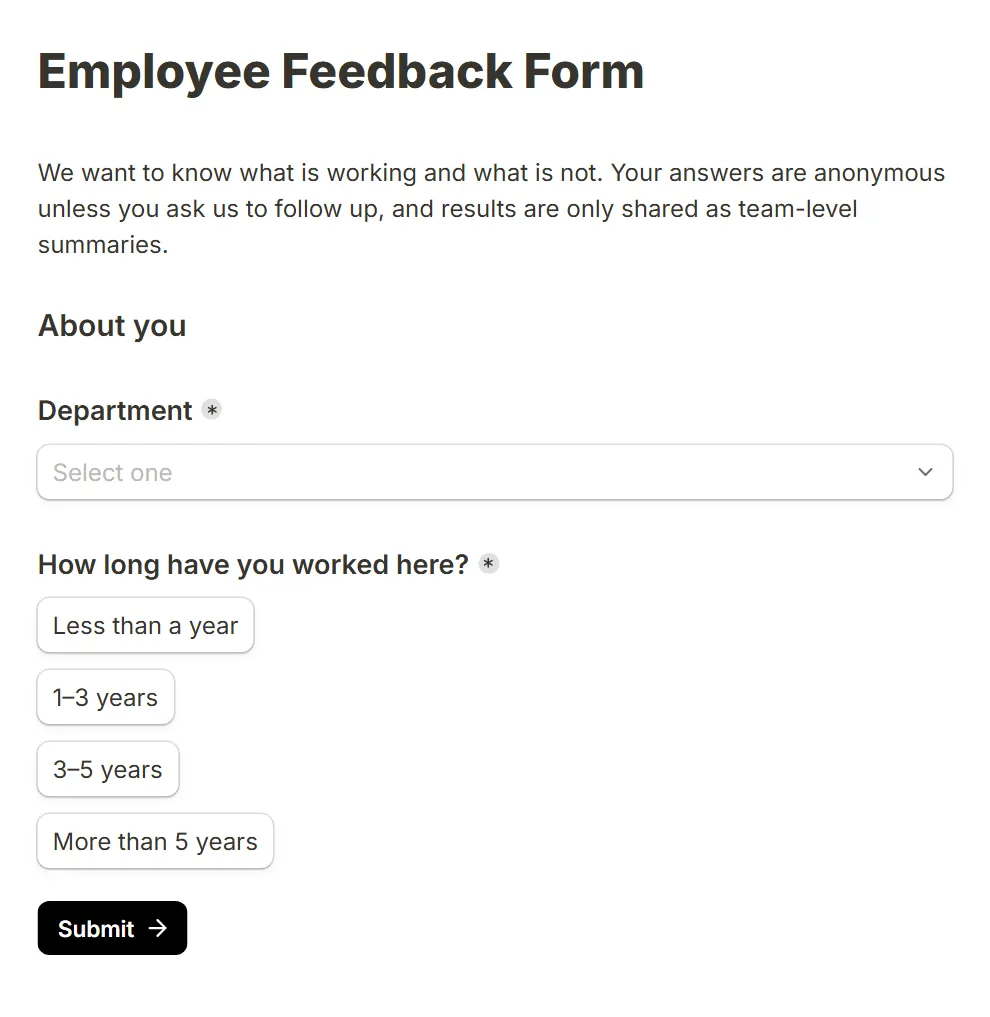
- Employee and peer feedback asks colleagues about work, and can be anonymous.
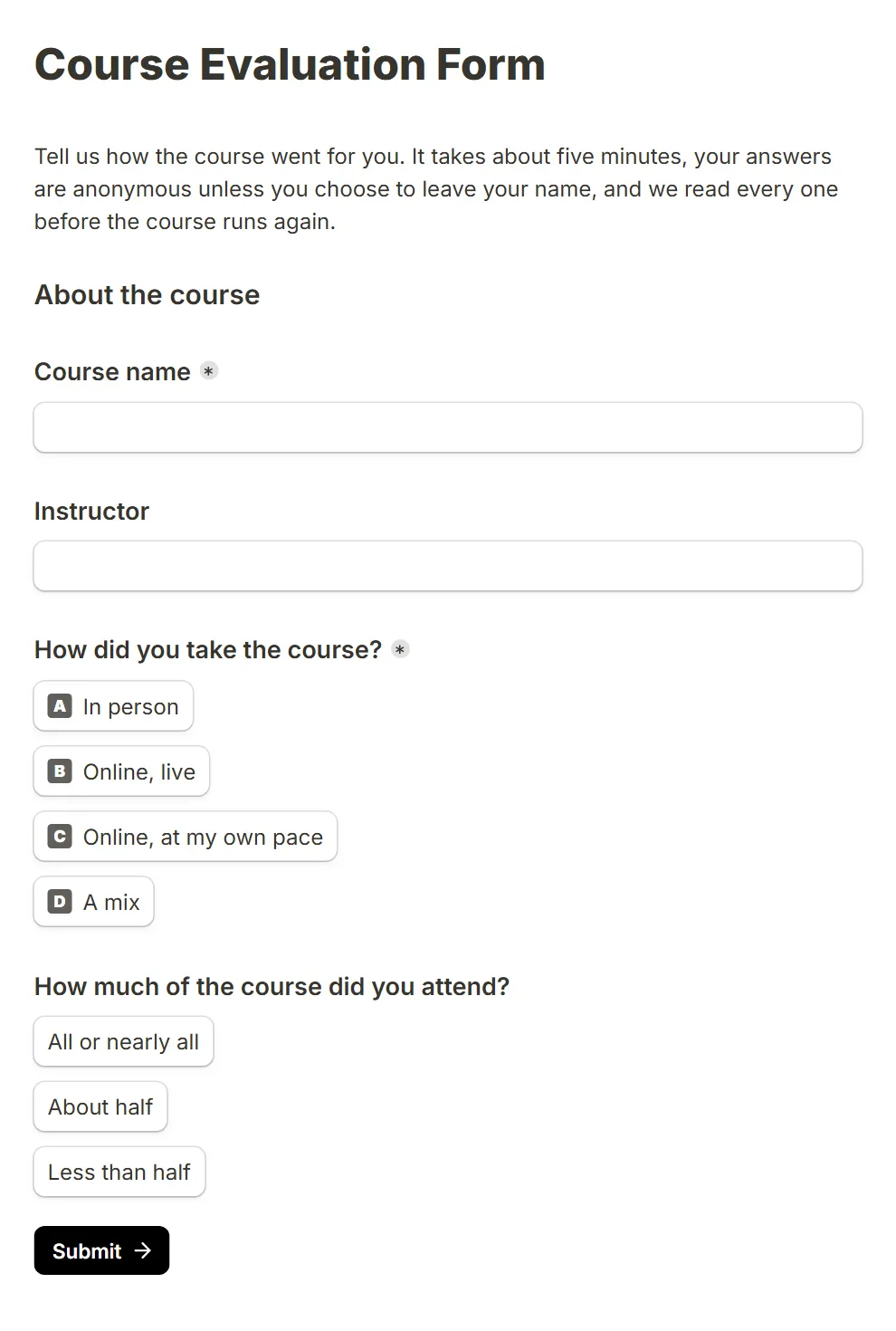
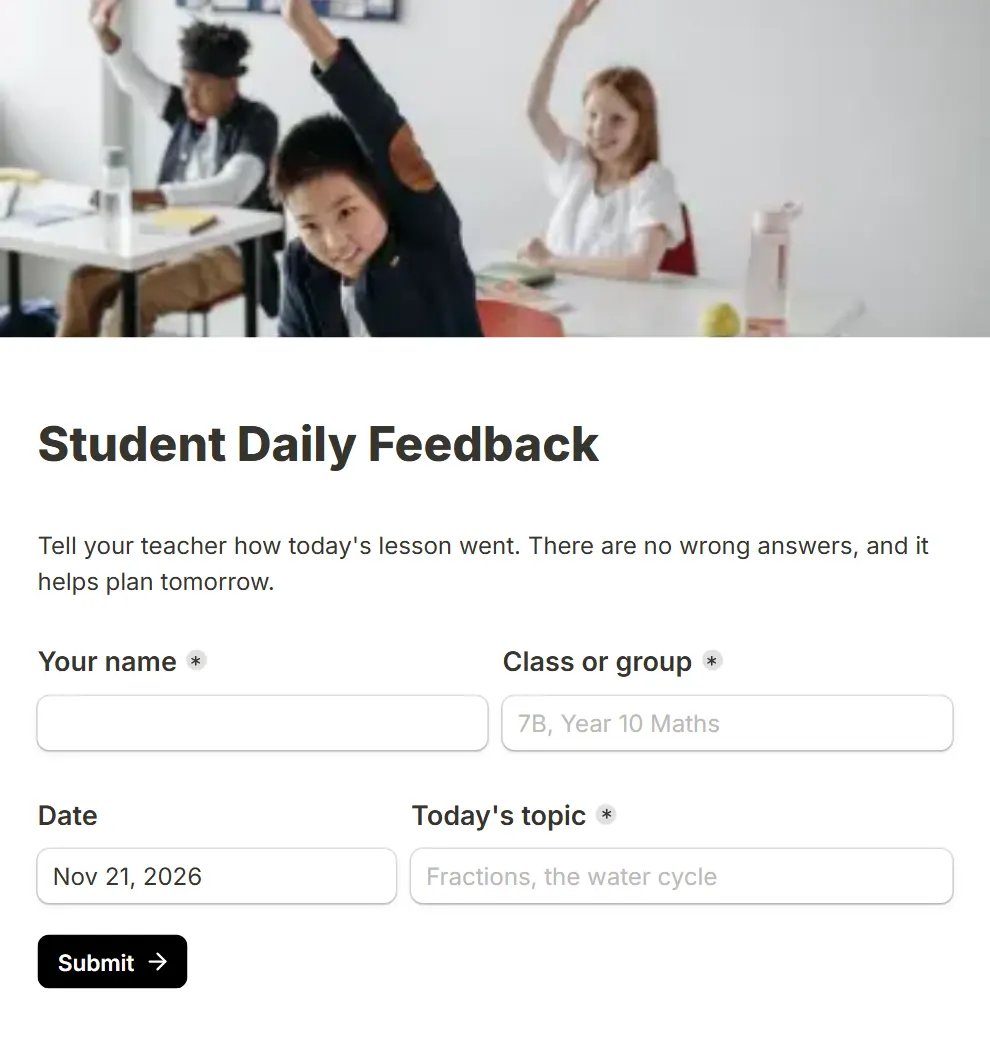
- Course and teaching evaluations ask students about a class or a teacher.
How to use a template
Click Use this template to copy the form into your workspace, change the questions and scales in the editor, and publish it. Share the link after the event or purchase, or embed the form on your site.
Frequently asked questions
Are these feedback form templates free?
Yes. Building and publishing forms is free, with no count of forms or answers to stay under, inside the Fair Use Policy.
Can feedback be anonymous?
Yes. Leave out the name and email questions and the form asks nothing that names the respondent.
Can I see the results as charts?
Yes. The form's Insights tab summarises the answers, and every response is listed in the Submissions tab.
Can I ask a follow-up only after a low rating?
Yes. Conditional logic can show a question such as "What went wrong?" only when the rating is below a value you choose.