What this form asks
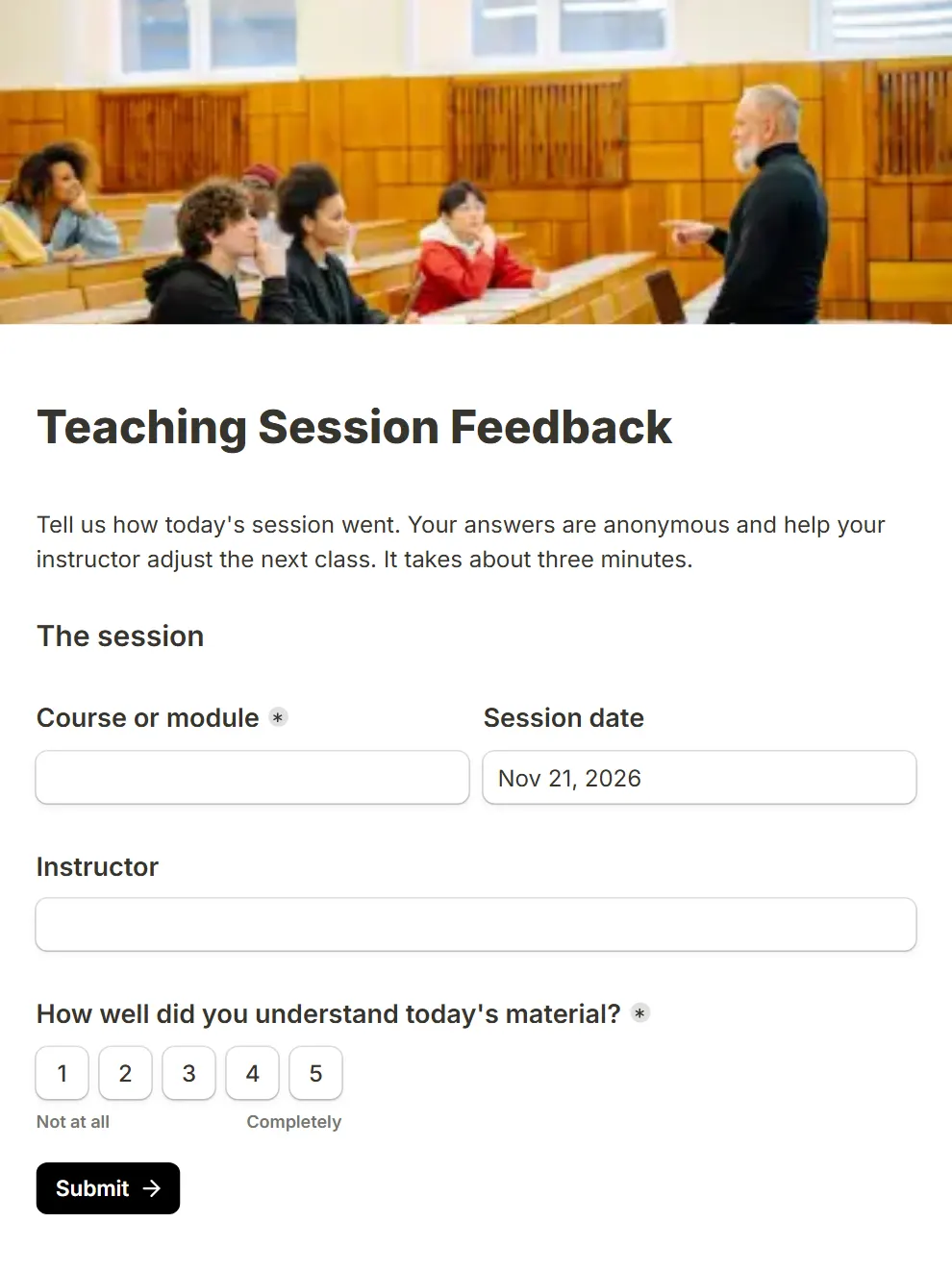
11 questions over 4 pages, 5 of them required.
- Course or moduleShort answer · required
- Session dateDate
- InstructorShort answer
- How well did you understand today's material?Linear scale · required
- How much do you agree?Matrix · required
- How relevant was the content to the course?Single choice · required
- How was the learning environment (room, sound, online setup)?Rating
- Overall, how would you rate this session?Rating · required
- What helped you learn the most?Long answer
- Was anything confusing?Long answer
- One suggestion for the next sessionLong answer
Welcome to our Teaching Session Feedback Form template page. This clear, easy-to-modify template can be put to immediate use. The form is designed to aid you in gathering critical feedback from your students, enhancing the quality and effectiveness of your teaching sessions.
Teaching Session Feedback Form Use Cases
A Teaching Session Feedback Form is a valuable tool used in educational settings to gather important feedback from students. Here are its main uses:
1. Learner Feedback Collection - The form captures key feedback from learners regarding the effectiveness of a teaching session.
2. Instructor Evaluation - It aids in evaluating the instructor's teaching methods, communication skills, and understanding of the subject matter.
3. Understanding Learner's Comprehension - The form can measure how well students have comprehended the material discussed in a session.
4. Session Improvement Suggestions - It allows students to share their insights and suggestions for enhancing future teaching sessions.
5. Course Content Relevance - The form can assess the relevancy and appropriateness of the course content for students.
6. Learning Environment Feedback - The form provides a platform for students to share their views on the learning environment, including the classroom setup, use of technology, and more.
7. Educational Improvement - The collected feedback can assist in developing and improving teaching methods, course content, and overall learning experiences.
How to Use
1. Use the Template: Click on the "Use this template" button to create a copy of this Teaching Session Feedback Form. After this, you can personalize it to align with your specific educational needs.
2. Customize the Form: Add, revise, or remove fields as necessary. Consider sections for session details, feedback on teaching methods, comprehension understanding, suggestions for improvement, and other relevant areas.
3. Share the Form: Once the form has been tailored to your needs, share it with your students. They can complete it with their feedback and insights, enabling you to understand their experiences and make necessary improvements.
4. Analyze the Information: After receiving the completed forms, review the feedback. Use this information to enhance your teaching methods, adjust your course content, and improve the overall learning environment.
This Teaching Session Feedback Form template is a valuable tool for systematically collecting and understanding student feedback. By using this form, you can ensure all pivotal insights are accurately recorded and utilized, facilitating an effective, responsive teaching process. Use this template today and enhance your educational effectiveness.
Frequently asked questions
How do I use the Teaching Session Feedback Form template?
Simply click the "Use this template" button to create a copy of the form that can be customized to fit your educational needs.
Can I customize the Teaching Session Feedback Form template?
Absolutely! You can add, remove, or modify fields as needed to align with your specific teaching and feedback collection processes.
How do I share the form with my students?
Once it's been customized, you can share the form with your students via email, a shared link, or directly through your educational platform.
Does the form capture all necessary feedback I need from a teaching session?
Yes, with the correct modifications, the form can capture all necessary feedback, including students' views on the teaching methods, their understanding of the course material, suggestions for improvement, and more.
How should I use the feedback I receive?
The collected feedback should be used to improve your teaching methods, adjust your course content based on students' understanding, and enhance the overall learning environment. It aids in delivering effective and responsive education.