What this form asks
3 questions over 6 pages, 3 of them required. Some questions appear only after an answer that needs them.
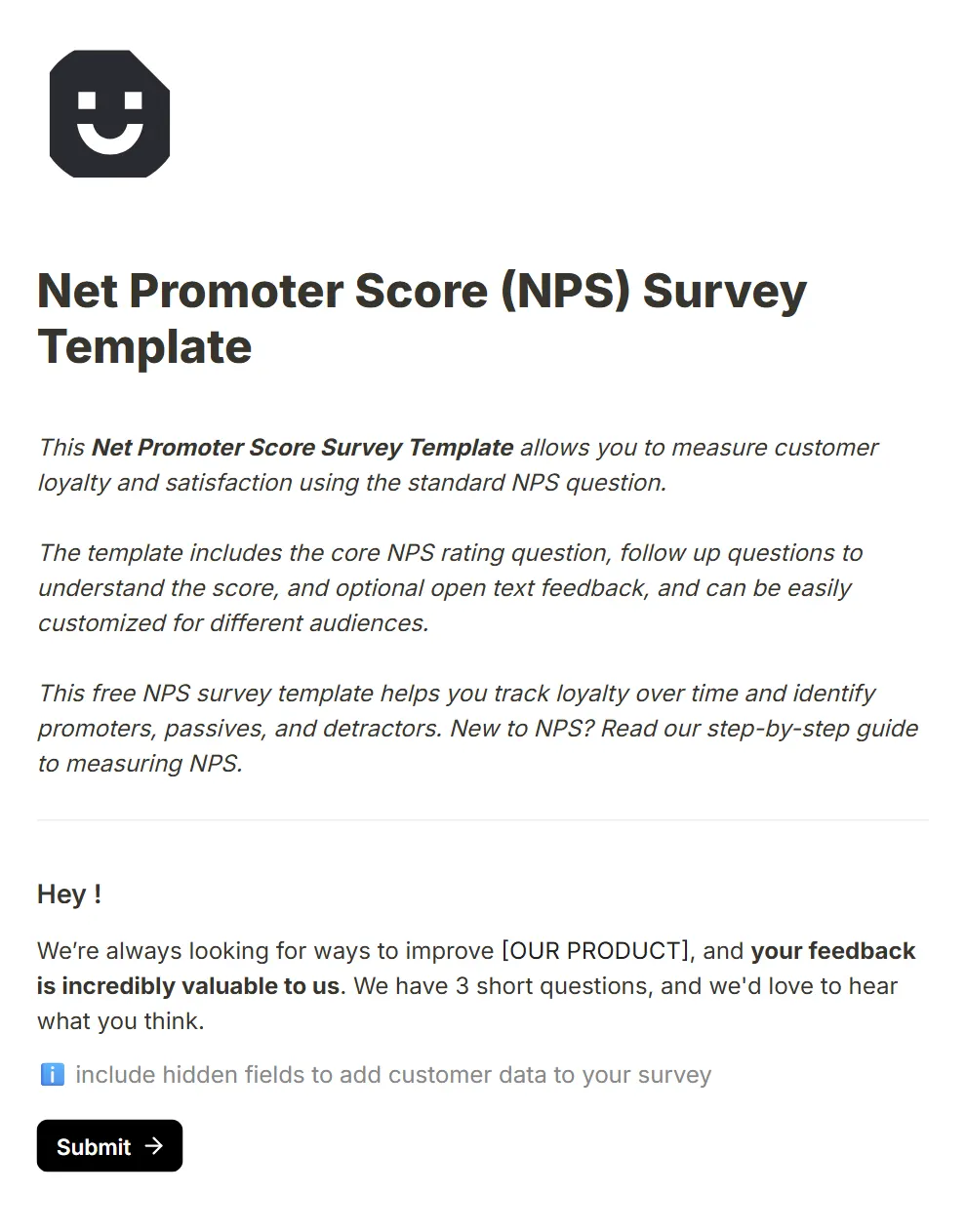
- How likely are you to recommend [our product] to a friend or colleague?Linear scale · required
- How can we improve [our product] for you?Long answer · required
- What's the main benefit you receive from [our product]?Long answer · required
This NPS survey asks the Net Promoter Score question, "How likely are you to recommend us to a friend or colleague?", on a 0 to 10 scale, and then asks a follow-up chosen by the score. A customer who scores low is asked how you could improve; one who scores high is asked what benefit they get most. Logic sends each respondent down the right path, so everyone answers two questions and no more.
What the form covers
The first question is the 0 to 10 scale. Conditional logic reads the score and jumps to one of two pages: "How can we improve for you?" or "What's the main benefit you receive?". Both are long answers, so the reason behind the score is in the customer's own words. The product name in the questions is a placeholder in brackets, ready to be replaced with yours.
How the score is read
Net Promoter Score groups answers into three: 9 and 10 are promoters, 7 and 8 are passives, 0 to 6 are detractors. The score is the share of promoters minus the share of detractors, from -100 to 100. The Insights tab shows how the answers are spread across the scale.
Who uses an NPS survey
- SaaS and subscription businesses tracking loyalty from quarter to quarter.
- Agencies and service firms asking clients after a project ends.
- Product teams comparing loyalty before and after a release.
How to use this template
- Use the template. Click "Use this template" to copy the survey into your workspace.
- Add your product name. Replace "[our product]" in the questions.
- Share it. Publish the survey and send the link by email, or embed it in your app.
Frequently asked questions
Why does the follow-up question change?
The survey uses conditional logic on the score: a low score leads to the improvement question and a high score to the benefit question, so each customer answers the question that fits.
Can I change the scale?
Yes. The scale question's settings hold its range and labels, though NPS itself is defined on 0 to 10.
Where do I see the results?
The Insights tab summarises the scores, and every response with its follow-up answer is in the Submissions tab.