What this form asks
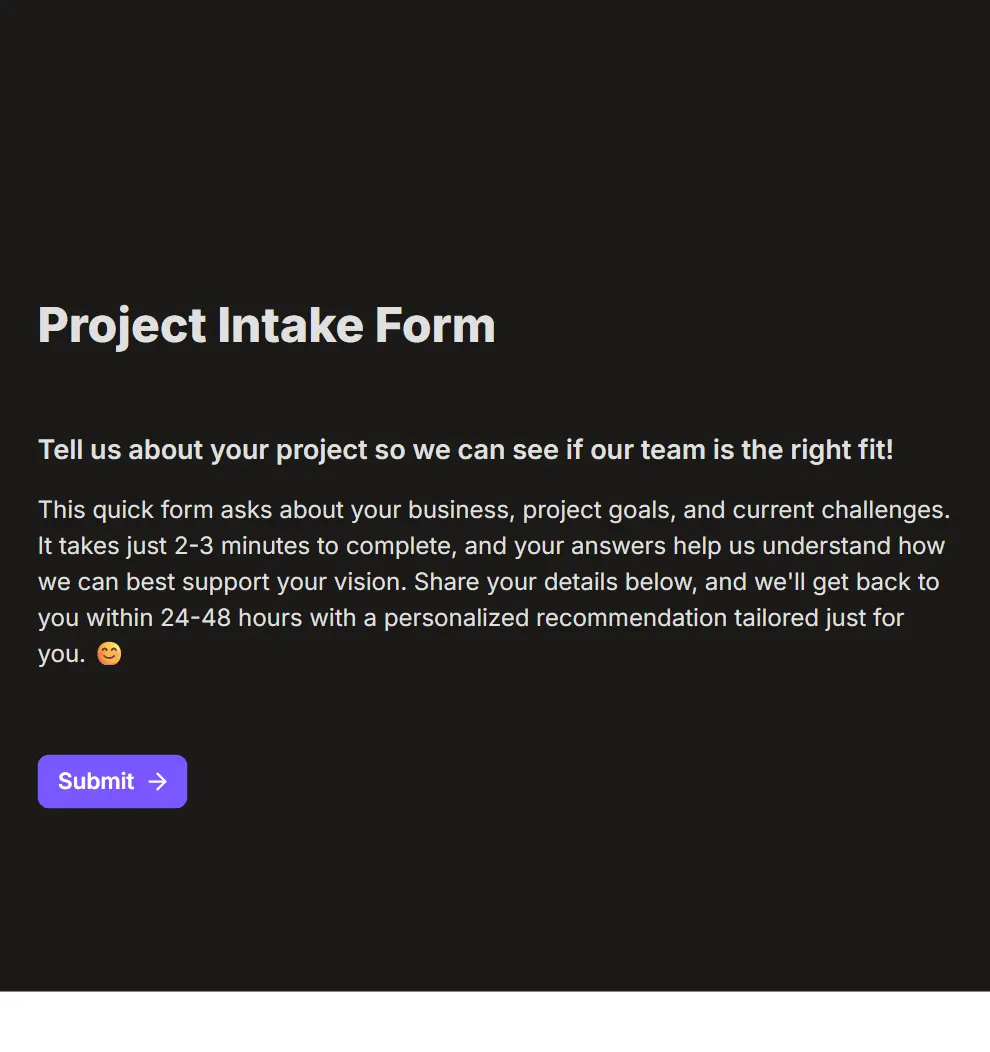
16 questions over 6 pages, 15 of them required.
- About youShort answer · required
- EmailEmail · required
- About your companyShort answer · required
- Company WebsiteLink · required
- Your RoleDropdown · required
- Where are you in your startup journey?Single choice · required
- What's your current situation?Multiple choice · required
- Do you have existing brand guidelines?Single choice · required
- What's your project timeline?Single choice · required
- What's your budget range for this project?Single choice · required
- What are the main goals for your project?Multiple choice · required
- What's your biggest challenge with your current solution?Multiple choice · required
- Are you currently driving traffic/users to your digital platform?Single choice · required
- Who will be involved in the decision-making process?Multiple choice · required
- Anything else we should know about your project?Long answer
- How did you hear about us?Dropdown · required
This project intake form gathers what an agency or studio needs from a new client before a discovery call: who they are, where their company is, what they want the project to achieve, when, and for how much. It runs over six pages and works as a website design questionnaire as well as a general project brief.
What the form covers
The client gives their name, email, company, website and role. They then say where they are in their startup journey, what their current situation is, and whether they have brand guidelines. The project questions cover the timeline, the budget range, the main goals, the biggest challenge with their current site or product, whether they are already driving traffic or users to it, and who is involved in the decision. The form closes with anything else about the project and how they heard about you.
Who uses a project intake form
- Design and web agencies qualifying a project before a call.
- Freelance designers and developers who want the budget and timeline up front.
- Branding and marketing studios onboarding a new client.
How to use this template
- Use the template. Click "Use this template" to copy the form into your workspace.
- Match your services. Change the budget ranges, goals and challenges to the work you take on.
- Share it. Send the link to a new client, or embed the form on your "Start a project" page.
Frequently asked questions
Can I use this as a website design questionnaire?
Yes. The goals, the challenge with the current site and the traffic question are the core of a web design questionnaire; add questions about pages or features if you need them.
Can a client finish the form later?
Turn on Save answers for later in the form's settings and a client who closes the tab finds their answers again in the same browser.
Who sees the answers?
Only members of your workspace, in the form's Submissions tab; email notifications can send each one to you.