What this form asks
16 questions over 2 pages, 14 of them required. Some questions appear only after an answer that needs them.
- Team NameShort answer · required
- Season/YearShort answer · required
- Coach/Manager NameShort answer · required
- Player NameShort answer · required
- Parent/Guardian NameShort answer · required
- PhonePhone number · required
- EmailEmail · required
- Jersey NumberNumber
- T-Shirt SizeDropdown · required
- Design OptionSingle choice · required
- Name on JerseyShort answer · required
- QuantityNumber · required
- Delivery MethodSingle choice · required
- Mailing AddressLong answer · required
- Special RequestsLong answer
- Parent SignatureSignature · required
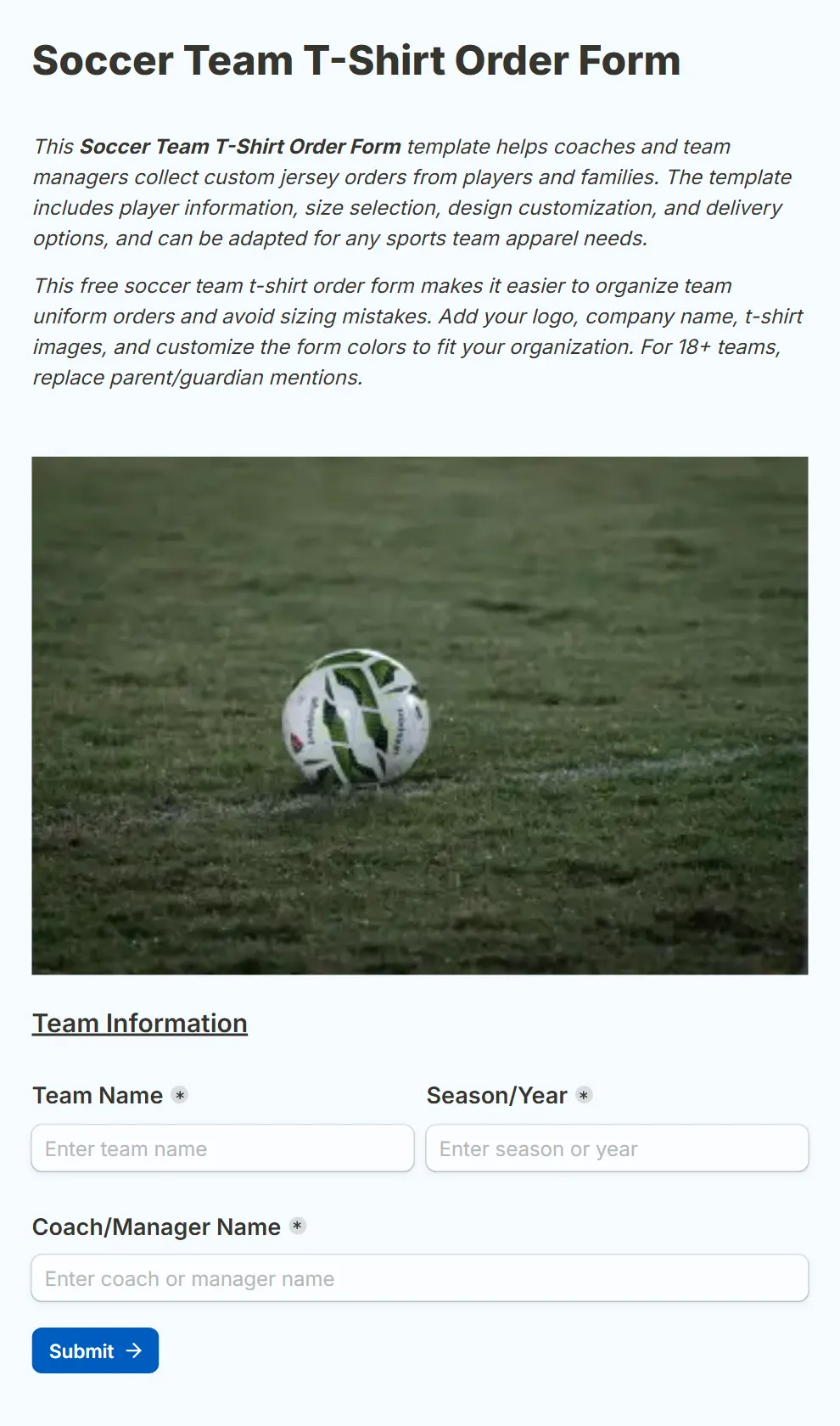
This T-shirt order form collects a team's shirt orders in one place: one submission per player, with the size, the design, the name and number to print, the quantity and how the shirts should arrive. It is set up for a youth soccer team, with a parent or guardian's details and signature, and works for any club, school or group ordering printed shirts.
What the form covers
The first questions identify the order: team name, season or year, and coach or manager. Then the player's name, the parent or guardian's name, phone and email. The shirt itself is a size from a dropdown, a design option, the name to print on the jersey, an optional jersey number and the quantity. The form ends with the delivery method, a mailing address, special requests and the parent's signature.
Who uses a T-shirt order form
- Youth sports teams and clubs ordering kit for a season.
- Schools and PTAs selling event or field day shirts.
- Companies and charity events ordering printed shirts for staff or runners.
How to use this template
- Use the template. Click "Use this template" to copy the form into your workspace.
- Set your sizes and designs. Change the size list and design options, and remove the parent questions if adults order for themselves.
- Share it. Publish the form and send the link to the team, or embed it on your club's site.
Frequently asked questions
Can one person order several shirts?
Yes. The quantity question takes any number, and a parent can submit once per child.
Can I collect a signature?
Yes. The form ends with a signature question, which takes a drawn signature stored with the order.
Can I get the orders as a list for the printer?
Yes. Download the Submissions tab as a CSV file, with one row per order and a column per question.