What this form asks
14 questions over 5 pages, 6 of them required. Some questions appear only after an answer that needs them.
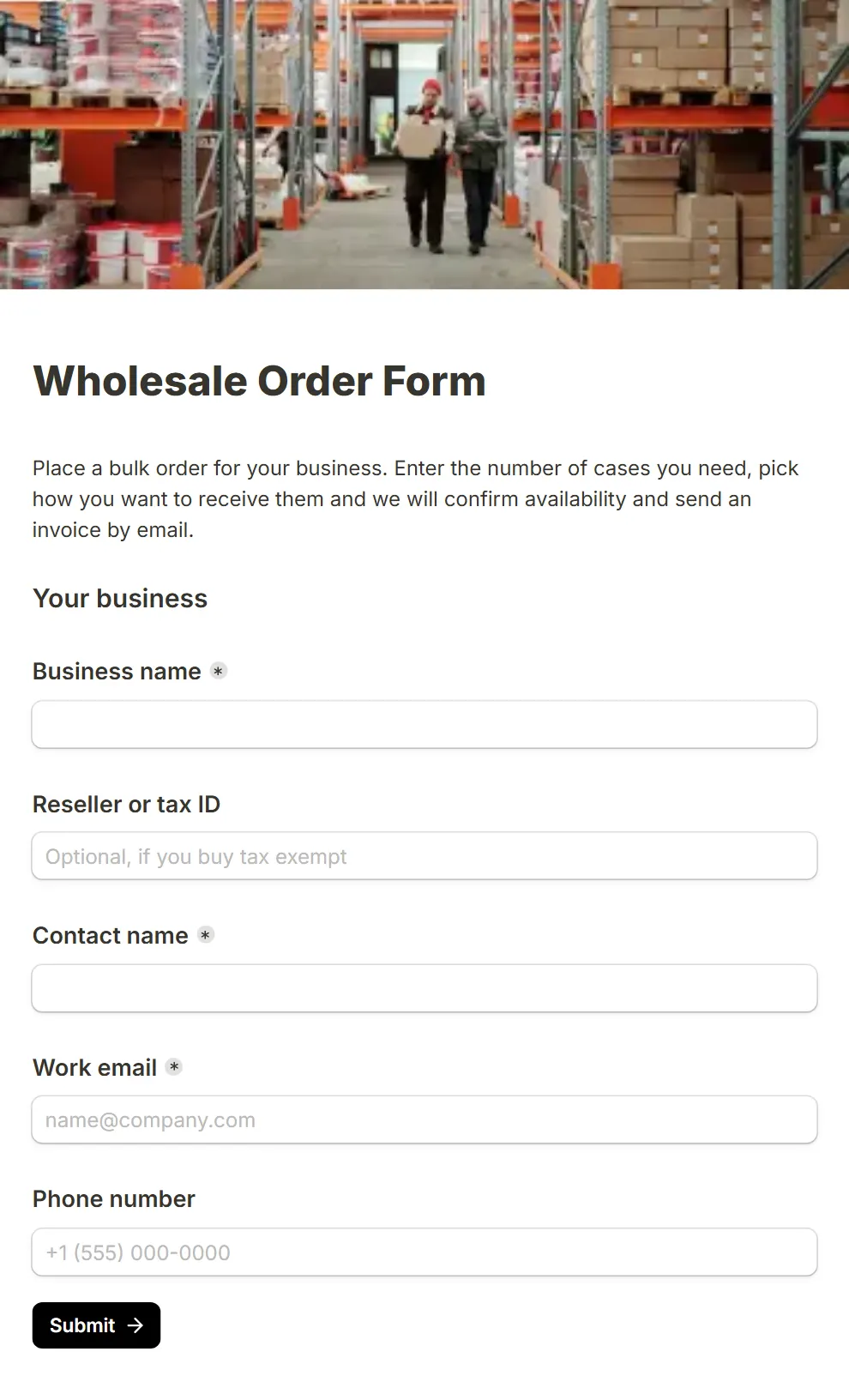
- Business nameShort answer · required
- Reseller or tax IDShort answer
- Contact nameShort answer · required
- Work emailEmail · required
- Phone numberPhone number
- Starter case (12 units), $96 per caseNumber
- Standard case (24 units), $168 per caseNumber
- Counter display bundle, $240 per bundleNumber
- How will you receive the order?Single choice · required
- Delivery addressLong answer
- Requested delivery or pickup dateDate · required
- Delivery or pickup instructionsLong answer
- Preferred payment termsDropdown · required
- Anything else about this order?Long answer
This wholesale order form takes a bulk order from a business buyer: who they are, how many of each case or bundle they want, how the order should reach them, and the payment terms they prefer. A calculated field adds up the subtotal as the buyer types quantities, and a note appears while the order is below the minimum. It runs over four pages.
What the form covers
The buyer gives their business name, an optional reseller or tax ID, a contact name, work email and phone. The order page lists the products as number questions, one per case or bundle with its price in the label, and shows the running subtotal under them. The delivery page asks whether the order is shipped or picked up (the delivery address is asked only for shipping), the requested date and any instructions. The last page asks for the preferred payment terms and anything else about the order.
Who uses a wholesale order form
- Food, drink and consumer goods brands selling to shops and cafés.
- Makers and small manufacturers taking trade orders.
- Distributors collecting repeat orders from stockists.
How to use this template
- Use the template. Click "Use this template" to copy the form into your workspace.
- Add your products and prices. Replace the three example products and their case prices with yours, update the subtotal formula, and set your own minimum order.
- Share it. Send the link to your stockists, or embed it on a trade page.
Frequently asked questions
How does the subtotal work?
A calculated field multiplies each quantity by its case price and adds them up; the total is shown on the page as the buyer types.
Can I set a minimum order?
Yes. The template shows a minimum order note while the subtotal is below the amount set in its logic; change the amount to yours.
Where do I see the orders?
Every order is in the form's Submissions tab, and email notifications can send each one to your inbox.