What this form asks
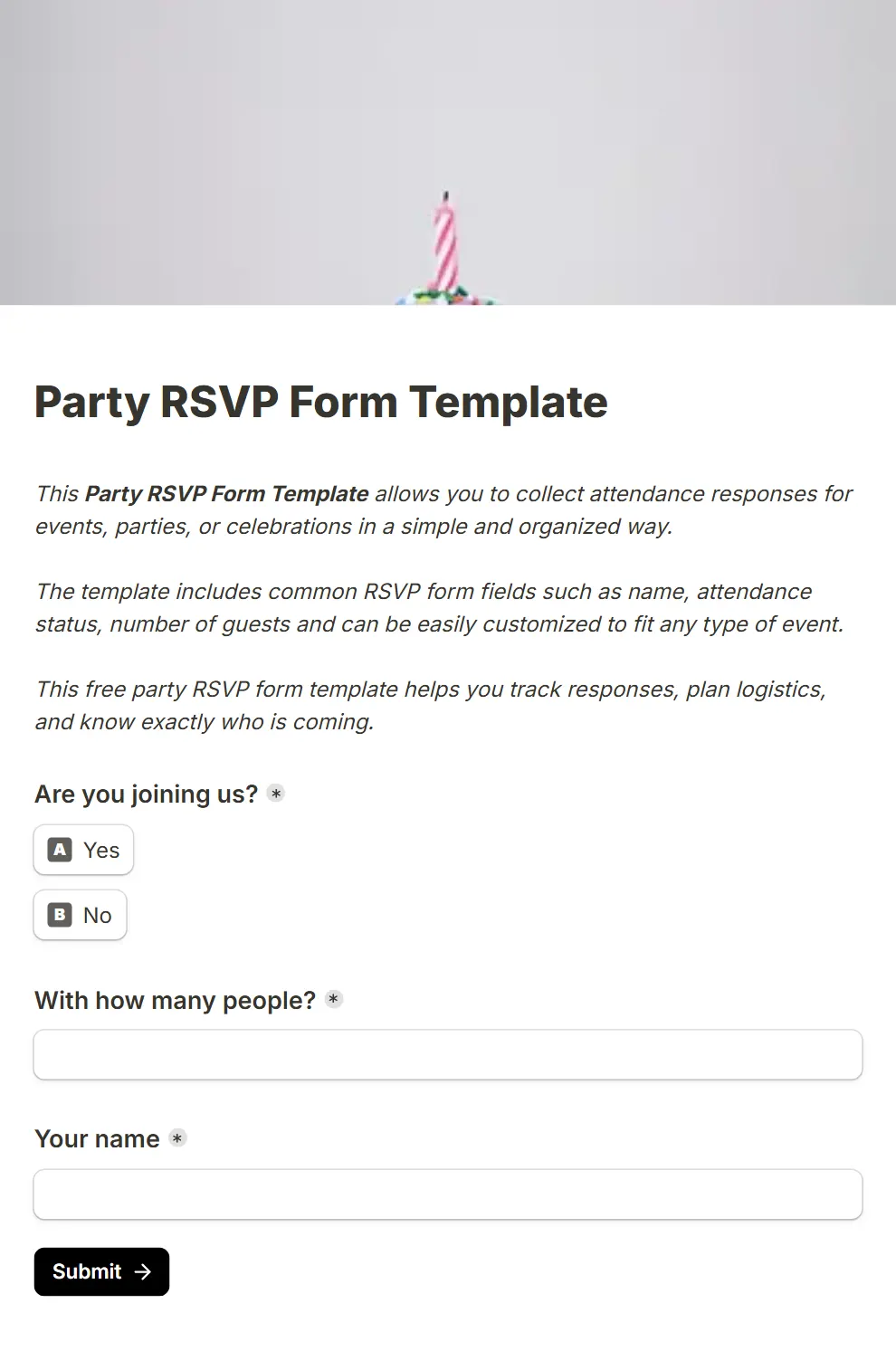
3 questions over 1 page, 3 of them required.
- Are you joining us?Single choice · required
- With how many people?Number · required
- Your nameShort answer · required
This party RSVP form asks guests the three things a host needs for a headcount: whether they are coming, how many people they are bringing, and their name. It fits on one page, so a guest can answer from the invitation in a few seconds.
What the form covers
The guest answers "Are you joining us?", says with how many people, and gives their name. All three are required, so every reply counts towards your total.
Who uses a party RSVP form
- Hosts of birthdays, housewarmings and celebrations who want a headcount without a group chat.
- Offices and teams planning a party or after-work drinks.
- Clubs and societies counting who is coming to a social.
How to use this template
- Use the template. Click "Use this template" to copy the form into your workspace.
- Add your party. Put the date, time and place in the form's opening text, and add a question if you need one, such as a food preference.
- Share it. Publish the form and send the link with your invitation.
Frequently asked questions
How do I see the headcount?
Every reply is in the form's Submissions tab, and the Insights tab summarises who said yes and no.
Do guests need an account to reply?
No. A guest opens the link, answers and submits.
Can I ask about food or drinks?
Yes. Add a question in the editor, such as a multiple choice for food preferences or a short answer for allergies.