What this form asks
15 questions over 5 pages, 9 of them required. Some questions appear only after an answer that needs them.
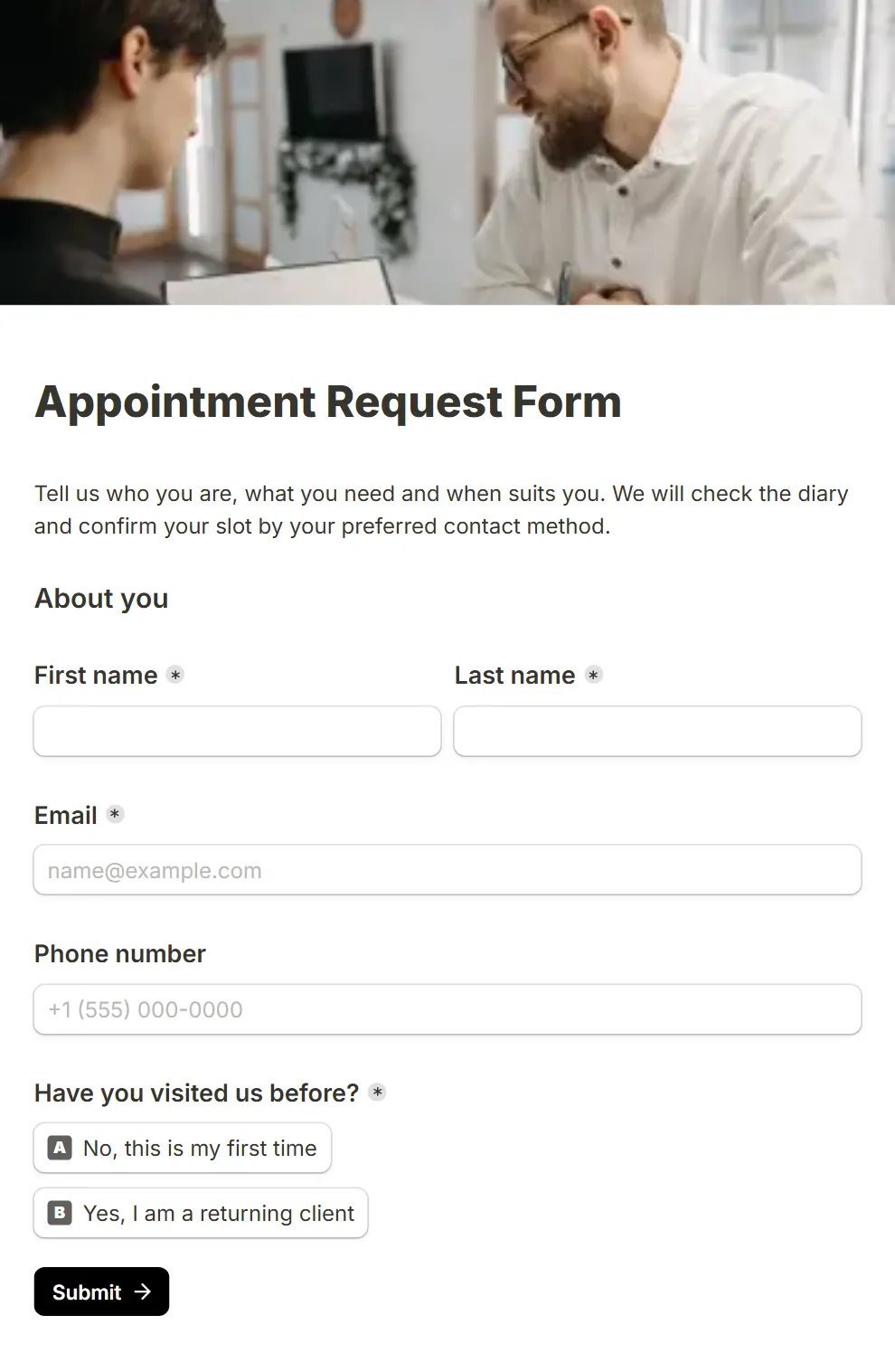
- First nameShort answer · required
- Last nameShort answer · required
- EmailEmail · required
- Phone numberPhone number
- Have you visited us before?Single choice · required
- Service wantedDropdown · required
- Who would you like to see?Single choice · required
- Name of the personShort answer
- What is the appointment for?Long answer
- Preferred dateDate · required
- Preferred timeTime · required
- Backup dateDate
- Backup timeTime
- How should we confirm and remind you?Single choice · required
- Anything else we should know?Long answer
This appointment request form lets a client ask for a time without a phone call: they choose the service, who they would like to see, a preferred date and time and a backup, and how they want to be reminded. It suits clinics, salons and consultants who confirm bookings by hand rather than through a live calendar. It runs over four short pages.
What the form covers
The client gives their name, email and phone, and says whether they have visited before. They pick the service from a dropdown and choose whether to see anyone available or a named person, whose name is asked only when they want someone in particular. A long answer says what the appointment is for. The timing page asks for a preferred date and time and a backup date and time. The last question asks how to confirm and remind them; a text or a call makes the phone number required.
Who uses an appointment request form
- Clinics, dentists and therapists taking appointment requests outside opening hours.
- Salons, spas and studios with several practitioners.
- Consultants, tutors and advisors who confirm each booking themselves.
How to use this template
- Use the template. Click "Use this template" to copy the form into your workspace.
- Add your services and staff. Change the service list and the people a client can choose.
- Share it. Embed the form on your booking page, or link to it from your profile.
Frequently asked questions
Does the form book a time slot automatically?
No. It collects a request with a preferred and a backup time, and you confirm it; the ending tells the client to expect that confirmation.
Can I stop requests for days I am closed?
Yes. The date questions' settings can block days of the week and set the earliest and latest dates a client can choose.
How do I hear about a new request?
Email notifications send each request to your inbox, and every request is in the Submissions tab.