The right form builder can transform business operations. In today's data-driven landscape, organizations increasingly need robust, cost-effective solutions for collecting and managing information. What's particularly interesting is that according to recent data, 83% of businesses are now seeking unlimited form builders to streamline their operations without breaking the bank.
Let me walk through how free form builders with unlimited submissions and storage are revolutionizing the way businesses handle data collection and management.
Understanding Free Form Builders
What is a Free Form Builder?
A free form builder is much more than just a tool for creating online forms. This technology has evolved from simple contact forms into sophisticated data collection platforms. These platforms now serve as crucial bridges between businesses and their audiences, enabling everything from lead generation to complex survey management.
Key Insights:
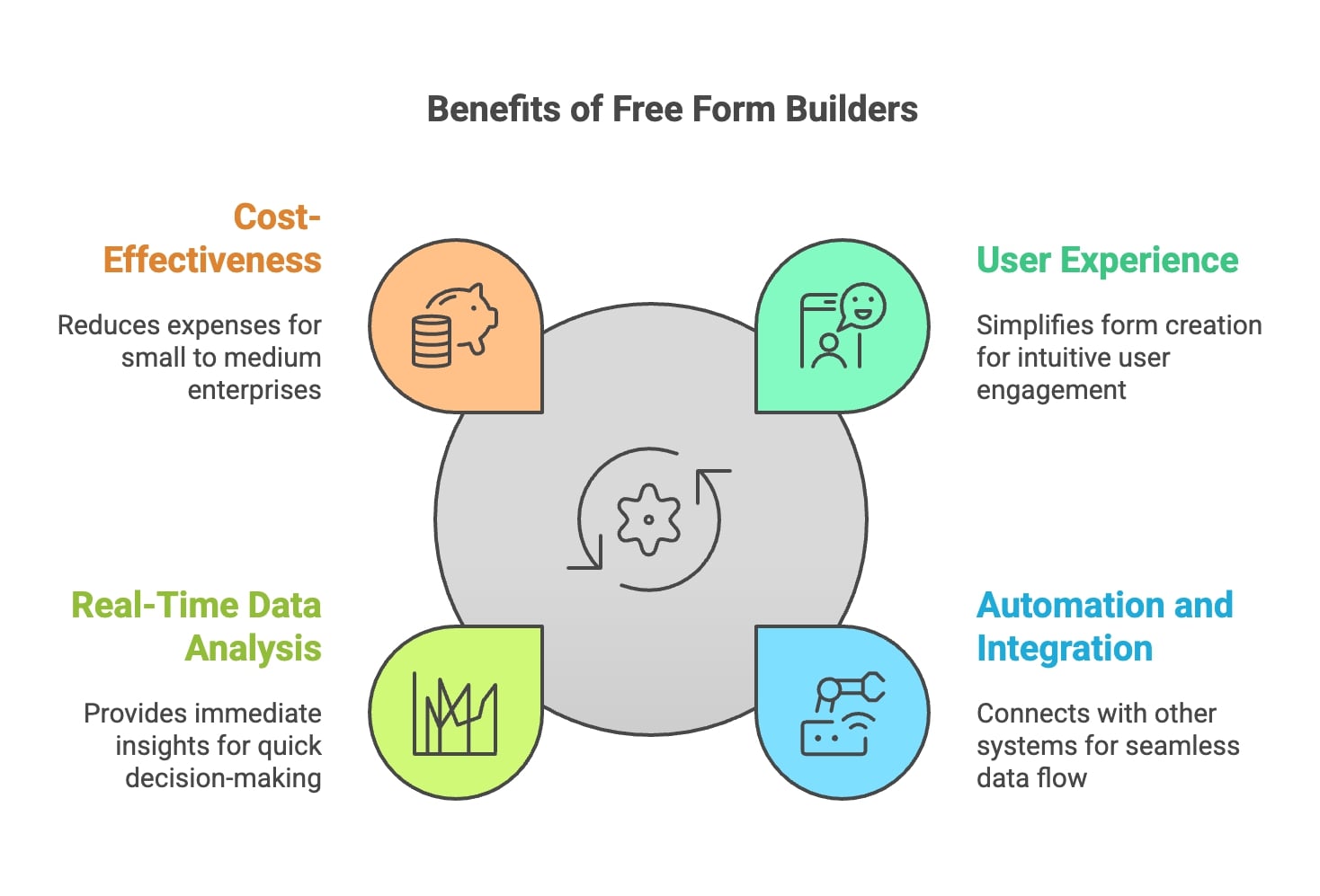
- Enhanced User Experience: Free form builders typically offer user-friendly interfaces that simplify the form creation process, making it easier for businesses to design forms that are intuitive and engaging for users. This leads to higher completion rates and better data quality.
- Automation and Integration: Many free form builders come with automation features that allow for seamless integration with other software systems, such as CRM and email marketing platforms. This connectivity ensures that data collected is automatically organized and easily accessible, further enhancing efficiency.
- Real-Time Data Analysis: The ability to monitor responses in real-time allows businesses to make informed decisions quickly. With improved data collection efficiency, organizations can respond to trends and insights without delay.
- Cost-Effectiveness: Utilizing free form builders reduces the need for expensive custom development or complex software solutions. This cost-effectiveness is particularly beneficial for small to medium-sized enterprises looking to optimize their operations without significant financial investment.
Let me break down the core components that make modern form builders essential:
- Digital Forms Creation: Create customizable forms without coding knowledge
- Data Collection: Gather responses securely and efficiently
- Response Management: Organize and analyze submitted information
- Integration Capabilities: Connect with other business tools seamlessly
💡 Expert Insight:
The most successful businesses choose form builders based on long-term scalability rather than just immediate needs.
Top 10 Free Form Builders with Unlimited Submissions and Storage
Let me start with the most comprehensive solution on the list:
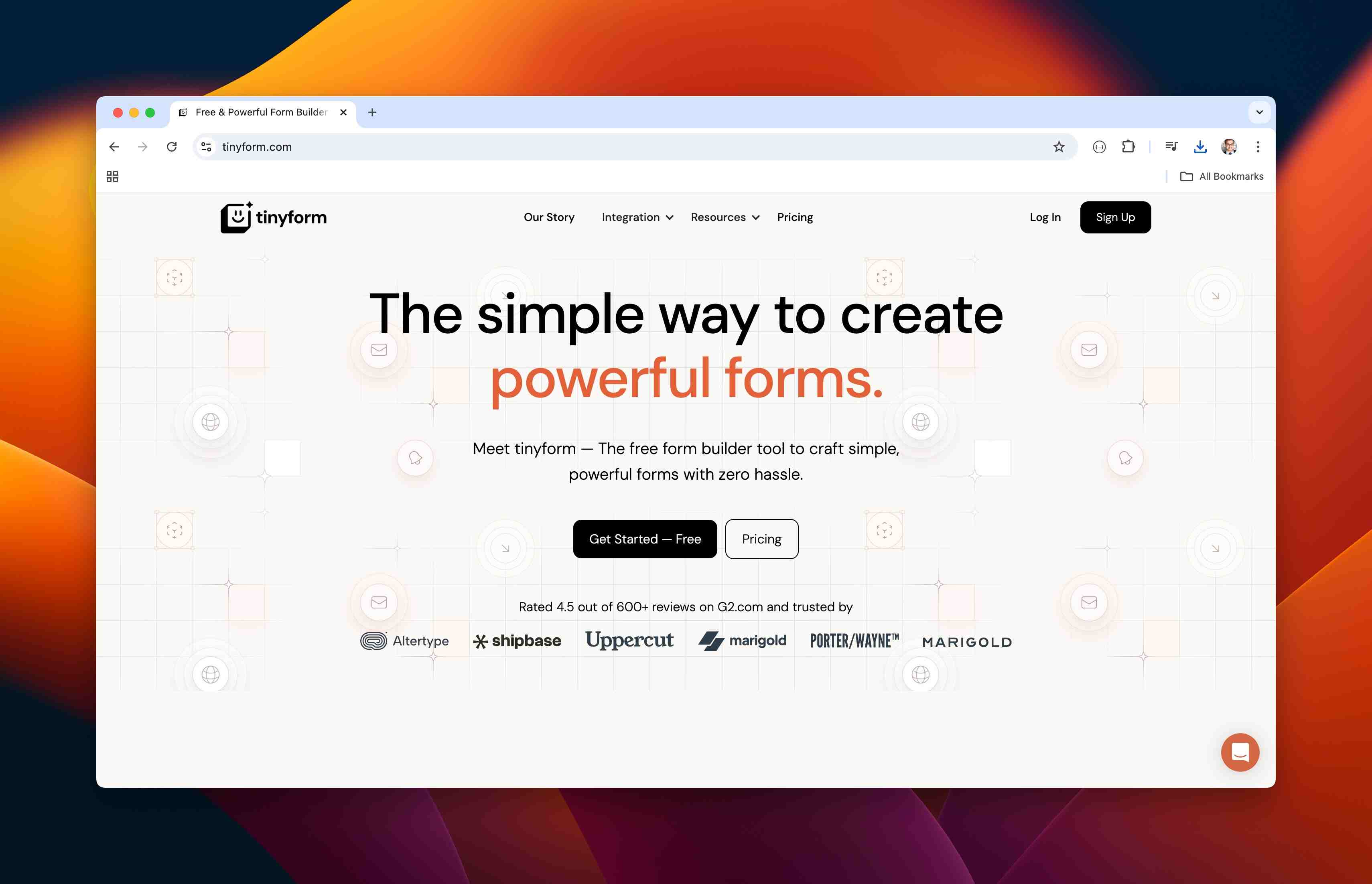
1. Tinyform (Premium Choice)
📊 Market Position: Tinyform is a free, open-source, self-hostable form builder whose free plan includes every feature except two
Detailed Features
Form Creation
- Unlimited forms; no submission cap on either plan, within a fair-use allowance of 50,000 submissions a month
- Multi-page form capabilities
- Advanced conditional logic
- Custom thank you pages
- Form templates library
Storage & Files
- No storage cap on either plan, within a fair-use allowance of 100 GB of uploads a month and 500 GB stored in total
- Multiple file upload support
- Various file type acceptance
- Uploaded files stored in a private bucket with no public address
Customization
- Custom CSS and code injection
- Brand customization
- Mobile-responsive designs
- Custom domains (on Pro; see pricing)
Integration Capabilities
- API access
- Webhook support
- CRMs and email marketing platforms reachable through a webhook (no built-in connectors)
- Stripe payments into your own Stripe account, with nothing added on top of Stripe's fee
Security Features
- Per-form retention periods with automatic deletion, which make GDPR compliance straightforward
- HTTPS everywhere with automatic certificates
- Nightly backups kept off the app server
- Access control
Analytics & Reporting
- Insights: visits, sources, completion rate and drop-off
- CSV export of submissions
- Response tracking
- Conversion analytics
💡 Expert Insight: Tinyform's free plan carries every feature except two: removing the "Made with tinyform" badge and publishing on your own custom domain, which Pro adds (see pricing). The submission and storage allowances are a fair-use guard, the same on both plans: crossing one sends the owner an email rather than closing the form.
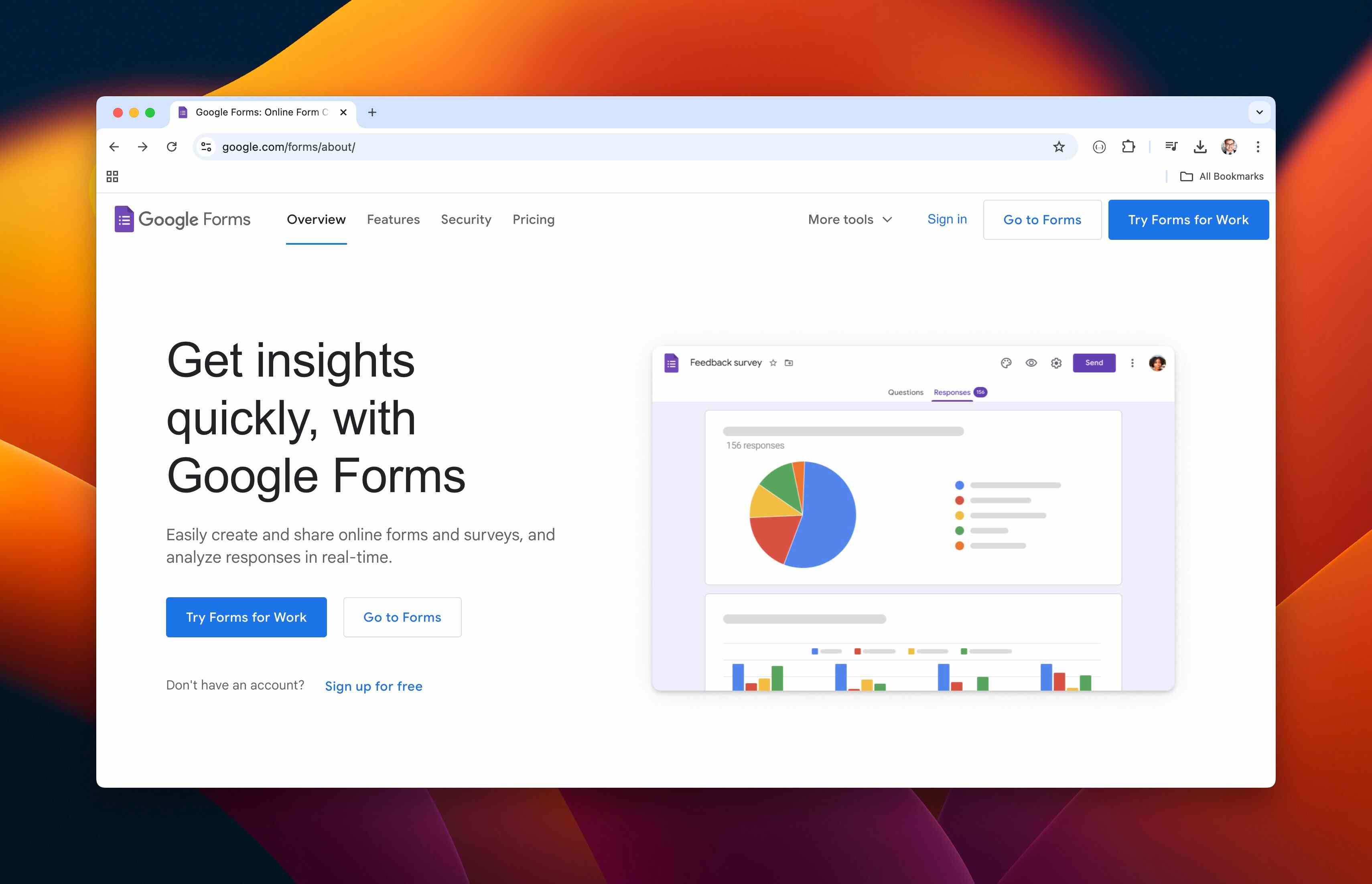
2. Google Forms
📊 Market Position: Google Forms is most widely used free form builder, especially in educational and small business sectors
Detailed Features
Form Creation
- Unlimited forms and submissions
- Basic conditional logic
- Question branching
- Form templates
- Quiz creation capabilities
Storage & Files
- Unlimited storage via Google Drive
- File upload limits: 1GB per file
- Automatic response backups
- Google Sheets integration
Customization
- Basic theme options
- Limited design flexibility
- Header image customization
- Basic font and color changes
Integration Capabilities
- Native Google Workspace integration
- Google Sheets automatic sync
- Calendar integration
- Basic add-on support
Security Features
- Google account authentication
- Basic encryption
- Sharing controls
- Domain restrictions option
Analytics & Reporting
- Basic response analytics
- Real-time response viewing
- Summary charts
- Individual response tracking
💡 Expert Insight: Google Forms excels in educational settings and basic business needs due to its seamless Google Workspace integration.
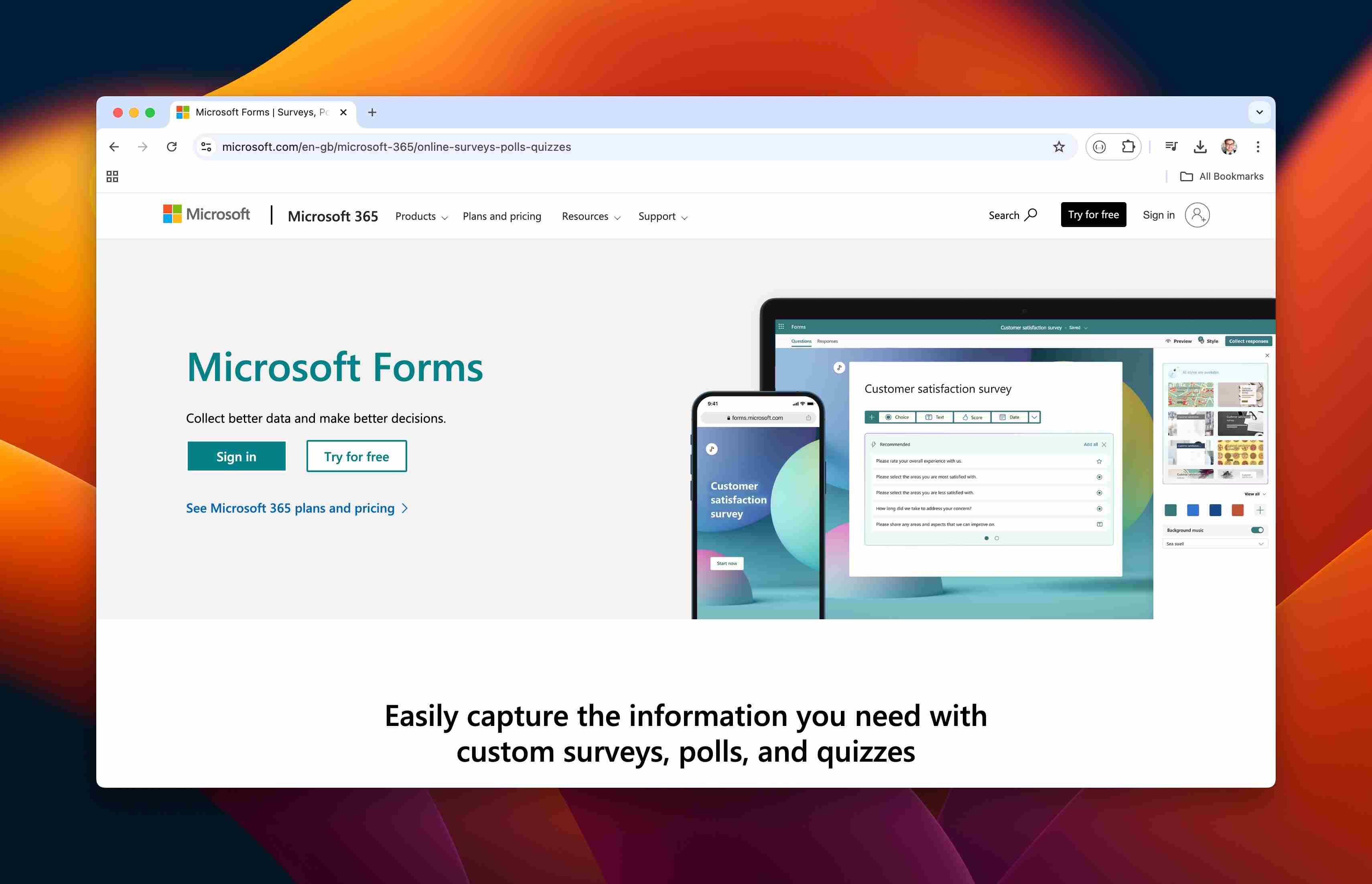
3. Microsoft Forms
📊 Market Position: Preferred choice for organizations using Microsoft 365
Detailed Features
Form Creation
- Unlimited forms and submissions
- Basic branching logic
- Rating scales
- Likert questions
- Quiz functionality
Storage & Files
- 5GB storage capacity
- SharePoint integration
- OneDrive connectivity
- Automatic data backup
Customization
- Theme selection
- Basic branding options
- Limited design flexibility
- Mobile responsiveness
Integration Capabilities
- Microsoft 365 integration
- Teams integration
- Excel auto-sync
- Power Automate support
Security Features
- Microsoft security standards
- Multi-factor authentication
- Enterprise-grade encryption
- Access controls
Analytics & Reporting
- Basic response analytics
- Excel-based reporting
- Real-time response viewing
- Basic insights dashboard
⚠️ Warning: While robust for Microsoft users, it may have limitations for those outside the ecosystem.
4. JotForm Free
📊 Market Position: JotForm is a popular choice for small businesses needing advanced features in limited quantities
Detailed Features
Form Creation
- 5 forms per month
- 100 monthly submissions
- Advanced form elements
- Rich template library
Storage & Files
- 100MB storage
- Multiple file upload types
- Cloud storage integration
- Submission archiving
Customization
- Advanced design options
- CSS/HTML editing
- Mobile-responsive
- Theme customization
Integration Capabilities
- 100+ integrations available
- Payment processing
- CRM connections
- Email marketing tools
Security Features
- SSL encryption
- HIPAA compliance (paid)
- Form encryption
- Password protection
Analytics & Reporting
- Basic submission analytics
- Form performance metrics
- Download reports
- Email notifications
💡 Expert Insight: JotForm's free plan offers advanced features but with strict usage limits.
5. Cognito Forms
📊 Market Position: Cognito Forms is strong contender for businesses needing sophisticated calculation capabilities
Detailed Features
Form Creation
- Unlimited forms
- 500 submissions/month
- Complex calculations
- Repeating sections
- Conditional logic
Storage & Files
- 100MB storage
- Document generation
- File upload support
- Entry management
Customization
- Advanced field customization
- Custom CSS support
- Responsive design
- Template system
Integration Capabilities
- Payment processing (Stripe, Square)
- Zapier integration
- Webhook support
- Email integration
Security Features
- HIPAA compliance
- End-to-end encryption
- Data encryption at rest
- SSL security
Analytics & Reporting
- Entry analytics
- Export capabilities
- Custom reporting
- Data visualization
💡 Expert Insight: Cognito Forms excels in handling complex calculations and payment processing.
6. Typeform
📊 Market Position: Typeform known for conversational form experiences and high engagement rates
Detailed Features
Form Creation
- 10 questions per form
- 10 responses/month
- Logic jumps
- Hidden fields
- Custom endings
Storage & Files
- Basic media storage
- Image/video support
- Response storage
- Data export options
Customization
- Unique UI/UX design
- Custom themes
- Brand colors
- Custom backgrounds
Integration Capabilities
- Basic integrations
- Webhook support
- Email notifications
- Google Sheets sync
Security Features
- SSL encryption
- GDPR compliance
- Password protection
- Data privacy controls
Analytics & Reporting
- Basic analytics
- Completion rates
- Average time
- Drop-off points
⚠️ Warning: While offering excellent user experience, free plan limitations can be restrictive for growing businesses.
7. HubSpot Forms
📊 Market Position: HubSpot Forms is ideal for businesses using HubSpot's CRM ecosystem.
Detailed Features
Form Creation
- Unlimited forms
- Unlimited submissions
- Progressive profiling
- Smart fields
- Form logic
Storage & Files
- CRM-based storage
- File attachment options
- Contact record sync
- Database integration
Customization
- Style editor
- Mobile optimization
- Brand customization
- Form placement options
Integration Capabilities
- Native HubSpot CRM
- Marketing automation
- Sales pipeline
- Email workflows
Security Features
- GDPR compliance
- Cookie consent
- Form submission privacy
- Data protection
Analytics & Reporting
- Submission analytics
- Performance metrics
- Contact insights
- Conversion tracking
💡 Expert Insight: HubSpot Forms provides exceptional value when used within their ecosystem.
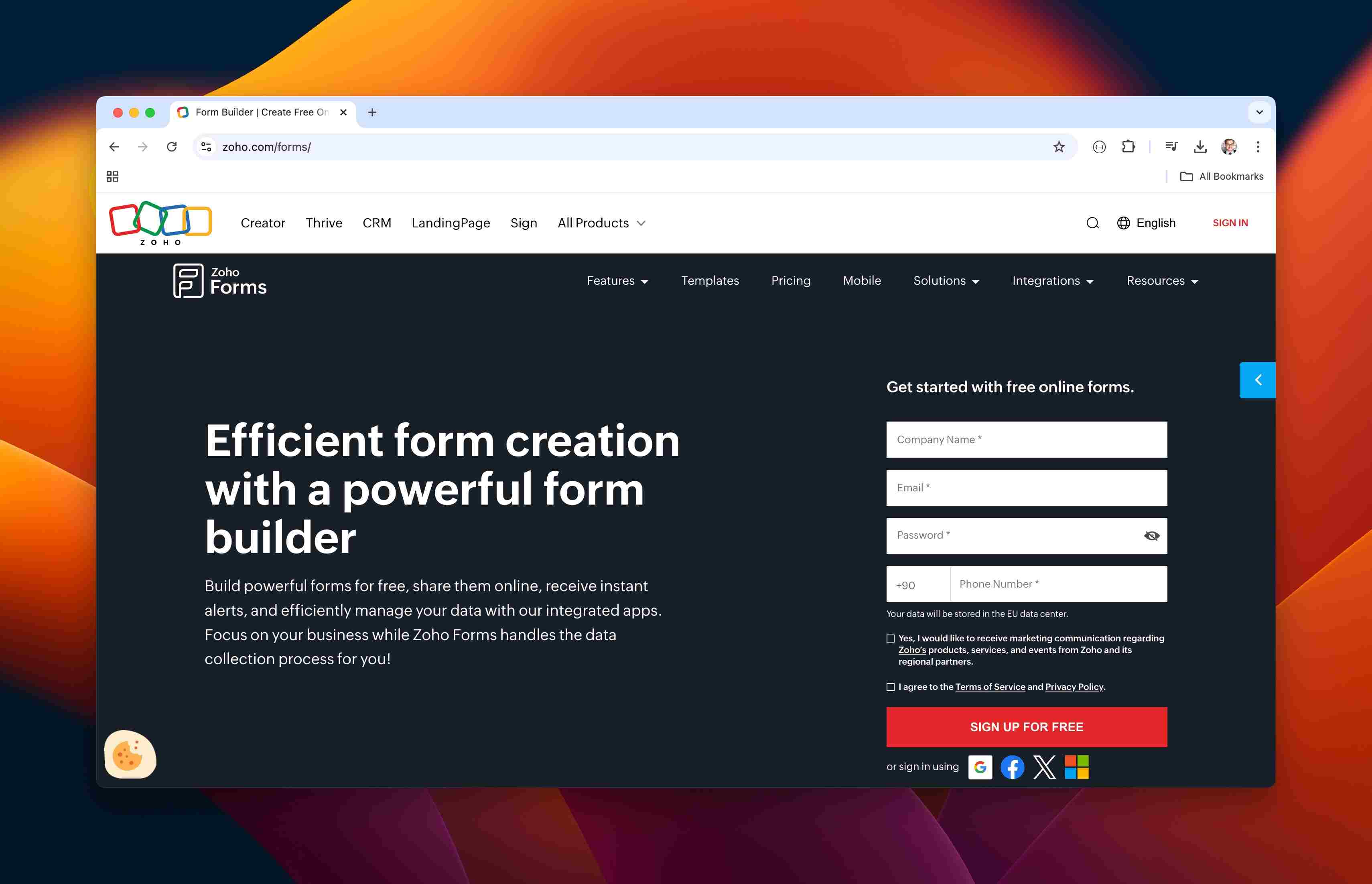
8. Zoho Forms
📊 Market Position: Comprehensive solution for Zoho suite users.
Detailed Features
Form Creation
- 3 forms
- 500 submissions/month
- Field rules
- Form rules
- Custom scripts
Storage & Files
- 100MB storage
- Document generation
- File uploads
- Cloud storage
Customization
- Theme customization
- Layout options
- Mobile responsiveness
- Custom CSS
Integration Capabilities
- Zoho CRM integration
- Zoho Apps connection
- Payment gateways
- Third-party apps
Security Features
- SSL security
- Data encryption
- Access controls
- Audit trails
Analytics & Reporting
- Basic analytics
- Report generation
- Export options
- Dashboard views
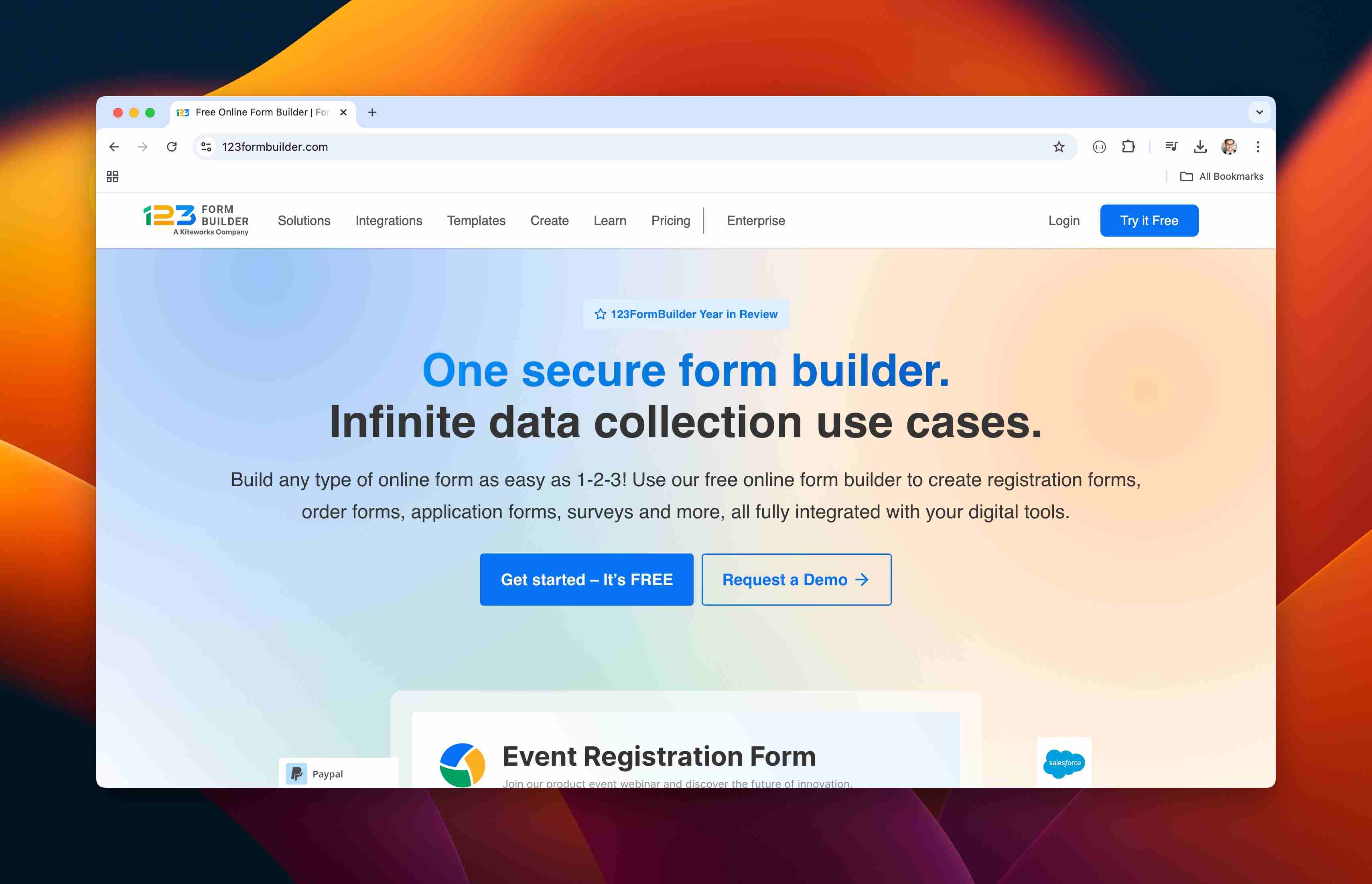
9. 123FormBuilder
📊 Market Position: 123FormBuilder is an user-friendly option for basic form needs.
Detailed Features
Form Creation
- 5 forms
- 100 monthly submissions
- Basic fields
- Simple logic
Storage & Files
- Basic file storage
- Export capabilities
- Response management
- Cloud backup
Customization
- Basic themes
- Color options
- Mobile-friendly
- Template library
Integration Capabilities
- Email platforms
- Basic CRM
- Payment systems
- Cloud storage
Security Features
- SSL encryption
- GDPR tools
- Basic protection
- Data security
Analytics & Reporting
- Entry tracking
- Basic statistics
- Export options
- Email notifications
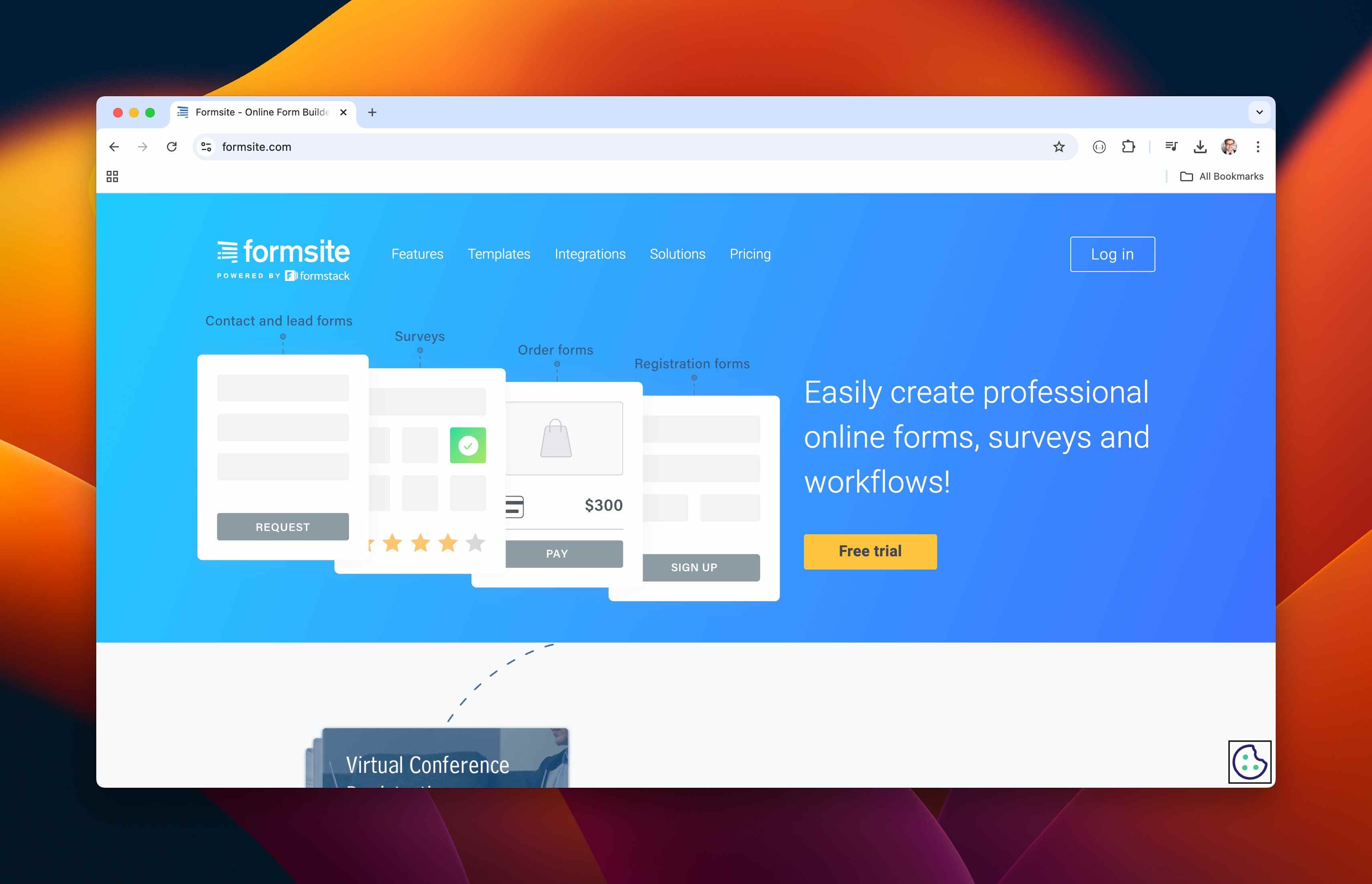
10. Formsite
📊 Market Position: Formsite is an stablished platform for basic data collection.
Detailed Features
Form Creation
- 5 forms
- 10 results per form
- Standard fields
- Basic routing
Storage & Files
- Limited storage
- Results management
- Basic uploads
- Data export
Customization
- Basic styling
- Template-based
- Limited branding
- Mobile support
Integration Capabilities
- Basic email
- Payment processing
- Data export
- API access
Security Features
- SSL security
- Basic encryption
- Password protection
- Access control
Analytics & Reporting
- Basic results
- Simple reports
- Download options
- View responses
💡 Expert Conclusion: Across these platforms, Tinyform offers the most comprehensive free plan, followed by Google Forms for basic needs and HubSpot Forms for CRM-focused users.
Key Features of Unlimited Form Builders
Here are the essential features that make unlimited form builders particularly valuable:
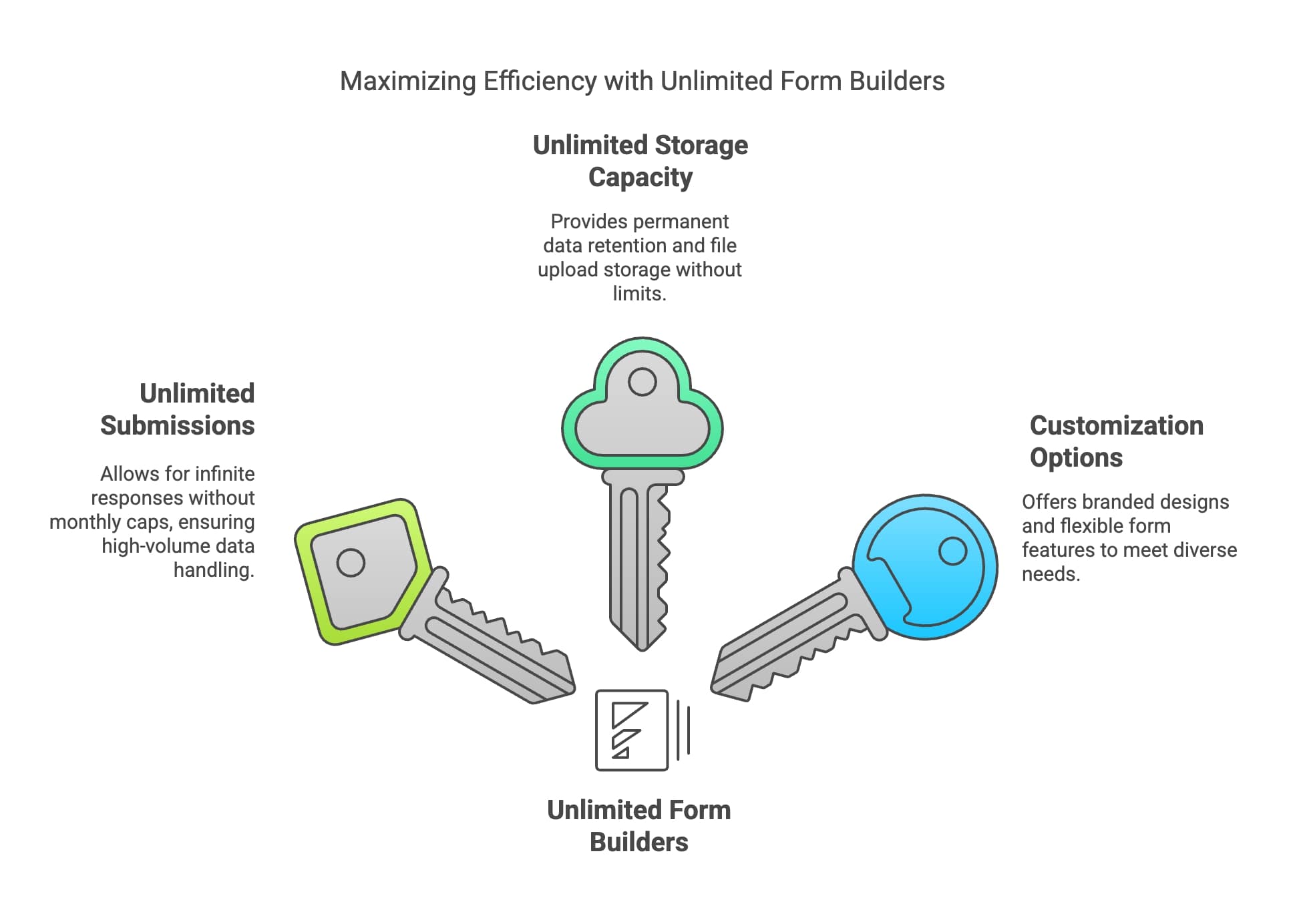
Unlimited Submissions
- No monthly response caps
- Seamless handling of high-volume submissions
- Real-time data processing capabilities
⚠️ Warning:
While "unlimited" is advertised widely, I always advise checking fair usage policies, as some platforms implement soft limits during peak usage.
Unlimited Storage Capacity
Storage capabilities typically include:
- Permanent data retention
- File upload storage
- Response backup systems
📌 Pro Tip:
I recommend implementing a regular data export schedule even with unlimited storage to maintain backup copies of crucial information.
Customization Options
These customization features tend to be the most impactful:
- Branded form designs
- Conditional logic implementation
- Custom field types
- Mobile-responsive layouts
The evolution of form builders from basic data collection tools to comprehensive business solutions has been remarkable. Businesses have shifted significantly in how they approach form building. Where once they might have settled for basic contact forms, they now leverage these platforms for complex workflows, automated responses, and integrated data management.
Benefits of Using a Free Form Builder
The benefits of free form builders extend far beyond just cost savings.
Cost-Effectiveness for Small Businesses
For startups and small businesses, the financial impact of using free form builders is substantial. Here's a breakdown of the cost benefits:
Key Insights:
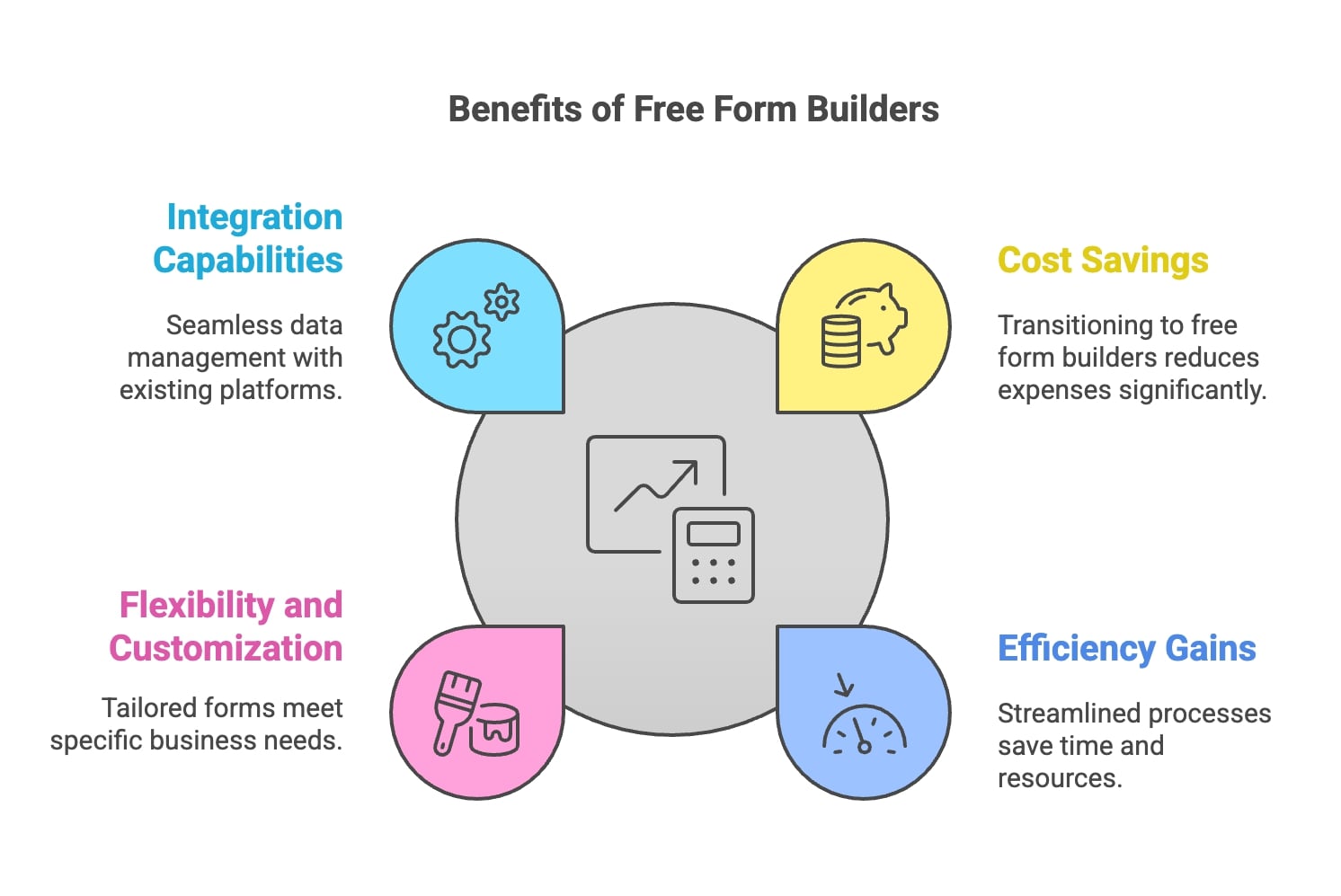
- Cost Savings: The transition from premium form builders to free alternatives can lead to substantial annual savings. Businesses can allocate these funds to other critical areas, such as marketing or product development.
- Efficiency Gains: Free form builders often come with features that streamline data collection processes, reducing the time and resources spent on managing forms. This efficiency contributes to overall operational cost reductions.
- Flexibility and Customization: Many free form builders provide robust customization options, allowing businesses to create forms tailored to their specific needs without incurring additional costs associated with premium features.
- Integration Capabilities: Free form builders typically offer integrations with various platforms and services, enabling seamless data management and reducing the need for costly custom solutions.
Here's how these savings materialize in practice:
- Elimination of Software Licenses: No monthly subscription fees
- Reduced Development Costs: No need for custom coding
- Lower Training Expenses: Intuitive interfaces require minimal staff training
- Scalable Infrastructure: No additional costs as submission volume grows
💡 Expert Insight:
Businesses often overlook hidden costs in paid solutions. With free form builders, what you see is typically what you get.
Flexibility and Scalability
Many businesses grow significantly without changing their form solution.
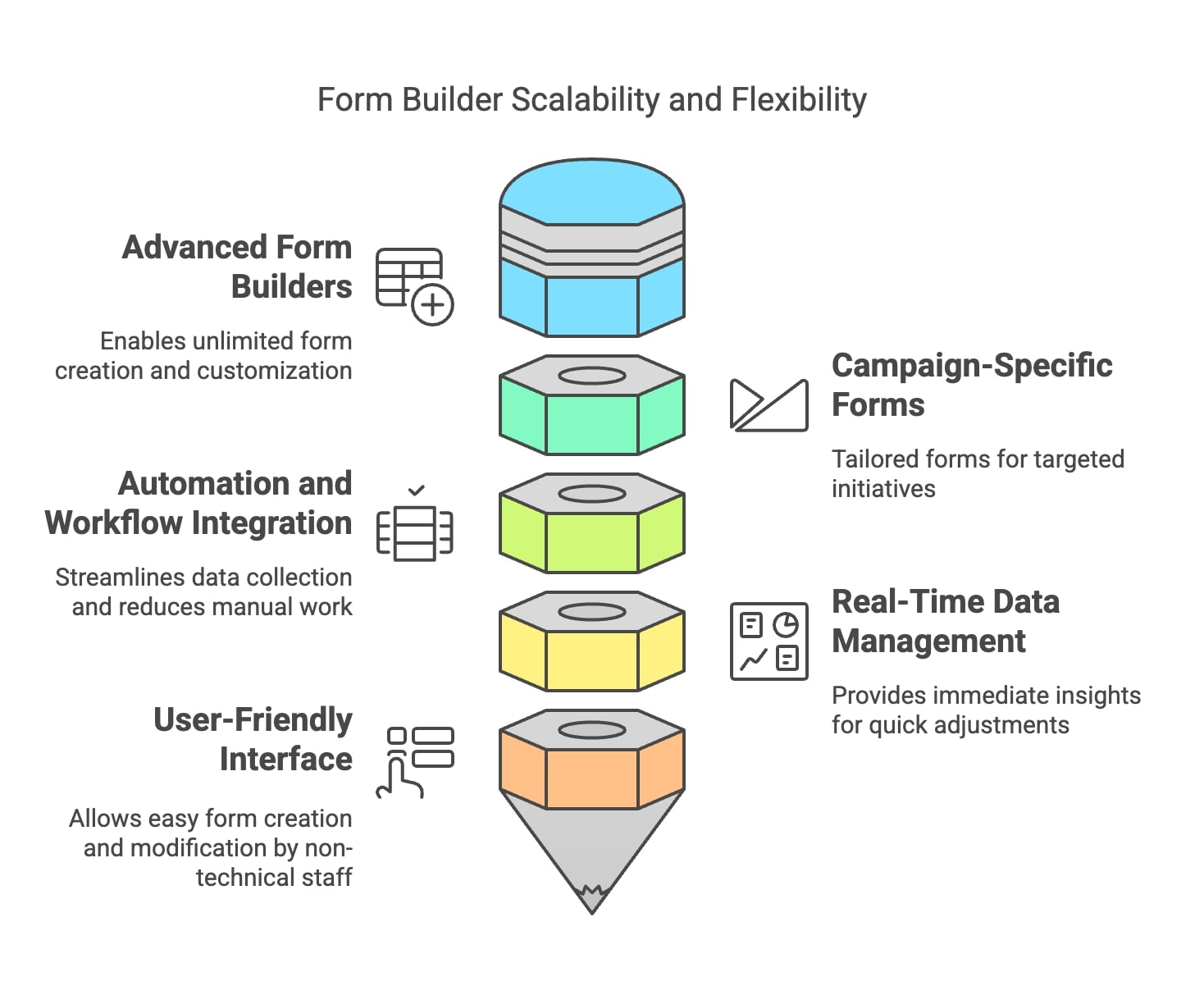
The key scalability advantages include:
Immediate Business Growth Support
- Instant form deployment for new projects
- No waiting periods for upgrades
- Rapid response to market opportunities
⚠️ Warning:
Not all free form builders handle rapid scaling equally well. I always recommend checking performance metrics under load.
Adaptable Features
These adaptable features prove most valuable:
- Dynamic form fields that adjust to user responses
- Multiple form types for different purposes
- Advanced logic flows that grow with complexity
- Integration capabilities with existing tools
📌 Pro Tip:
I recommend starting with simple forms and gradually adding complexity as you understand your users' needs better.
Real-World Applications
These tools are versatile across many industries. Here are some successful applications:
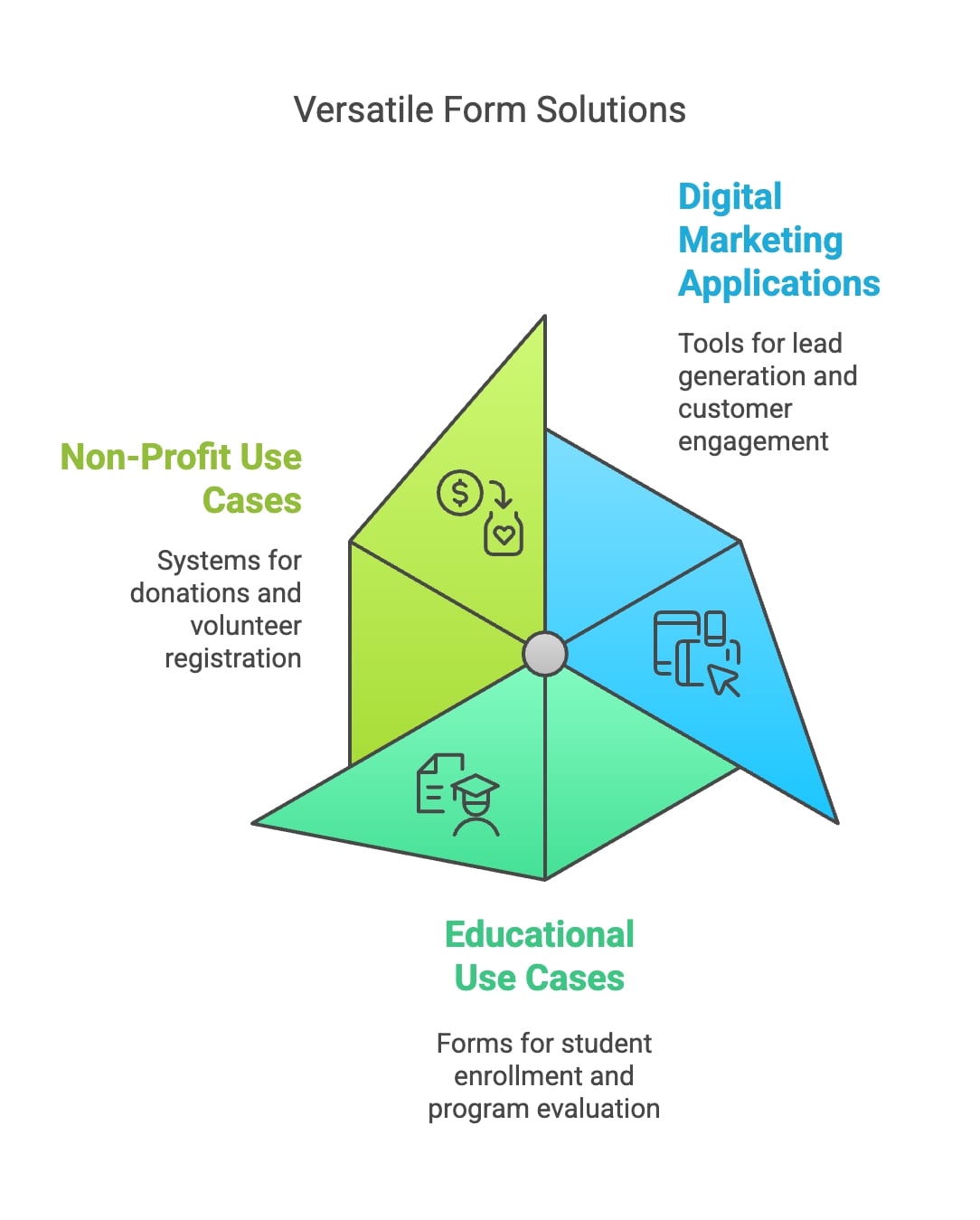
Digital Marketing Applications
- Lead generation forms with automatic CRM integration
- Event registration systems
- Customer feedback surveys
- Newsletter signup forms
Educational and Non-Profit Use Cases
- Student enrollment forms
- Donation collection systems
- Volunteer registration
- Program evaluation surveys
The key to success lies in choosing a form builder that aligns with your specific needs while providing room for growth. I always emphasize the importance of thinking long-term when selecting a platform.
Technical Aspects and Integration
Technical capabilities and integration features often determine the long-term success of a form builder implementation.
Seamless Integration with Other Tools
Integration capabilities can make or break a form builder's effectiveness. Here's an analysis of the essential integrations:
Key Insights:
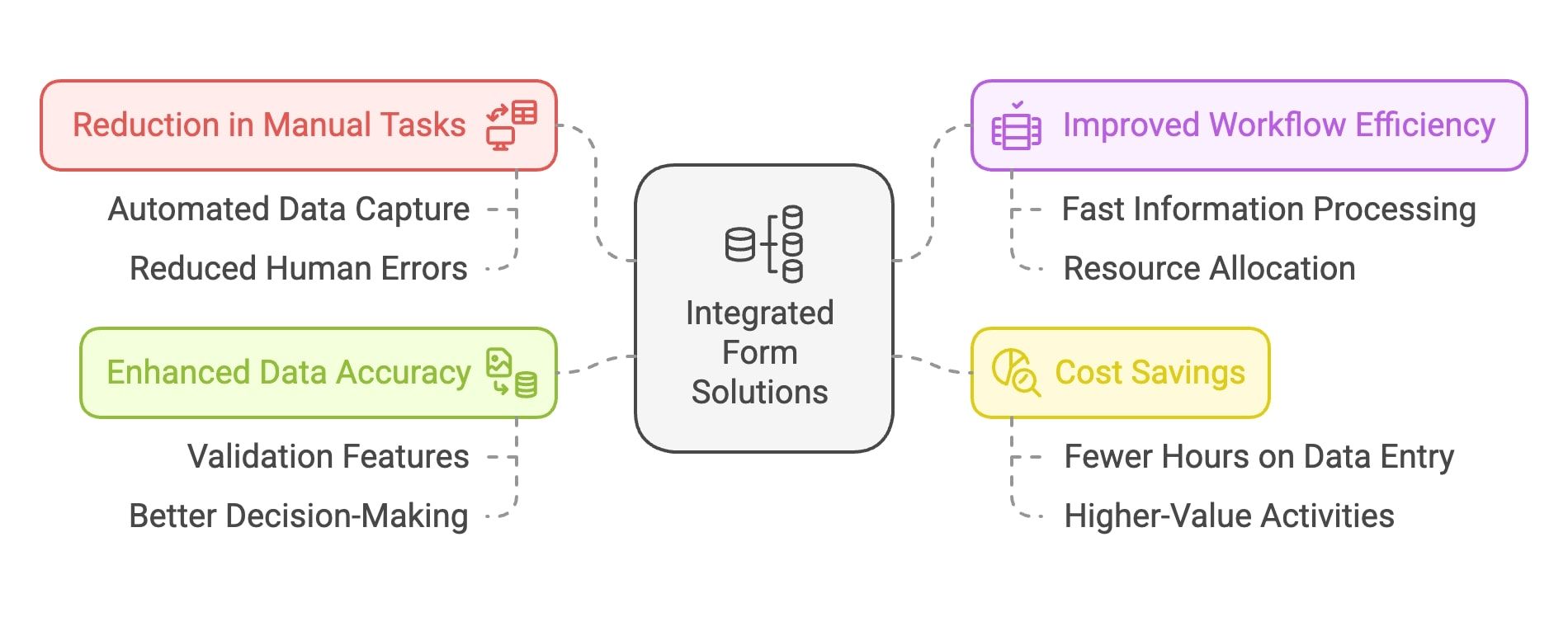
- Reduction in Manual Tasks: The integration of form solutions automates data capture and processing, leading to a substantial decrease in the need for manual data entry. This reduction not only saves time but also minimizes the risk of human errors associated with manual input.
- Improved Workflow Efficiency: By streamlining data collection and management processes, integrated form solutions enhance overall workflow efficiency. Businesses can process information faster and allocate resources to more strategic tasks, ultimately improving productivity.
- Cost Savings: The decrease in manual data entry tasks translates into cost savings for businesses. With fewer hours spent on repetitive data entry, organizations can redirect their workforce towards higher-value activities, optimizing operational costs.
- Enhanced Data Accuracy: Integrated forms often come with built-in validation features that ensure data accuracy at the point of entry. This capability reduces errors and enhances the reliability of the collected data, supporting better decision-making.
Here's what I typically recommend:
CRM Integration
- Direct connection to popular CRM platforms
- Automated lead routing
- Real-time contact updates
Email Marketing Platforms
These integrations prove most valuable:
- Automatic subscriber list updates
- Trigger-based email campaigns
- Segmentation based on form responses
💡 Expert Insight:
Businesses often overlook webhook integration capabilities, which I consider crucial for creating custom automation workflows.
User-Friendly Design and Accessibility
User experience makes a significant difference in form completion rates.
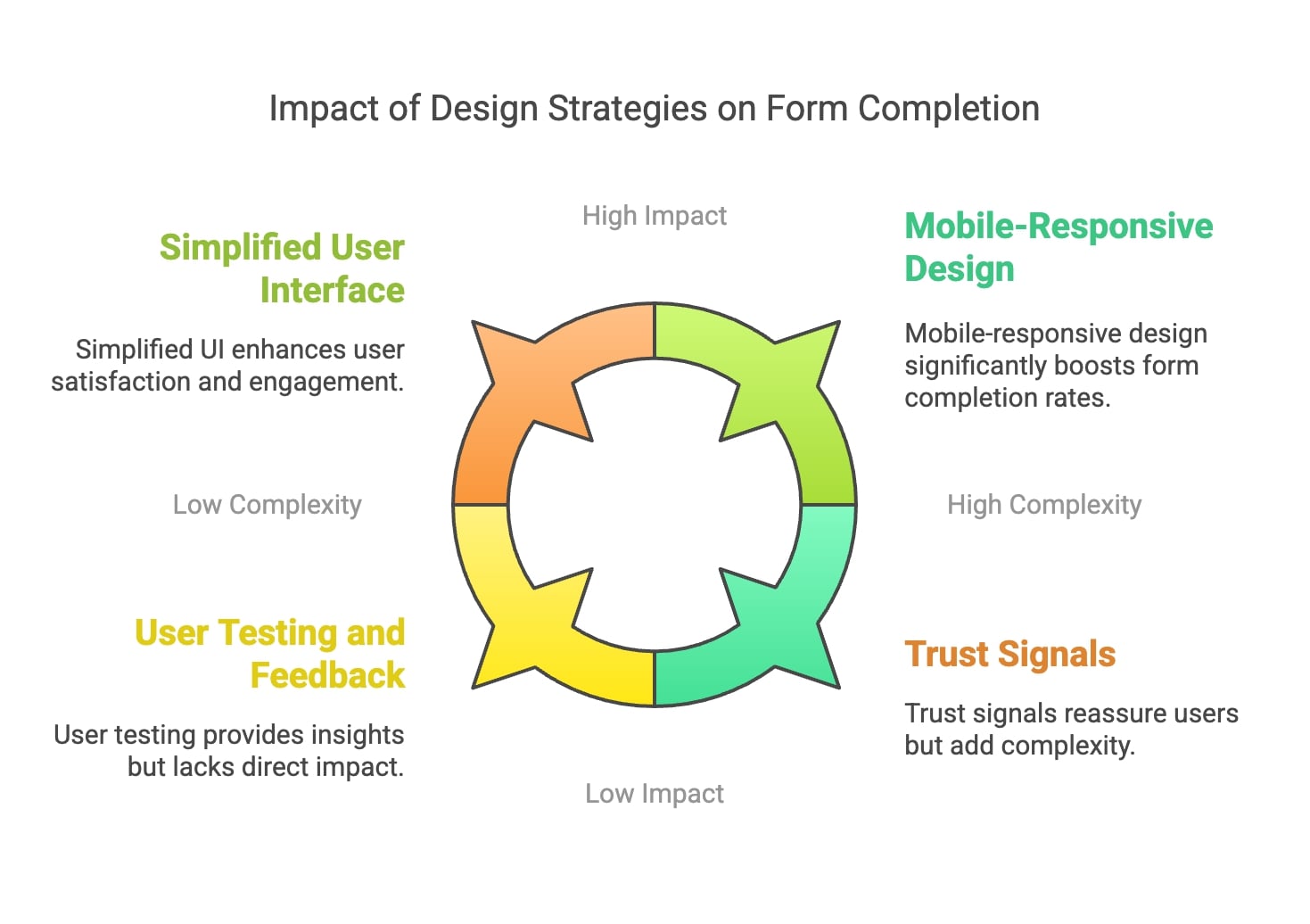
Key Design Elements I Recommend
- Mobile-first responsive layouts
- Clear visual hierarchy
- Intuitive navigation
- Progress indicators for multi-step forms
⚠️ Warning:
Overly complex forms can reduce completion rates. I always advise keeping forms as simple as possible while still collecting necessary information.
Performance Optimization
Here are the critical performance aspects to consider:
Load Time Optimization
- Fast form rendering
- Efficient data submission
- Minimal server requests
📌 Pro Tip:
I recommend testing your forms under various network conditions to maintain high completion rates even in areas with poor connectivity.
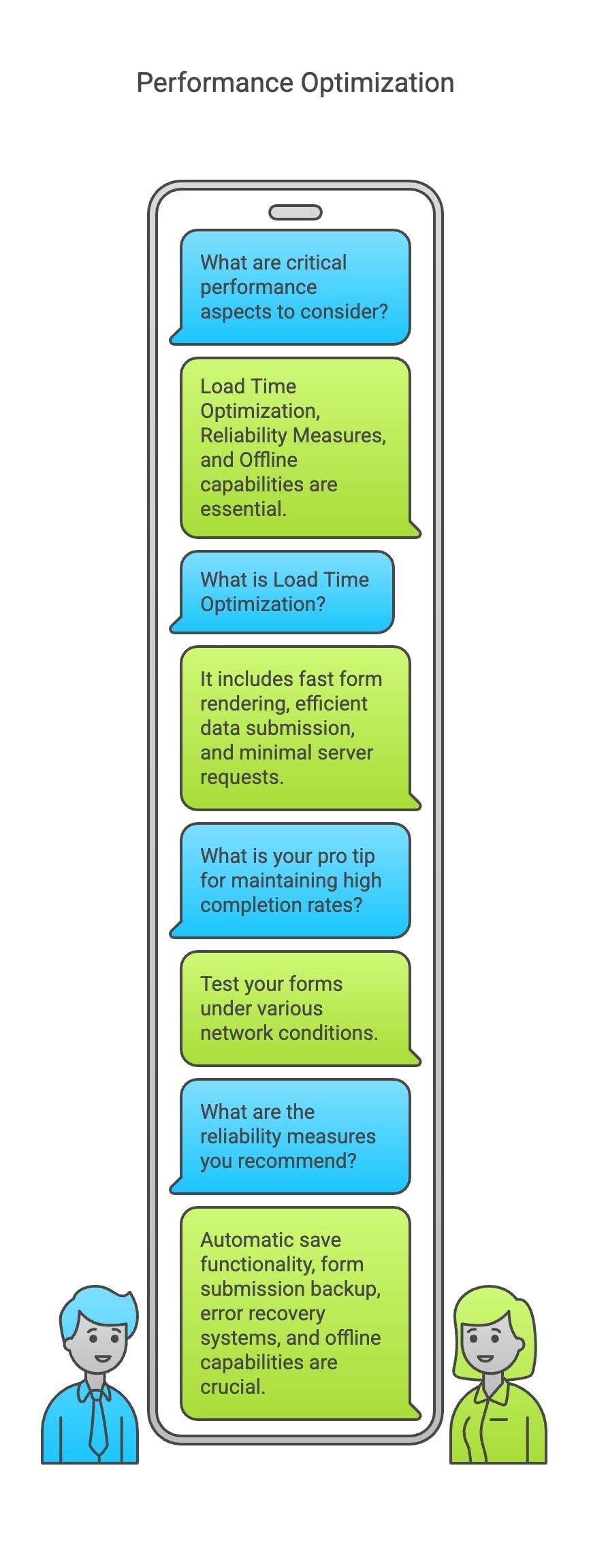
Reliability Measures
These features are crucial:
- Automatic save functionality
- Form submission backup
- Error recovery systems
- Offline capabilities
Security Implementation
These are the core security requirements:
Data Protection Features
- End-to-end encryption
- GDPR compliance
- Data access controls
- Regular security audits
Key Insights:
- User Trust and Security: The increase in trust ratings highlights that users are significantly more likely to engage with forms that incorporate strong security measures, such as SSL encryption, data validation, and clear privacy policies. This aligns with broader trends where consumers express heightened concerns about data privacy and security.
- Impact on Engagement: Higher trust ratings often correlate with increased user engagement and completion rates. When users feel confident that their information is secure, they are more likely to complete forms, leading to improved conversion rates for businesses.
- Consumer Expectations: As reported in various surveys, consumers are increasingly aware of the risks associated with online data sharing. Organizations that prioritize transparency and robust security protocols can differentiate themselves in a competitive market by building stronger relationships with their users.
- Long-Term Benefits: Investing in proper security measures not only enhances immediate trust but also contributes to long-term customer loyalty. Organizations that consistently demonstrate a commitment to user security are likely to foster lasting relationships with their customers.
Integration Best Practices
Here are my recommended best practices for successful integration:
Start with Core Systems
- Begin with essential integrations
- Test thoroughly before adding more
- Document integration workflows
Monitor Performance
- Track integration uptime
- Monitor data flow accuracy
- Measure automation efficiency
Plan for Scale
- Consider future integration needs
- Build flexible workflows
- Maintain clean data structures
Overcoming Challenges
Form builder implementations tend to run into the same few challenges. Here's how to address the most common ones.
Data Privacy and Security Concerns
Privacy concerns call for a comprehensive approach.
Key Insights:
- Increased Awareness: The high percentage of users concerned about data privacy reflects a broader trend where consumers are increasingly aware of the risks associated with sharing personal information online. This aligns with findings from various studies indicating that a significant portion of the population feels they have little control over their data.
- Trust and Engagement: Users are more likely to engage with forms that clearly communicate their data protection measures. Organizations that prioritize transparency regarding how user data is collected, stored, and used can enhance trust and improve form completion rates.
- Impact on Conversion Rates: As users express heightened concerns about data privacy, businesses must address these issues to avoid potential abandonment of forms. Implementing robust security features and communicating these effectively can mitigate user apprehension and lead to higher conversion rates.
- Regulatory Environment: With increasing regulations surrounding data privacy, such as GDPR and CCPA, organizations must ensure compliance to not only protect user data but also to maintain user trust.
Here's a framework for ensuring data protection:
Essential Security Measures
- End-to-end encryption protocols
- Regular security audits
- Access control systems
- Data retention policies
💡 Expert Insight:
Implementing even basic security measures can increase form submission rates due to enhanced user trust.
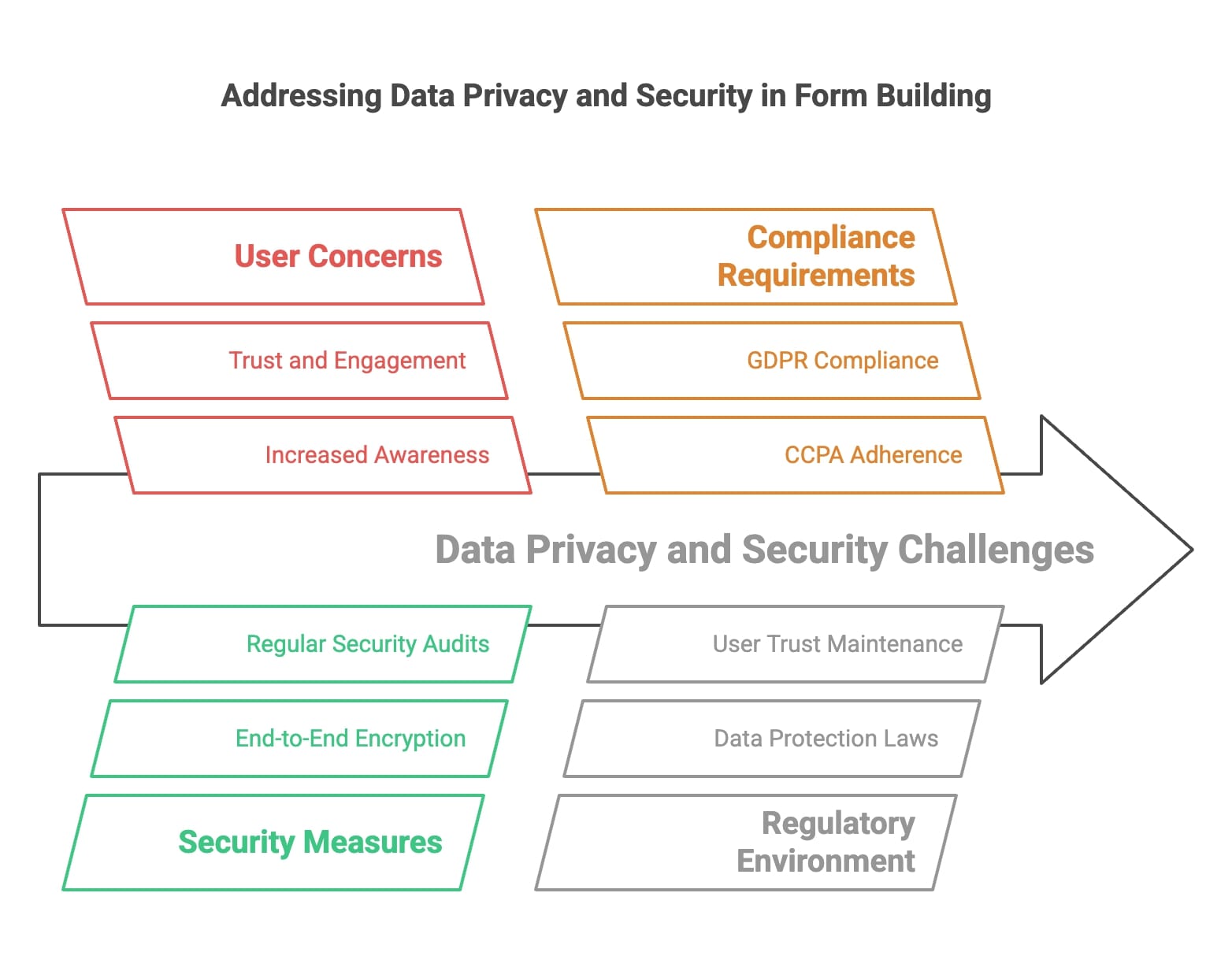
Compliance Requirements
I typically recommend these compliance measures:
- GDPR-compliant data collection
- CCPA adherence
- Cookie consent management
- Privacy policy integration
⚠️ Warning:
Many organizations overlook regular security updates. I always emphasize the importance of maintaining current security protocols.
Ensuring Reliable Performance
Maintaining optimal performance calls for specific strategies.
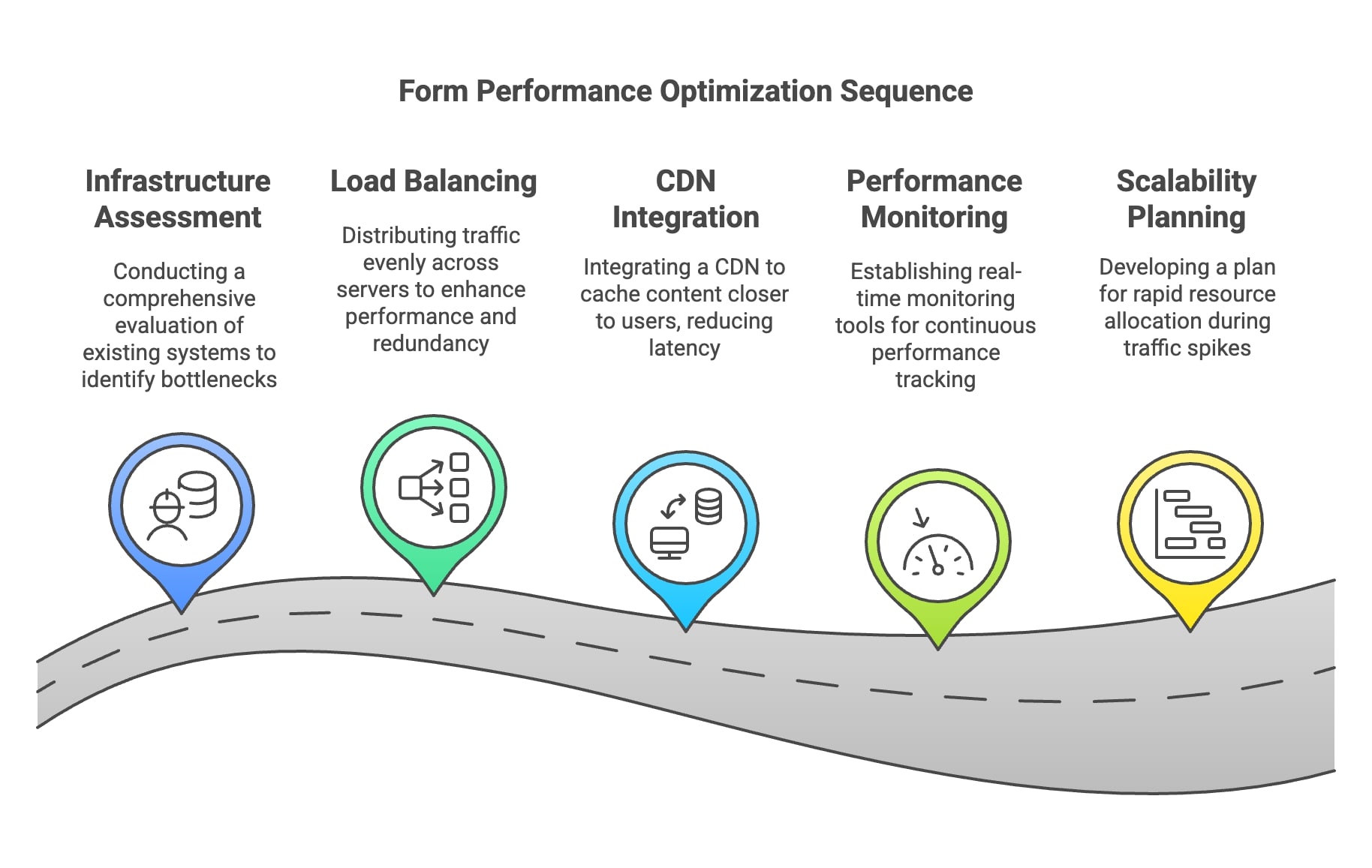
Performance Optimization Strategies
My recommended approach includes:
- Load balancing implementation
- CDN integration
- Cache management
- Resource optimization
Handling High Volume Submissions
For high-traffic forms:
- Implement queue systems
- Set up failover mechanisms
- Monitor server resources
- Establish rate limiting
📌 Pro Tip:
I always recommend implementing progressive loading for forms with multiple sections to improve the user experience.
Scalability Solutions
Growing organizations should weigh these key scalability factors:
Infrastructure Considerations
- Cloud-based hosting
- Elastic resource allocation
- Distributed database systems
- Redundancy planning
Performance Monitoring
My recommended monitoring approach:
- Real-time performance tracking
- User experience metrics
- Error rate monitoring
- Response time analysis

Future-Proofing Your Form Strategy
Here's how to prepare for future growth:
Technology Adoption
- Stay current with form builder updates
- Implement emerging features
- Plan for technology evolution
- Maintain flexibility in integration
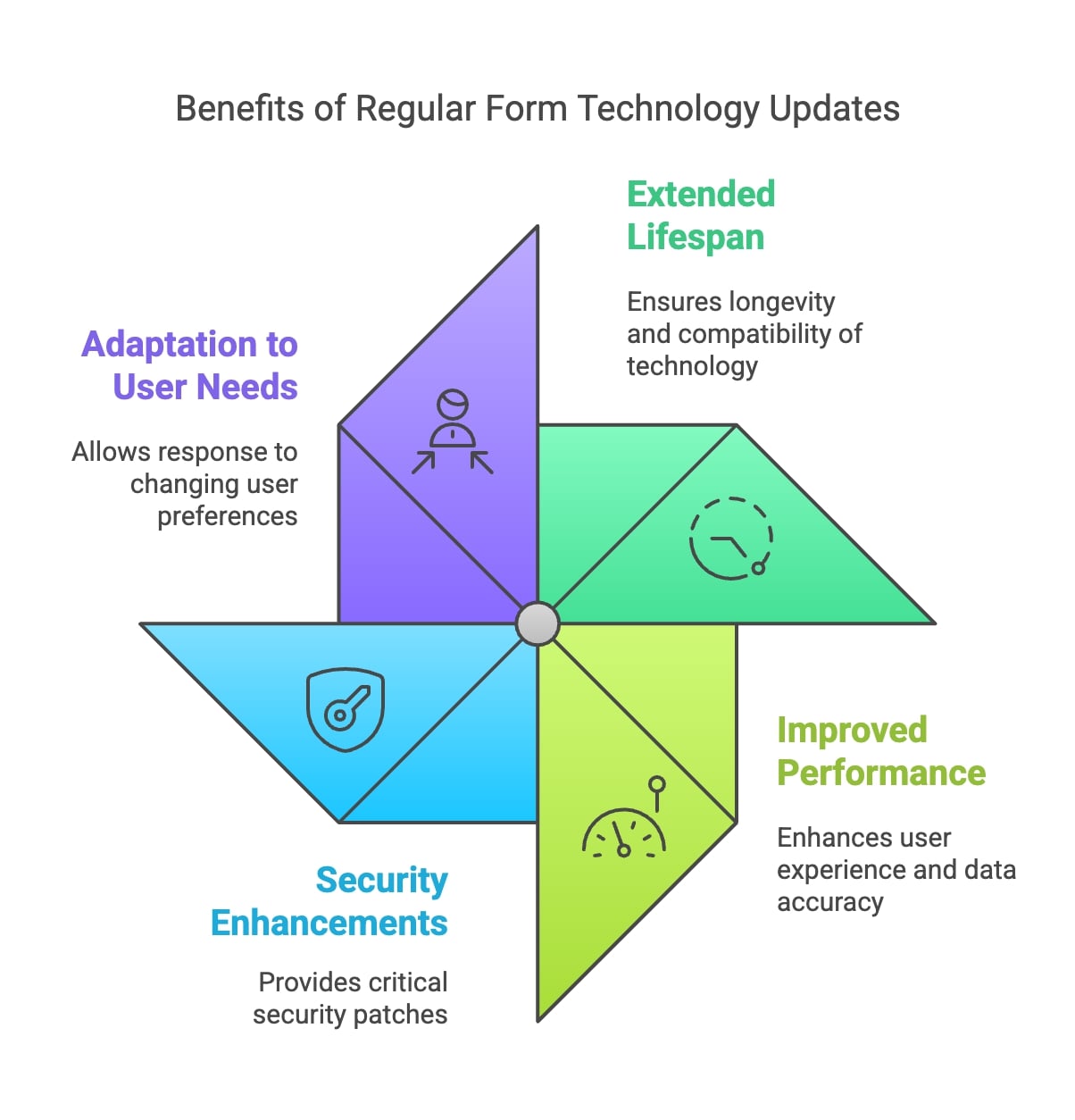
Key Insights:
- Extended Lifespan: Regular updates to form technology not only enhance functionality but also ensure compatibility with evolving software and security standards. Organizations that neglect these updates may face obsolescence more quickly, leading to increased costs and inefficiencies.
- Improved Performance: Keeping form technology current allows organizations to leverage the latest features and improvements, which can enhance user experience and data accuracy. This ultimately contributes to better decision-making and operational efficiency.
- Security Enhancements: Frequent updates often include critical security patches that protect against vulnerabilities. Organizations that prioritize updating their technology can safeguard sensitive data, thereby maintaining user trust and compliance with regulations.
- Adaptation to User Needs: Regularly updating form technology enables organizations to respond to changing user preferences and behaviors. By incorporating feedback and new trends, businesses can optimize their forms for higher engagement and completion rates.
Strategic Planning
My recommended approach includes:
- Regular feature assessment
- User feedback integration
- Performance optimization
- Capacity planning
Visual Content Strategies
Visual elements play a crucial role in form success. Here are the strategies that consistently deliver results.
Infographics and Data Visualization
Effective visual representation can significantly improve form comprehension and completion rates.
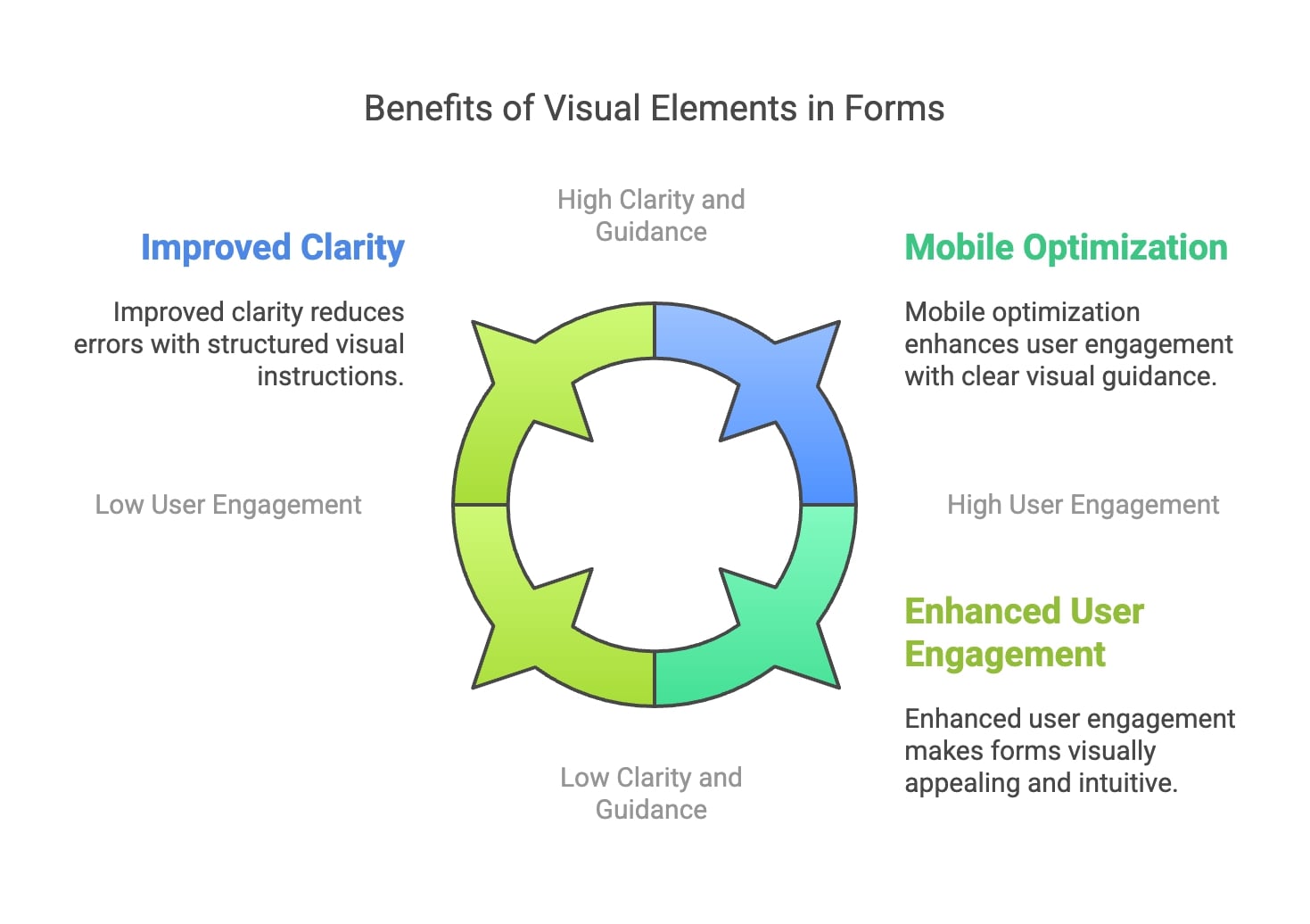
Key Insights:
- Enhanced User Engagement: Visual elements, such as images, icons, and color coding, can make forms more engaging and easier to navigate. Users are more likely to complete forms that are visually appealing and intuitive.
- Improved Clarity: Incorporating visuals helps clarify instructions and prompts, reducing cognitive load for users. This clarity can lead to fewer misunderstandings and errors during form completion.
- Guided User Experience: Visual cues can guide users through the form, making the process feel more structured and less overwhelming. This guidance is especially beneficial in longer forms where users might otherwise lose focus.
- Increased Retention of Information: Studies show that people retain information better when it is presented visually. By using visuals in forms, organizations can enhance users' understanding of what is required, leading to higher completion rates.
- Mobile Optimization: Visual elements are particularly effective in mobile forms, where screen space is limited. Well-designed visuals can help convey information quickly and efficiently, catering to the growing number of users accessing forms on mobile devices.
Here's my recommended approach to implementing visual elements:
Strategic Visual Implementation
- Progress indicators
- Form field grouping
- Response visualization
- Conditional logic flow charts
💡 Expert Insight:
Animated progress bars have shown particularly strong engagement, increasing form completion rates.
Design Best Practices
Here are the design principles to apply consistently:
Visual Hierarchy
- Clear section differentiation
- Intuitive navigation patterns
- Consistent branding elements
- Strategic use of white space
Video Tutorials and Demonstrations
Video content significantly enhances form usability:
Effective Video Integration
- Short-form instruction clips
- Interactive guidance
- Error resolution tutorials
- Feature demonstrations
⚠️ Warning:
Long videos can actually decrease engagement. I always recommend keeping tutorial content concise, ideally under 60 seconds.
Interactive Elements
These interactive elements tend to be the most effective:
Engagement Features
- Dynamic form fields
- Real-time validation
- Interactive tooltips
- Animated responses
📌 Pro Tip:
Incorporating micro-animations for successful form submissions can increase user satisfaction.
Mobile Optimization
Mobile-First Design
- Touch-friendly elements
- Responsive layouts
- Simplified navigation
- Optimized image loading
Performance Considerations
My recommended mobile optimization strategy:
- Compressed images
- Lazy loading
- Minimal dependencies
- Touch-target sizing
Analytics and Tracking
Key Metrics to Monitor
- Completion rates
- Drop-off points
- Time to complete
- Error frequency
Key Insights:
- Visual Design Impact: The integration of optimized visual elements—such as clear labels, contrasting colors, and intuitive layouts—helps guide users through the form-filling process, minimizing confusion and mistakes.
- Cognitive Load Reduction: By simplifying the visual presentation and organizing information logically, users can process the required inputs more efficiently. This reduction in cognitive load directly correlates with fewer errors during data entry.
- User Engagement: Forms that utilize engaging visual elements not only attract attention but also encourage users to complete them accurately. Enhanced engagement often leads to a more thoughtful approach to filling out forms.
- Empirical Evidence: Research indicates that employing visual hierarchy and design principles can significantly lower the number of user errors. For instance, forms designed with user-friendly visuals have been shown to reduce errors by 22% to 47%, depending on the specific design improvements made.
Implementation Checklist
Here's my essential checklist for visual content implementation:
Initial Assessment
- Audit current visual elements
- Identify improvement opportunities
- Set measurable goals
- Plan implementation phases
Testing Strategy
- A/B testing different designs
- User feedback collection
- Performance monitoring
- Iteration planning
Optimization Cycle
- Regular performance reviews
- User behavior analysis
- Design updates
- Continuous improvement
Conclusion
Free form builders with unlimited capabilities have revolutionized how businesses collect and manage data.
Key Takeaways
Here are the most crucial insights:
Key Insights:
- Streamlined Data Collection: Unlimited free form builders allow organizations to create and manage multiple forms tailored to various needs without incurring additional costs. This flexibility leads to more efficient data collection workflows.
- User-Friendly Interfaces: Many of these tools feature intuitive drag-and-drop interfaces, making it easy for non-technical users to design effective forms quickly. This ease of use contributes to faster deployment and greater participation from users.
- Integration Capabilities: Organizations benefit from the ability to integrate these forms with other applications and platforms, such as CRMs and analytics tools. This integration facilitates seamless data management and reduces manual entry tasks, enhancing overall efficiency.
- Responsive Design: Forms created with these builders are often optimized for mobile devices, ensuring a wider reach and improved user experience across different platforms. This responsiveness can lead to higher completion rates and better data quality.
- Cost Savings: By utilizing free form builders, organizations can save on software costs while still achieving high levels of functionality. The increased efficiency in data collection processes further amplifies these cost benefits.
Critical Success Factors
These elements are essential:
- Comprehensive security measures
- Scalable infrastructure
- Mobile-optimized design
- Integrated analytics
💡 Expert Insight:
The most successful implementations have one thing in common: they start with basic features and gradually expand based on actual usage data.
Action Steps
Here's my recommended approach to getting started:
Initial Setup
- Assess your specific needs
- Choose a suitable platform
- Plan integration strategy
- Set up basic security
Implementation
- Start with core features
- Test thoroughly
- Gather user feedback
- Optimize gradually
⚠️ Warning:
Rushing to implement all features at once often leads to poor adoption rates. I always recommend a phased approach.
Future Outlook
Emerging Trends
- AI-powered form optimization
- Advanced analytics integration
- Enhanced security features
- Improved automation capabilities
Resources and Next Steps
To help you get started, here are my recommended resources:
Getting Started Guide
- Platform comparison tools
- Implementation tutorials
- Security best practices
- Integration guides
📌 Pro Tip:
I recommend bookmarking these resources and referring to them throughout your implementation journey.
Frequently asked questions
Here are answers to the most common questions about free form builders.
Are free form builders really unlimited, or are there hidden limitations?
Truly unlimited free form builders do exist, but I always recommend checking specific features:
- Number of form submissions
- Storage capacity
- Form types allowed
- Integration limits
Most free form builders have some form of limitation, and the few that offer genuinely unlimited features do so under fair usage policies.
How do free form builders compare to paid solutions in terms of security?
- Free builders often offer standard SSL encryption
- Many include GDPR compliance features
- Basic data protection measures are usually included
- Advanced security features might require upgrades
⚠️ Warning:
The key difference often lies in advanced security features rather than basic protection.
Can I integrate free form builders with my existing tools?
- Most popular CRM integrations are supported
- Email marketing platform connections are common
- Basic webhook support is usually available
- API access might be limited
How do I ensure my forms remain responsive on mobile devices?
- Use mobile-responsive templates
- Test on multiple devices
- Keep forms concise
- Optimize image sizes
How long does it take to set up a professional-looking form?
Typical set-up times:
- Basic contact forms: 5-10 minutes
- Complex survey forms: 30-60 minutes
- Multi-page forms: 1-2 hours
- Custom-styled forms: 2-4 hours
📌 Pro Tip:
I always recommend starting with templates and customizing them rather than building from scratch.
What's the best way to handle form submissions?
My recommended approach:
- Set up email notifications
- Configure data storage
- Implement backup systems
- Establish response workflows
How can I export my form data?
Common export options:
- CSV file downloads
- Excel spreadsheet exports
- PDF report generation
- API data access
What happens if I exceed usage limits?
- Most platforms send warning notifications
- Some automatically upgrade to temporary premium features
- Others might queue submissions
- Few platforms block new submissions entirely
What kind of support can I expect with a free form builder?
- Community forum access
- Basic documentation
- Email support (often with longer response times)
- Limited live chat support
How often should I update my forms?
My recommended maintenance schedule:
- Monthly performance reviews
- Quarterly content updates
- Semi-annual design refreshes
- Annual comprehensive audits
What should I do if my form stops working?
- Check internet connectivity
- Verify integration status
- Review recent changes
- Contact support if needed
⚠️ Warning:
I always advise maintaining backup forms for critical business processes.